- Why Build Professional Online Exams?
- Meet OnlineExamMaker: Your All-in-One Exam Platform
- Getting Started: Setup in Minutes
- Planning Your Exam Before You Build It
- Building a High-Quality Question Bank
- Designing the Exam Itself
- Securing Your Exam: Anti-Cheating Features
- Managing Candidates and Access
- Branding, Certificates, and Publishing
- Analyzing Results and Improving Over Time
- Final Checklist Before You Launch
Why Build Professional Online Exams?
Picture this: it’s Monday morning, you have 200 employees who need a compliance certification, and someone just told you the paper tests are still at the printer. Sound familiar? That particular nightmare is exactly why millions of organizations have made the switch to digital assessments.
The shift from paper-based exams to online testing isn’t just a tech trend — it’s a genuine upgrade in every dimension. Online exams automate grading, deliver instant results, and generate rich analytics that paper could never match. They’re flexible (any device, any time zone), fairer (randomized questions reduce cheating), and far cheaper to scale.
But there’s a catch. Not every online quiz is a professional exam. “Professional” means reliability, integrity, strong branding, and actionable reporting. It means candidates trust the process, and managers trust the data. That standard is exactly what this guide helps you reach — using OnlineExamMaker.
Meet OnlineExamMaker: Your All-in-One Exam Platform
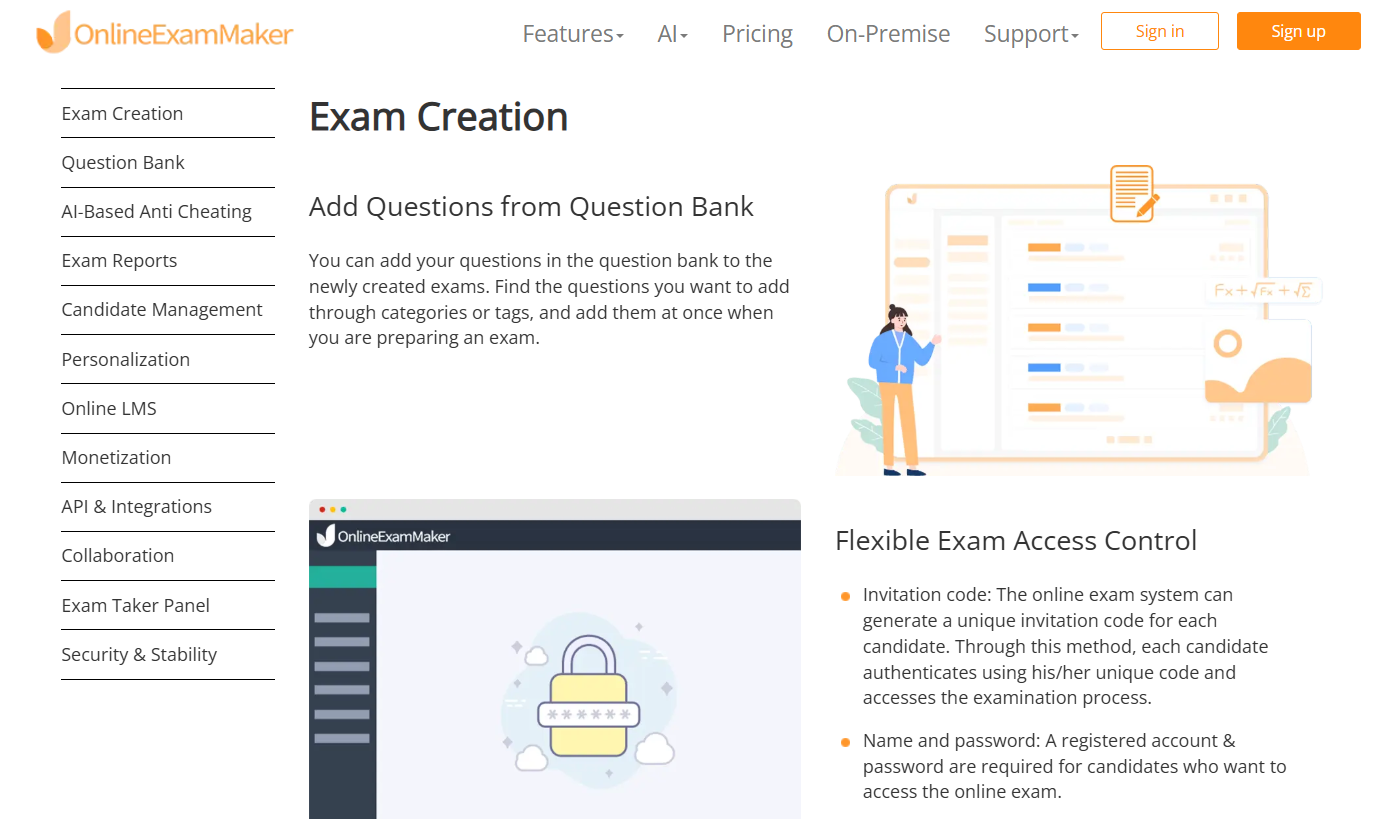
OnlineExamMaker is a cloud-based exam platform built for the real world of education and corporate training. Whether you’re a teacher running semester finals, an HR manager rolling out compliance assessments, or a training company selling certified courses — OnlineExamMaker handles the entire workflow: create, deliver, proctor, grade, and report.
According to an independent review on MyeLearningWorld, the platform stands out for its depth of anti-cheating tools, built-in LMS, and remarkably smooth question-bank management. It’s rare to find all that under one roof without a steep learning curve.
Here’s a quick look at what makes it worth your attention:
| Feature Area | What OnlineExamMaker Offers |
|---|---|
| Question Types | Multiple choice, true/false, short answer, fill-in-the-blank, media-rich questions |
| AI Tools | AI Question Generator, Automatic Grading |
| Proctoring | AI Webcam Proctoring, face ID, lockdown browser |
| Delivery | Direct link, website embed, mobile-friendly, multi-language |
| Reporting | Score analytics, item statistics, completion rates, exportable data |
| LMS & Certificates | Built-in LMS, auto-issued certificates on passing score |
Getting Started: Setup in Minutes
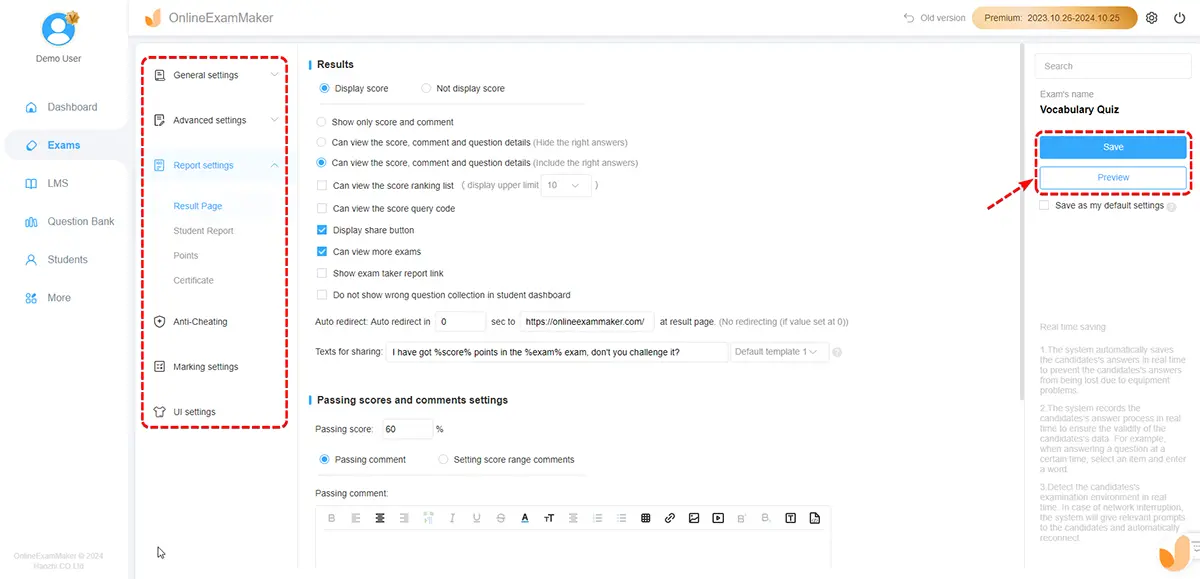
Head over to OnlineExamMaker’s sign-up page and create a free account — no credit card required. The dashboard is organized into six clear sections: Exams, Question Bank, Candidates, Reports, LMS, and Settings. Each section does exactly what it says on the tin, which is refreshing.
If you’re working in a team, take five minutes to set up roles and permissions. You can have question authors who can’t publish exams, admins who can see all reports, and proctors who monitor live sessions — all without anyone stepping on each other’s work.
Planning Your Exam Before You Build It
Here’s a truth most guides skip: your exam will only be as good as its blueprint. Before you click “New Exam,” answer these three questions:
- What should candidates be able to do after passing? (Define the competency outcome.)
- How many questions per topic, and at what difficulty? (Map your blueprint.)
- Proctored or open? Timed or untimed? One attempt or multiple?
Writing these down — even in a sticky note — will save you hours of revision later. Think of it as the architectural sketch before the build.
Building a High-Quality Question Bank
Navigate to Question Bank → Question List. This is your exam’s engine room. A few best practices that separate professional exams from rushed quizzes:
- Write clear stems. Each question should stand on its own — no ambiguity, no trick wording.
- Create plausible distractors. Wrong answers should look believable to someone who hasn’t studied, not absurd.
- Tag by topic and difficulty. This lets OnlineExamMaker pull randomized question sets that match your blueprint.
- Add media where it adds value. Images, short audio clips, and video snippets make scenario-based questions far more effective — especially for technical or safety training.
- Import existing content. Got a folder of legacy Word-doc questions? Use the “Import question” feature to upload them in bulk instead of re-typing everything by hand.
And here’s a time-saver most people discover too late: OnlineExamMaker’s AI Question Generator can draft a full set of questions from a topic or passage in seconds. It’s not perfect, but it’s a fantastic first draft that you can refine.
Designing the Exam Itself
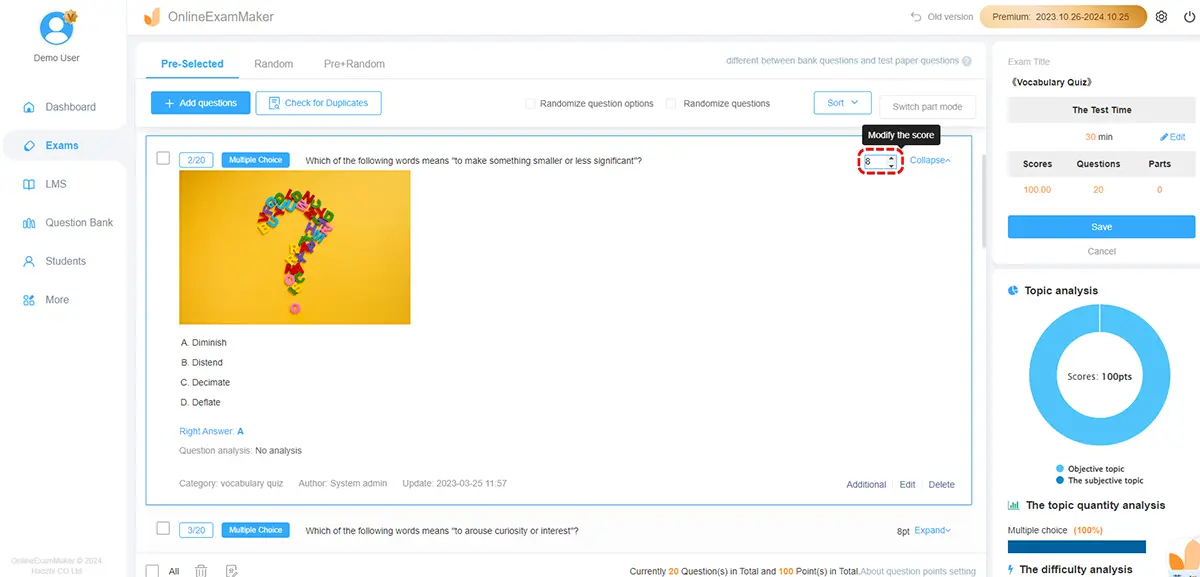
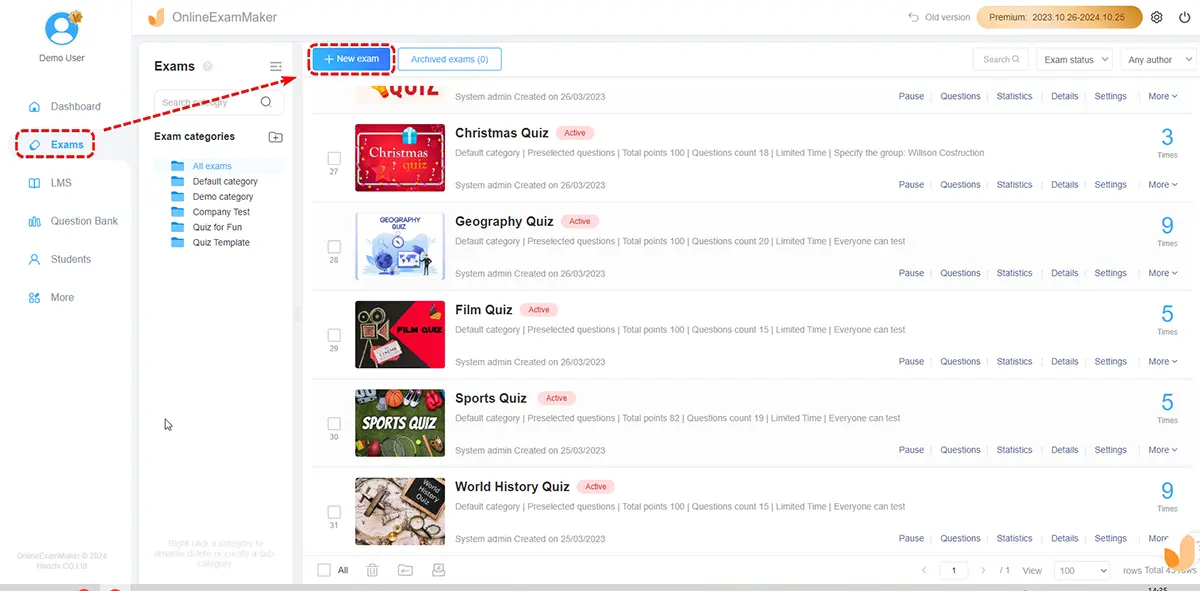
Go to Exams → Exam List → New Exam. Give it a clear name, add instructions for candidates, and then start pulling questions from your bank. Assign point values per question, organize them into logical sections, and enable Automatic Grading for all objective items.
Two settings that dramatically improve exam integrity:
- Question randomization: Each candidate sees questions in a different order, drawn from a larger pool. Copying answers becomes nearly impossible.
- Feedback timing: Choose between instant feedback (great for learning assessments) or delayed feedback after the exam closes (better for high-stakes tests where you don’t want answers circulating).
Securing Your Exam: Anti-Cheating Features
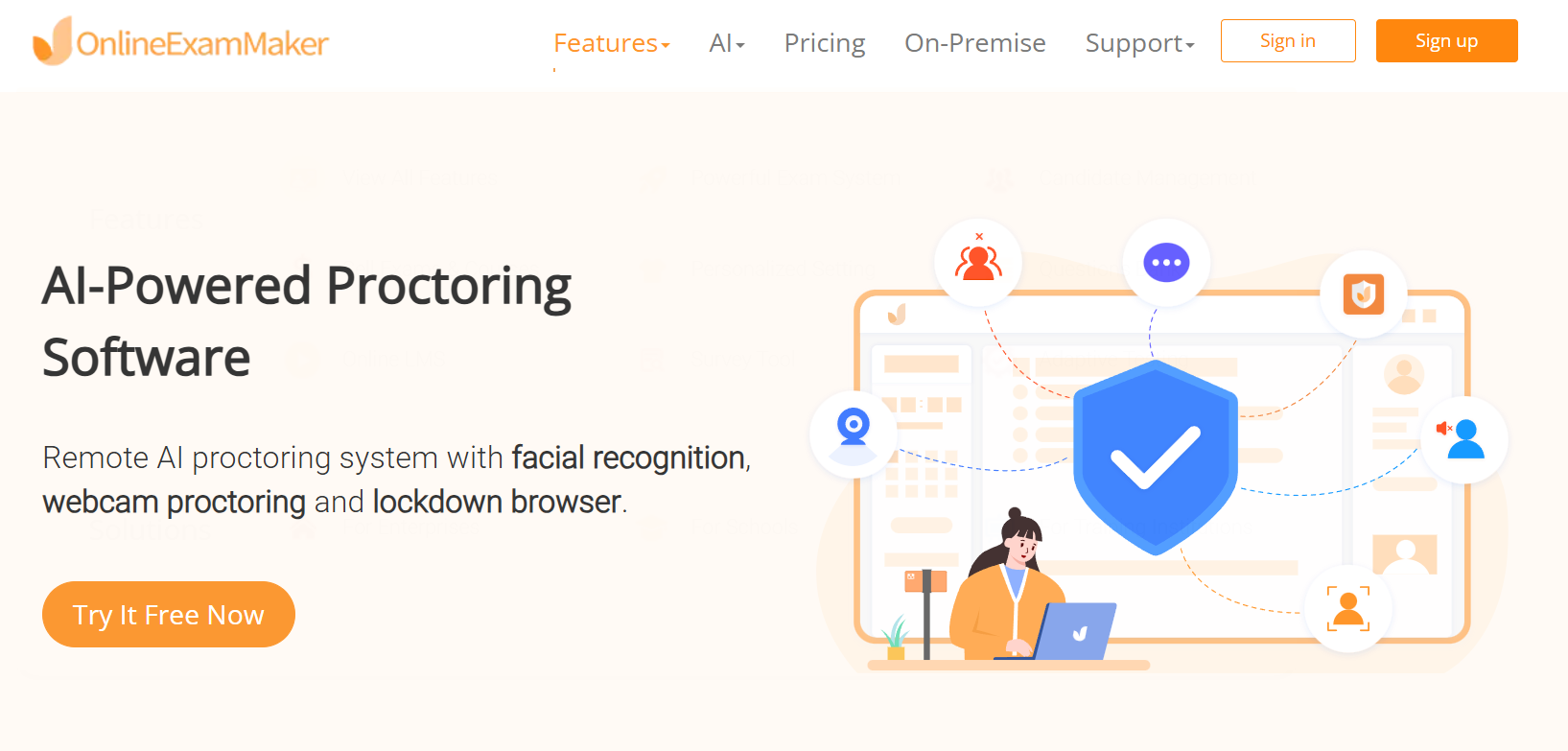
Cheating is the single biggest trust-killer in online assessment. OnlineExamMaker takes this seriously with a layered approach:
- AI Face ID Verification: Confirms the right person is taking the exam before it even begins.
- AI Webcam Proctoring: Monitors the candidate via webcam throughout the session, flagging unusual behavior automatically.
- Lockdown Browser: Blocks new tabs, copy-paste, screen grabs, and access to unauthorized resources.
- Screen Recording: Creates an audit trail for high-stakes certification exams.
Before your exam goes live, send candidates a clear exam conduct policy — what’s allowed, what’s not, and what happens if they’re flagged. Transparency reduces anxiety and excuses in equal measure.
Managing Candidates and Access
You can import candidate lists in bulk, group them by department or cohort, and assign exams to specific groups in a few clicks. Need to allow external test-takers who don’t have an account? No problem — OnlineExamMaker supports unsigned (guest) access via a shared link.
Set your access window (start date, end date, and time limit) carefully. For enterprise rollouts, stagger access windows across time zones to avoid server load spikes and to prevent candidates in later groups from getting spoilers from earlier ones.
Branding, Certificates, and Publishing
A branded exam communicates professionalism before the first question appears. Upload your logo, set your organization’s color palette, and customize the welcome screen message. Reviewers on MyeLearningWorld note that consistent branding across exams builds candidate trust — something that matters a lot in corporate certification programs.
For exams that result in a qualification, set up auto-issued certificates: define the pass score threshold, customize the certificate design, and OnlineExamMaker delivers it to candidates the moment they pass. No manual follow-up needed.
Publishing is straightforward: preview the exam as a candidate would see it, then share via direct link, embed on your LMS or website, or push directly to assigned groups. The platform is fully mobile-optimized, so candidates on phones and tablets have a smooth experience.
Analyzing Results and Improving Over Time
After your exam closes, head to the Reports section. You’ll find score distributions, per-question statistics (what percentage got each question right), completion rates, and time-on-task data. This is where online assessment earns its keep — data that paper could never generate at scale.
Look for questions with suspiciously high or low correct-answer rates. A question that 95% of people get right may be too easy; one that only 20% answer correctly may be poorly worded rather than genuinely difficult. Use this data to refine your question bank and design better exams next round.
Final Checklist Before You Launch
Don’t skip the pilot. Run your exam with a small group — 5 to 10 people — before the full rollout. You’ll catch broken links, confusing instructions, and timing issues that never appear in solo testing.
- Question bank complete: questions tagged, reviewed, and randomized
- Exam settings configured: time limit, retake rules, feedback timing
- Anti-cheating tools enabled: face ID, webcam proctoring, lockdown browser
- Candidate list imported and access window set
- Branding applied and certificate conditions defined
- Preview completed from candidate’s perspective on desktop and mobile
- Pilot test run and feedback collected
- Reporting dashboard verified — results are visible and exportable
Building a professional online exam is less about technology and more about intentionality. The tools are all here — OnlineExamMaker gives you everything from AI-powered question generation to real-time proctoring to beautiful automated certificates. What turns a good exam into a great one is the care you put into planning, question quality, and iteration after each run.
Create Your Next Quiz/Exam Using AI in OnlineExamMaker