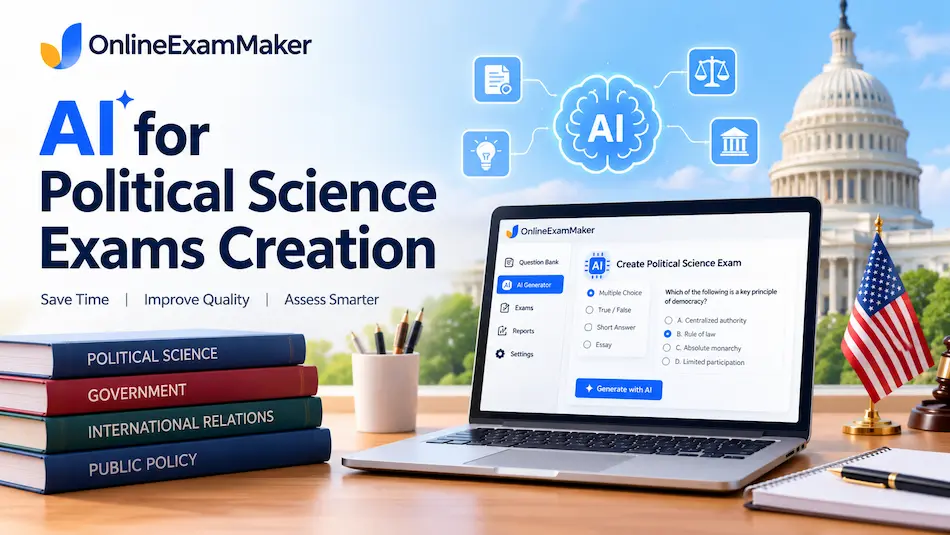
Political science is a funny discipline to assess. Everyone has opinions, nobody agrees on definitions, and you still have to write twenty questions that are fair, rigorous, and not secretly about your own politics. AI can take the grunt work...
Good news: AI can take the grunt work off your plate. Better news: you stay in charge of the thinking. Here's how to create a sociology exam in about ten minutes, with AI exam generator speed and a human's quality...

Economics is a funny subject to assess. One question wants a definition, the next wants a supply-and-demand shift, and the last asks students to evaluate a tax policy. An AI exam generator handles that variety surprisingly well, as long as...
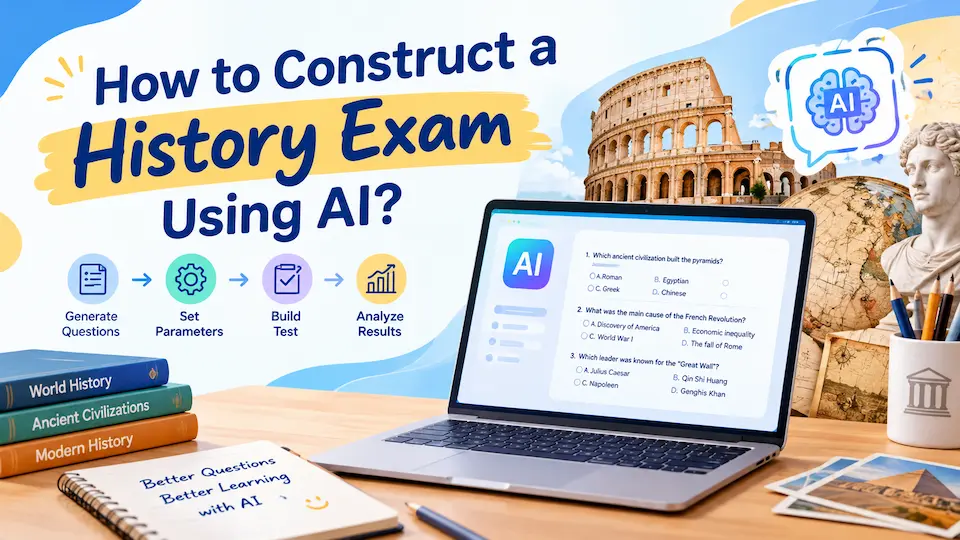
Gone are the days when creating a comprehensive history exam meant burning the midnight oil, wrestling with question banks, and praying your multiple-choice options aren't too obvious. Today's educators are discovering that AI in history education isn't just a fancy...
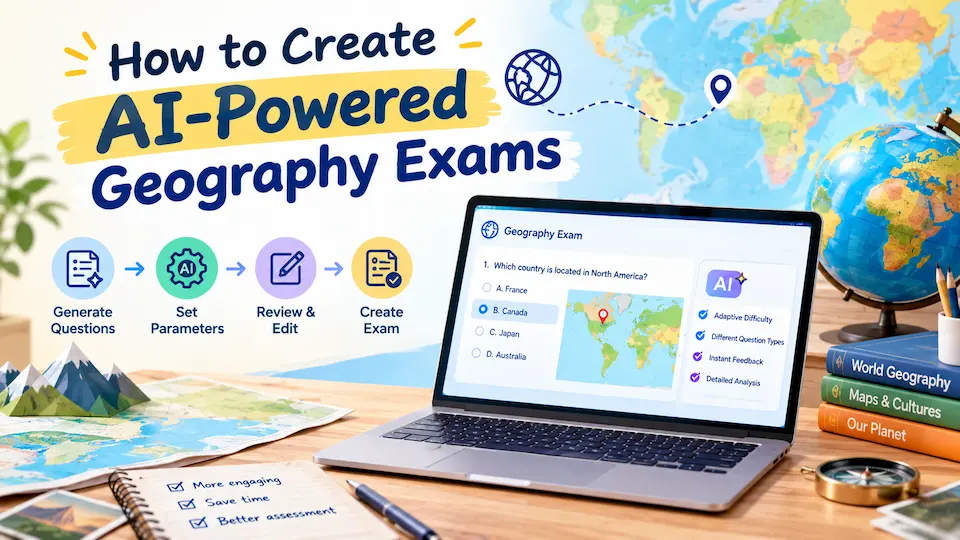
In a Sunday evening, you're staring at your computer screen, trying to craft yet another geography quiz. You need questions that challenge your students without being impossible, cover the right topics, and somehow make the Amazon rainforest seem as exciting...
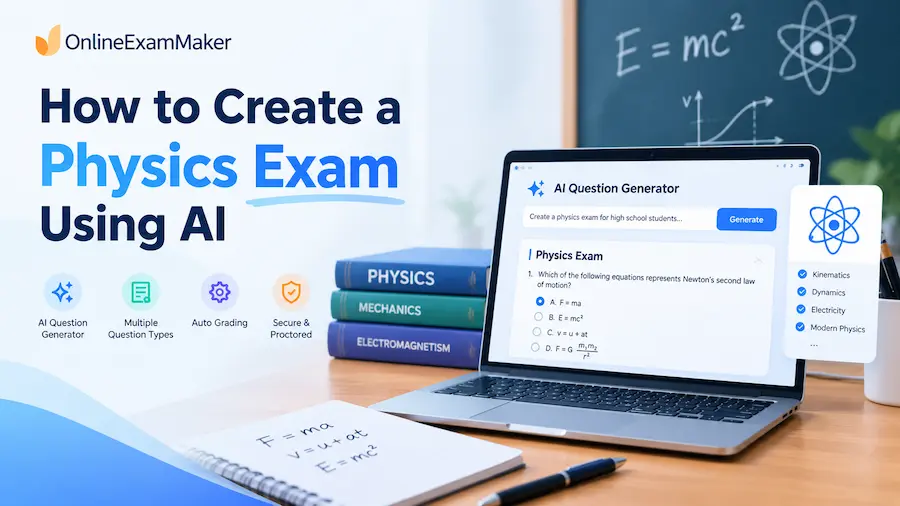
Remember those late nights hunched over textbooks, crafting physics problems that would challenge your students without crushing their spirits? Well, those marathon question-writing sessions might just become a thing of the past. Welcome to the age of AI-generated physics exams...
Remember those late nights hunched over your desk, crafting the perfect chemistry exam questions? The periodic table staring back at you while you wondered if your molecular structure problems were too easy or impossibly hard? Well, those days might be...
Gone are the days when you'd spend hours wrestling with question banks or wondering if your exam truly measures what students know about photosynthesis or cellular respiration. Today's AI-powered biology test tools can help you create personalized, engaging assessments in...

Question bank software has emerged as a valuable tool for teachers, enabling them to streamline the process of creating, organizing, and delivering assessments. With a wide range of features such as question libraries, customizable templates, and advanced analytics, these software...
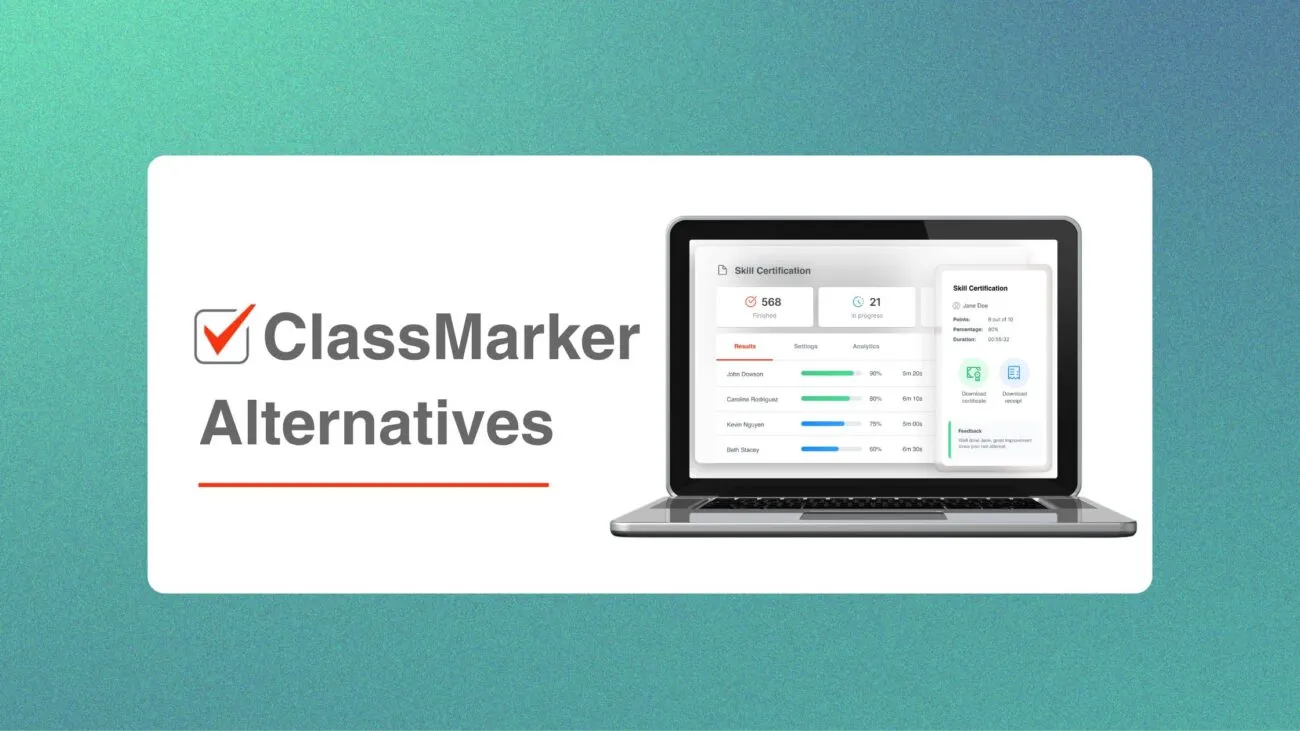
Online exam platforms have made it easier than ever for teachers, trainers, HR managers, and enterprise teams to run assessments at scale. ClassMarker is one of the more popular choices — and for good reason. It's fast to set up,...