QR codes have become the silent heroes of our digital age. They bridge the gap between physical and digital spaces with elegant simplicity. For educators, trainers, and HR managers, creating a QR code for your Google Forms assessment isn't just...
Manually typing hundreds of quiz questions into Google Forms feels like digital torture. You've got a perfectly good spreadsheet or document with all your questions ready to go, but Google Forms sits there, forcing you to copy-paste one question at...
If you're a teacher, trainer, or HR manager who's ever wondered whether there's a faster way to turn your Excel question banks into interactive quizzes, you're in the right place. This guide will walk you through a simple method that...
Ever sent out a quiz and felt like you were throwing knowledge into a void? You're not alone. The gap between asking questions and actually helping people learn from their answers is where most assessments fall flat. But here's the...
Google Forms wasn't built for high-stakes exams. It's a lightweight tool meant for quick surveys and casual quizzes—not for preventing your students from Googling answers on their second monitor. But does that mean you're out of luck if you need...
Think about you create the perfect assessment, students complete it with enthusiasm (or at least compliance), and then you're stuck clicking through dozens of submissions, tallying points, and second-guessing whether that creative answer to question seven deserves partial credit. What...
Google Forms offers nine main question formats, each with its own personality and purpose. Some auto-grade in seconds. Others require you to roll up your sleeves and evaluate responses manually. The trick isn't knowing all nine types exist—it's knowing when...
If you've ever watched students huddle together during an online quiz or noticed suspiciously identical answers, you know the struggle. The truth is, Google Forms wasn't built with security as its top priority. It's a survey tool that moonlights as...
Google's "Locked mode" feature transforms Chromebook classroom into a secure testing environment where wandering browsers simply can't wander. Let's dive into how this works and why it might just become your new favorite teaching tool. Table of Contents What is...
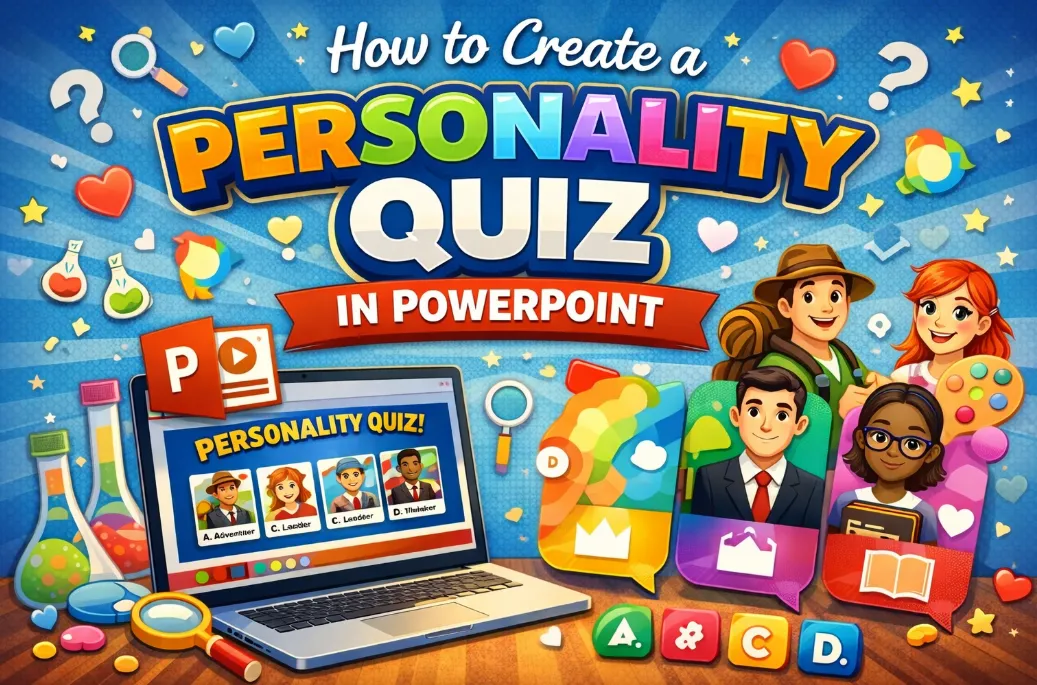
Ever wondered if you're "The Visionary" or "The Analyst"? Personality quizzes aren't just for online magazines anymore. Teachers, trainers, and HR managers are discovering that these interactive assessments make learning stick, spark conversations, and help people understand themselves better. Here's...