- Why Exam Security Is Changing (And Why It Matters Now)
- What Does “Proctoring” Even Mean Today?
- AI Proctoring: How It Works and When It Shines
- Traditional Proctoring: Strengths and Real-World Limits
- AI vs Traditional Proctoring: Head-to-Head Comparison
- Spotlight: OnlineExamMaker AI Proctoring Software
- How to Create an AI-Proctored Exam with OnlineExamMaker
- Which Solution Is Right for Your School?
Why Exam Security Is Changing (And Why It Matters Now)
Picture this: it’s 2020, and a mid-sized university scrambles to move its entire exam calendar online in two weeks. Faculty are optimistic. Students are… creative. Within one semester, academic integrity violations nearly double. Sound familiar?
That story played out at institutions worldwide. And it forced a question that schools can no longer avoid: how do you keep exams fair when students are sitting in their bedrooms, kitchens, or coffee shops?
The answer isn’t simple — and it’s definitely not one-size-fits-all. Proctoring has evolved from a teacher pacing between desks to sophisticated software watching eye movements in real time. But that evolution comes with trade-offs. More automation doesn’t automatically mean better outcomes. And more human oversight doesn’t automatically mean fewer cheaters.
This article walks you through both approaches — AI-powered proctoring and traditional human proctoring — so you can make a smart, confident choice for your school.


What Does “Proctoring” Even Mean Today?
Traditional Proctoring
At its core, traditional proctoring means a human being watches students take an exam. That could be a teacher circulating a classroom, a certified proctor in a testing center, or a live remote proctor watching via webcam. The rules are enforced in the moment by a person with judgment and intuition.
Its biggest strengths? Real-time human decision-making, the ability to clarify instructions on the spot, and a familiar, structured experience that students and parents already understand.
AI-Based Proctoring
AI proctoring automates the watching. It uses webcams, microphones, and screen capture to flag behaviors that look suspicious — then either sends those flags to a human reviewer or (in some systems) acts on them automatically. Think of it as a tireless digital invigilator that never blinks, never takes coffee breaks, and can watch a thousand students at once.
The main models include: live AI proctoring (real-time human + AI monitoring), automated proctoring (fully algorithmic flagging reviewed later), recorded proctoring (sessions saved for post-exam review), and hybrid models that combine AI detection with human judgment.
AI Proctoring: How It Works and When It Shines
The Tech Behind the Curtain
Modern AI proctoring is genuinely impressive — and a little unnerving if you’re the one being watched. Here’s what it typically monitors:
- Face recognition: Confirms the person who logged in is the person taking the test. Flags if a different face appears.
- Gaze and head tracking: Detects if a student looks away from the screen too often or at unusual angles.
- Audio analysis: Listens for extra voices, whispering, or ambient sounds that suggest someone else is in the room.
- Screen monitoring: Catches tab switching, copy-paste behavior, unauthorized apps, and suspicious browser activity.
- Object detection: Spots phones, notes, or additional people entering the camera’s field of view.
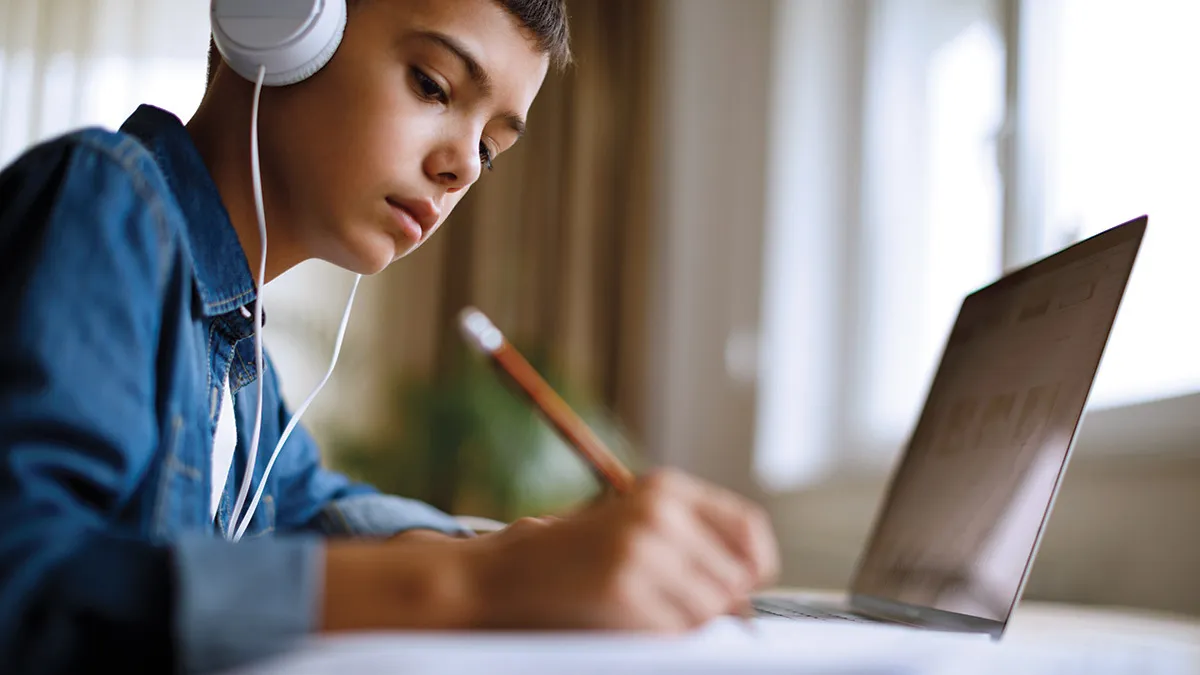
Where AI Proctoring Wins
Scale without breaking the bank. A human proctor can watch maybe 30 students at once. AI proctoring handles thousands — across time zones, at 2 AM, on a Tuesday. For institutions running large online programs, that’s transformative.
Consistency. AI doesn’t have a bad day. It applies the same rules to every student, every time — no unconscious bias from a proctor who’s stricter after lunch.
Cost efficiency at scale. Yes, platform fees can be significant upfront. But per-exam costs drop dramatically as volume grows, especially compared to paying and scheduling human proctors for high-frequency assessments.
One university that adopted AI proctoring for its growing online enrollment reported a 95% reduction in detected impersonation incidents within the first year. That’s not a typo.
The Real Limitations (No Sugarcoating)
AI proctoring isn’t perfect — and pretending otherwise would be doing you a disservice.
- False positives are real. A student who stretches, adjusts their glasses, or sits near a bright window may trigger flags for suspicious behavior. That creates more review work and, more worryingly, anxiety for students who did nothing wrong.
- Algorithmic bias exists. Research has shown that some AI systems perform less accurately for students with darker skin tones or non-standard home environments — raising serious equity concerns.
- Privacy feels invasive. Webcams in bedrooms. Microphones in homes. For many families and policymakers, that’s a line they’re not comfortable crossing.
- Tech requirements matter. Unreliable internet or an older laptop can turn an AI-proctored exam into a nightmare — for the student and the institution.
Traditional Proctoring: Strengths and Real-World Limits
What Humans Do That Algorithms Can’t
A seasoned proctor knows things that no model has been trained to detect. The student who looks panicked but innocent. The subtle glance between two test-takers that breaks a rule. The kid with a tic who keeps moving their head — not because they’re cheating, but because that’s just how they sit.
Human proctors bring context, empathy, and real-time problem-solving. They can calm a nervous student, interpret ambiguous situations fairly, and handle unexpected issues without causing a cascade of false flags.
For high-stakes, nuanced assessments — oral exams, capstone projects, performance evaluations — a human presence is often simply irreplaceable.
Where Traditional Proctoring Struggles
Here’s the hard truth: traditional proctoring doesn’t scale well. Scheduling a human proctor for every exam window, every makeup test, every remote student — it gets expensive fast. And inconsistency creeps in. Not every proctor enforces rules the same way, and fatigue affects vigilance whether we admit it or not.
It also has a blind spot: in a computer lab, a proctor watching the room may never see what’s happening on a student’s screen. AI can see all of that.
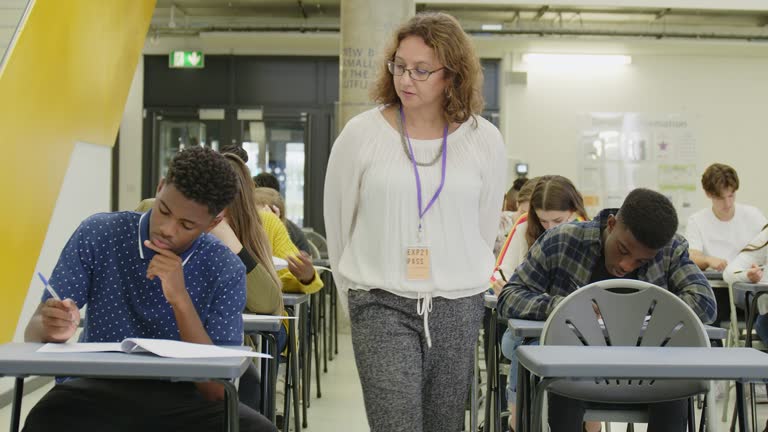
AI vs Traditional Proctoring: Head-to-Head Comparison
| Dimension | AI Proctoring | Traditional Proctoring |
|---|---|---|
| Security Coverage | Monitors video, audio, screen activity, and device behavior continuously | Focused on room behavior; limited visibility into on-screen actions |
| Scalability | Thousands of students simultaneously, 24/7, across locations | Limited by staff availability, room capacity, and time slots |
| Cost Profile | Higher setup/platform fees; lower marginal cost per exam at scale | Lower tech setup; ongoing staffing and facility costs |
| Detection Accuracy | Strong at pattern detection; can mislabel benign behavior | Better contextual judgment; subject to inconsistency and fatigue |
| Student Experience | Convenient for remote exams; can feel intrusive without clear communication | Familiar and tangible; less flexible, more structured |
| Privacy & Equity | Raises concerns around home surveillance and algorithmic bias | Less digital data collection; still requires clear observation policies |
| Best For | Large online programs, frequent low-stakes tests, remote learners | Small high-stakes exams, younger students, low-connectivity settings |
Spotlight: OnlineExamMaker AI Proctoring Software
If you’re exploring AI-powered exam tools, OnlineExamMaker is worth a close look. It’s built specifically for educators, HR managers, and trainers who need a reliable, all-in-one assessment platform — without needing an IT department to set it up.
What Makes OnlineExamMaker Stand Out?
OnlineExamMaker isn’t just a proctoring tool — it’s a full exam ecosystem. Key features include:
- AI Question Generator — automatically creates exam questions from your content, saving hours of prep time.
- Automatic Grading — scores objective questions instantly and supports partial grading for mixed-format exams.
- AI Webcam Proctoring — monitors students via webcam using face detection, eye-tracking, and environment analysis to catch cheating in real time.
How OnlineExamMaker AI Proctoring Works in an Exam
When a student starts a proctored exam on OnlineExamMaker, here’s what happens behind the scenes:
- Identity verification: The system captures a photo of the student at login and compares it against their registered profile.
- Continuous webcam monitoring: Throughout the exam, the AI tracks facial presence — flagging if no face is detected, multiple faces appear, or the student looks away repeatedly.
- Browser lockdown: Students cannot switch tabs, open other applications, or copy-paste content during the exam.
- Behavior flagging: Suspicious events are logged with timestamps and screenshots, giving instructors a clear audit trail to review after the exam.
- Exam reports: Administrators receive a detailed report showing flagged incidents, completion time, and individual student activity — all in one dashboard.
How to Create an AI-Proctored Exam with OnlineExamMaker
Setting up your first AI-proctored exam is easier than you’d expect. Here’s a step-by-step walkthrough:
Sign up at OnlineExamMaker and choose a plan that fits your institution’s size. A free trial is available for getting started.
Use the question bank to add questions manually, or let the AI Question Generator create questions from a document, topic, or set of keywords. Mix question types freely — multiple choice, true/false, short answer, and more.
In the exam settings panel, toggle on AI Webcam Proctoring. Choose your monitoring level: face detection only, full behavior tracking, or browser lockdown. Set thresholds for flagging based on your exam’s stakes.
Share the exam link via email, LMS integration, or a class code. Students don’t need to install anything — the exam runs in a browser with webcam access requested at launch.
During the exam, watch live proctoring data from your admin dashboard. After the exam, review flagged events with timestamps and screenshots. The Automatic Grading feature handles scoring, so results are ready the moment the last student submits.
Instruction: Create a horizontal 5-step process graphic using the steps above (Create Account → Build Exam → Enable Proctoring → Invite Students → Review Results). Use icons for each step, connected by arrows. Clean, modern design with green and blue tones.
Which Solution Is Right for Your School?
Here’s the bottom line: neither AI proctoring nor traditional proctoring is universally better. The right answer depends on your context.
Choose AI proctoring if:
- You’re running a large online program with hundreds or thousands of students
- Exams happen frequently and staffing human proctors isn’t sustainable
- Students have reliable devices and internet access
- You need scalable, consistent, data-backed integrity enforcement
Choose traditional proctoring if:
- Your exams are small, high-stakes, and require nuanced human judgment
- Students are younger and home webcam access raises privacy concerns
- Connectivity or device access is unreliable in your community
- Faculty or families have strong reservations about algorithmic monitoring
And honestly? Many schools land in the middle — using AI proctoring for routine online assessments and human oversight for final exams or anything that requires real context and conversation.
The most important thing isn’t which tool you pick. It’s that you pick it intentionally, communicate it clearly to students, and revisit it as your program and technology evolve. Exam integrity is a living challenge — and your approach should be too.