- What Is a Speedexam-Like Quiz Platform?
- Why Self-host Your Quiz Platform?
- Meet OnlineExamMaker: A Powerful Self-hosted Quiz Solution
- Key Features to Look for in a Self-hosted Exam Platform
- How to Build a Self-hosted Quiz Platform with OnlineExamMaker
- Security and Anti-Cheating Measures
- Who Should Use a Self-hosted Quiz Platform?
- FAQs
You’ve probably been there — trying to run a high-stakes assessment for your team, your students, or your production floor workers, only to realize the SaaS quiz tool you’re using stores all the results on someone else’s server. In a regulated industry or a privacy-conscious organization, that’s a real problem.
Self-hosting a quiz platform gives you something most cloud tools simply can’t offer: complete control over your data, your infrastructure, and your exam experience. Think of it like the difference between renting a furnished apartment and owning your own home. One is convenient; the other is truly yours.
This guide walks you through the entire process — from planning your requirements to deploying a production-ready, Speedexam-like quiz platform on your own server — with a focus on using OnlineExamMaker as your engine of choice.
What Is a Speedexam-Like Quiz Platform?
SpeedExam is a well-known online assessment tool used by educators and HR teams for timed tests, multiple-choice exams, and automated scoring. A “Speedexam-like” platform typically includes:
- Multiple question types (MCQ, true/false, short answer, fill-in-the-blank)
- Time-bound exams with automatic submission
- Candidate registration and unique access links
- Automatic grading and result analytics
- Optional proctoring features for high-stakes tests
According to a SoftwareSuggest overview of open-source assessment tools, demand for feature-rich exam platforms has grown significantly — particularly among institutions that want branding control and offline deployability.
Why Self-host Your Quiz Platform?
You might wonder: why go through the trouble of self-hosting when there are plenty of SaaS options out there? Here are the most compelling reasons:
| Reason | What It Means for You |
|---|---|
| Data Ownership | Exam results, candidate info, and question banks stay on your server — no third-party access. |
| Customization | Tailor the UI, branding, and workflows to match your organization’s identity. |
| No Subscription Limits | Run unlimited exams and users without worrying about pricing tiers. |
| System Integration | Connect directly with your internal LMS, HR system, or ERP without API restrictions. |
| Compliance | Easier to meet GDPR, HIPAA, or industry-specific data regulations. |
As noted in this Reddit discussion about self-hosted quiz platforms, many organizations — particularly in manufacturing, healthcare, and finance — are actively seeking alternatives that let them control where their data lives.
Meet OnlineExamMaker: A Powerful Self-hosted Quiz Solution
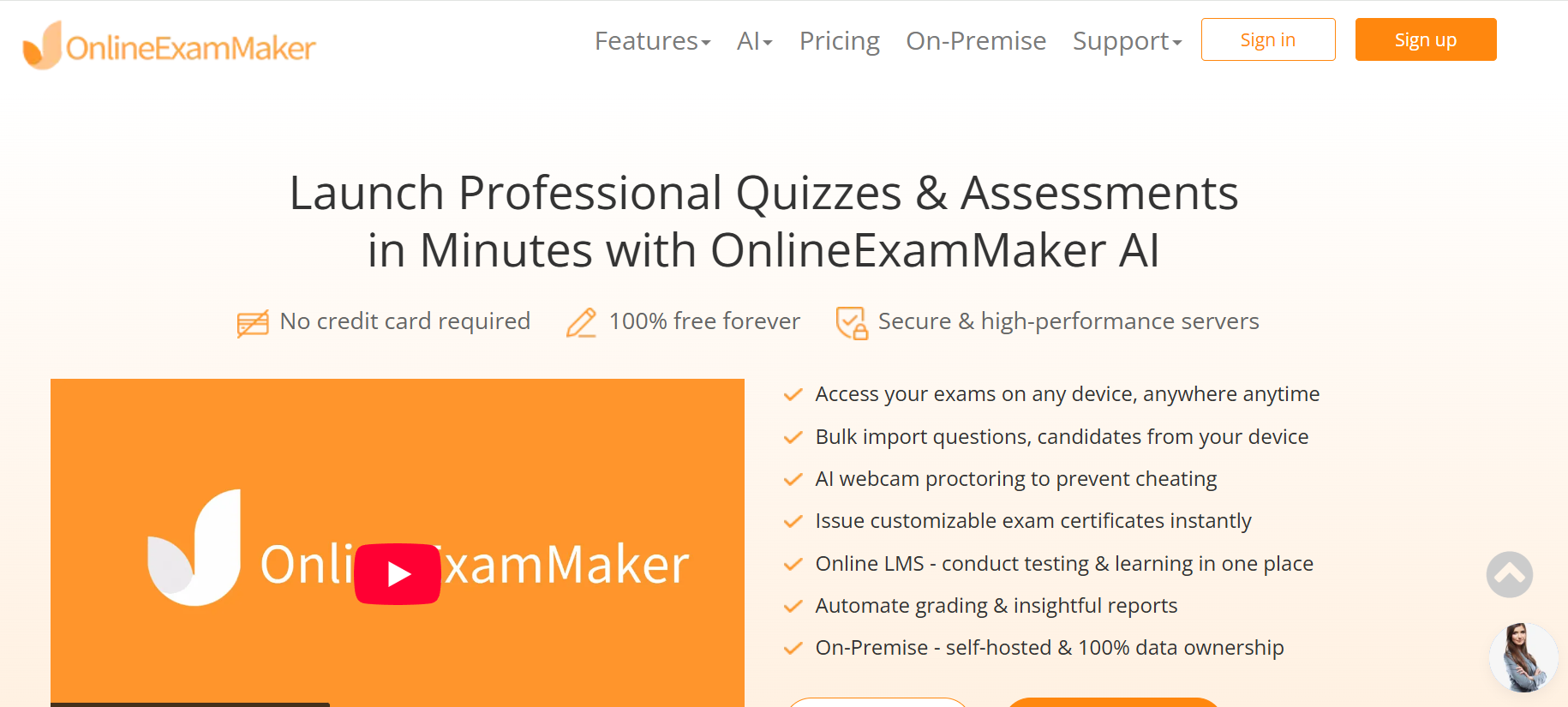
If you want the power of a platform like SpeedExam but with full server-side control, OnlineExamMaker is one of the best options available. It’s a professional exam software that offers both a cloud-based SaaS version and an On-Premise (self-hosted) edition — meaning you can install it directly on your own server and own every byte of data it generates.
OnlineExamMaker is used by teachers, corporate trainers, HR managers, and manufacturing enterprises around the world. It’s designed to be intuitive enough for a non-technical user to set up an exam in minutes, while powerful enough to handle large-scale, proctored assessments at the enterprise level.
Create Your Next Quiz/Exam Using AI in OnlineExamMaker
Key Features to Look for in a Self-hosted Exam Platform
Before diving into the setup process, it helps to understand what features you actually need. Here’s how a Speedexam-like platform should be evaluated — and how OnlineExamMaker delivers on each front:
1. Flexible Question Types and a Rich Question Bank
Your exam software should support a wide range of question formats — not just multiple choice. Look for true/false, fill-in-the-blank, short answer, matching, and file upload questions. OnlineExamMaker supports all of these, plus it lets you organize questions into categories with tags and difficulty levels. You can even bulk-import via CSV, which is a huge time-saver for HR managers and educators dealing with large question libraries.
2. AI-Powered Question Creation
One standout feature is the AI Question Generator. Instead of writing every question from scratch, you paste in a document, topic, or learning objective — and the AI generates a complete question set in seconds. This is genuinely useful for trainers covering new compliance topics or manufacturing supervisors creating safety assessments on short notice.
3. Time Controls and Exam Logic
A good Speedexam alternative must handle time pressure well. That means per-exam time limits, per-question timers, auto-submit on timeout, and randomized question order to discourage answer-sharing. OnlineExamMaker handles all of this natively, without requiring any custom backend coding.
4. Automatic Grading and Analytics
Nobody wants to manually score 200 employee quizzes. The Automatic Grading feature scores objective questions instantly and delivers results to candidates the moment they submit. You can configure pass/fail thresholds, weighted scoring, and detailed feedback messages — saving hours every assessment cycle.
How to Build a Self-hosted Quiz Platform with OnlineExamMaker
Here’s a practical, step-by-step guide to deploying your own Speedexam-like assessment environment using OnlineExamMaker’s On-Premise edition.
Step 1: Download and Install the On-Premise Package
Head to the OnlineExamMaker On-Premise download page and grab the self-hosted installer. The package is designed to run on Linux-based servers (Ubuntu/CentOS) and supports deployment via Docker for containerized environments. Once downloaded, follow the installation documentation to configure your database (MySQL or PostgreSQL), set up the web server (Nginx or Apache), and define your environment variables.
Step 2: Configure Your Domain, SSL, and Reverse Proxy
After the base installation, point your domain to the server’s IP address and set up an SSL certificate using Let’s Encrypt or your organization’s CA. Configure your reverse proxy (Nginx is recommended) to forward traffic to the OnlineExamMaker application port. This step ensures your exam portal is accessible via a clean, branded URL like exams.yourcompany.com.
Step 3: Set Up User Roles and Permissions
One of the first things to configure in the admin panel is your user hierarchy. OnlineExamMaker supports multiple roles out of the box:
- Admin — full platform control
- Exam Creator — can build and publish exams
- Proctor — can monitor live sessions
- Candidate — takes assigned exams
For enterprise teams or multi-department organizations, this role system keeps operations clean and prevents accidental changes to live assessments. You can see a full feature breakdown in the OnlineExamMaker vs. SpeedExam comparison.
Step 4: Build Your Question Bank
Before creating exams, populate your question library. Use the AI Question Generator to generate questions from PDFs, training materials, or topic descriptions. Organize questions by category — “Safety Procedures,” “Product Knowledge,” “Compliance” — and assign difficulty tags. This makes it easy to assemble randomized exams that pull intelligently from a large pool.
Step 5: Create and Configure Your Exam
From the exam builder, select questions from your bank, set time limits, configure pass thresholds, and enable randomization. You can also add a branded cover page, set access permissions (open link, password-protected, or invitation-only), and schedule the exam window. Once ready, publish it and share the exam link or QR code with your candidates.
Step 6: Enable Proctoring (Optional but Recommended)
For high-stakes assessments — certification exams, compliance testing, or hiring evaluations — turn on AI Webcam Proctoring. This feature uses the candidate’s webcam to detect suspicious behavior: multiple faces in frame, repeated off-screen glances, or signs of a second device. The AI flags incidents automatically so you can review them post-exam — no human proctor required to be watching in real time.
Step 7: Monitor, Grade, and Export Results
Once exams are live, the admin dashboard gives you a real-time view of active sessions: how many candidates are currently testing, completion rates, and flagged proctoring alerts. After the exam closes, results are graded automatically and stored on your server. Export reports to CSV or Excel for further analysis, HR record-keeping, or regulatory audits.
Security and Anti-Cheating Measures
Running exams on your own server doesn’t automatically make them secure. You still need to think carefully about exam integrity. Here’s what a robust setup looks like:
- HTTPS everywhere — Enforce SSL on all exam pages to prevent traffic interception.
- Question randomization — Shuffle question order and answer options per attempt so no two candidates see the same paper.
- Limited navigation — Prevent candidates from jumping back to previous questions or opening new browser tabs mid-exam.
- IP and login restrictions — Lock exams to specific IP ranges (useful for in-office assessments) or require two-factor authentication.
- AI proctoring — OnlineExamMaker’s AI Webcam Proctoring adds automated oversight without the cost of live human proctors.
For a side-by-side look at how self-hosted platforms handle security compared to commercial tools, this Slashdot comparison of SpeedExam alternatives offers a useful reference.
Who Should Use a Self-hosted Quiz Platform?
The self-hosted approach isn’t for everyone — but for the right organization, it’s genuinely transformative. Here’s a quick snapshot of who benefits most:
| User Type | Key Benefit |
|---|---|
| Teachers & Educators | Full control over student data; no student info shared with third parties. |
| Corporate Trainers | Deploy unlimited training assessments without per-seat SaaS fees. |
| HR Managers | Run confidential hiring tests and store results in-house for compliance. |
| Manufacturing Enterprises | Run safety certifications and skills assessments on a closed internal network. |
If your organization fits any of these profiles, the OnlineExamMaker On-Premise edition is worth a serious look. You get a full-featured exam platform — with AI tools, proctoring, and analytics — installed entirely on infrastructure you control.
You might also find these related resources helpful as you plan your platform:
FAQs
Can I migrate my existing SpeedExam question bank to OnlineExamMaker?
Yes. OnlineExamMaker supports bulk question import via CSV, making it straightforward to migrate existing question libraries. You can also use the AI Question Generator to rebuild question sets from source materials if you don’t have a clean export.
Do I need a dedicated server to run the On-Premise version?
Not necessarily. A modest VPS (2 CPU cores, 4GB RAM) is sufficient for most small to medium organizations. For larger deployments with hundreds of concurrent exam takers, a beefier server or containerized setup using Docker is recommended. The jovVix open-source quiz project on GitHub offers useful reference architecture if you want to explore containerized deployment patterns further.
Is the On-Premise version of OnlineExamMaker secure?
Yes — and arguably more secure than cloud alternatives for sensitive data, since all information stays within your own network perimeter. Combined with OnlineExamMaker’s built-in AI Webcam Proctoring and HTTPS enforcement, you have a solid security baseline right out of the box.
How does automatic grading work for open-ended questions?
For objective question types (MCQ, true/false, matching), grading is instant and fully automated. For short-answer or essay-style responses, OnlineExamMaker’s Automatic Grading provides AI-assisted scoring, with a manual review option available for administrators who want to double-check nuanced answers.
Building your own Speedexam-like platform sounds daunting — until you realize that the heavy lifting has already been done. With OnlineExamMaker‘s On-Premise edition, you get enterprise-grade exam infrastructure that you can deploy, brand, and operate entirely on your own terms. No recurring SaaS fees. No data leaving your network. Just a powerful, flexible quiz platform that works exactly the way you need it to.
Ready to take control of your assessments? Download the On-Premise edition and get started today.