
In 2026, first aid training is shifting from classroom demonstration to AI-assisted practice, where sensors, simulations, and smart feedback help learners prove they can act under pressure. It's a big deal — because when someone's heart stops, there's no second...
Table of Contents Why Timed First Aid Tests Matter Step 1: Plan Your Test and Question Bank Step 2: Set Up OnlineExamMaker and Add Questions Step 3: Build and Configure the Timed Exam Step 4: Preview, Publish, and Deliver Step...
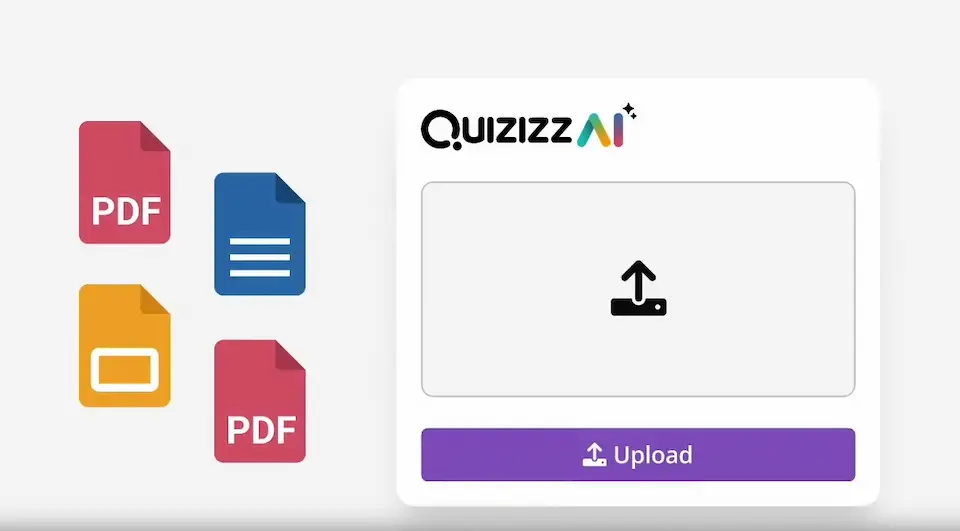
Making quizzes on Wayground (formerly Quizizz) is an awesome way to have students actively engaged in their learning process. It's a user-friendly platform with lots of cool features for making quizzes easy for class. With unlimited multimedia and settings, Wayground...
In the rapidly evolving world of corporate training and employee development, gamification has emerged as a powerful tool to enhance engagement and motivation. Gamifying training and learning involves incorporating game-like elements, such as points, badges, leaderboards, and rewards, into the...
You're three questions into a Kahoot quiz. You answered correctly — but so did twelve other people. Yet somehow, Sarah at the front of the room got 987 points and you only got 640. What just happened? Welcome to the...
Adding video to Kahoot questions isn't complicated, but there are a few things you need to know — especially since YouTube support has changed for many account types. This guide walks you through everything: adding videos via link, uploading from...
Kahoot has become one of the most popular student-response tools in classrooms worldwide, and for good reason. But here's the honest truth — just turning on Kahoot doesn't automatically make learning happen. How you use it matters just as much...
If you decide to make a Kahoot. Great choice — your learners are about to have a lot more fun than they expected on a Tuesday afternoon. But before you dive in, it's worth asking: what kinds of questions can...
Quiz creation has always been one of education's quiet time thieves — and nobody budgets enough hours for it. That's exactly why Kahoot's AI Quiz Creator has been generating so much buzz in staffrooms and training rooms alike. But what...
What if you could weave your Kahoot quiz directly into your PowerPoint deck? No tab-switching, no awkward pauses, just seamless interaction that keeps your audience locked in. Whether you're a teacher trying to energize a Friday afternoon class or a...