- Why Self-Host a Quiz Platform?
- Use Cases and Core Requirements
- Existing Self-Hosted Options: Start Here
- High-Level System Architecture
- Technology Stack Choices
- Introducing OnlineExamMaker: The Self-Hosted Solution Worth Knowing
- How to Build Your Platform Using OnlineExamMaker
- Security, Privacy, and Compliance
- Analytics and Learning Outcomes
- Build vs. Buy: Making the Right Call
- Implementation Roadmap
Nobody wants to sit through a 45-minute corporate training slide deck in silence anymore. Engagement matters, and the organizations winning at training know it. Real-time quiz platforms like Kahoot changed how teachers and trainers think about interactivity. But the moment you ask an IT director or compliance officer about using a public SaaS quiz tool with sensitive employee or student data, the conversation gets complicated fast.
That’s why a private, self-hosted Kahoot-like quiz platform is becoming a serious conversation in schools, HR departments, and manufacturing training floors. You get the fun — the live leaderboards, the PIN-based joining, the competitive buzz — without handing your data to a third-party server somewhere you can’t audit.
This guide walks through everything: why self-hosting matters, how to architect the system, what tools to consider, and how OnlineExamMaker‘s on-premise option can shortcut months of development work.
Why Self-Host a Quiz Platform?
The appeal of Kahoot is obvious — it’s fast, colorful, and players actually enjoy it. But SaaS platforms come with tradeoffs that matter deeply to certain organizations:
- Data residency: Where do your quiz results and user data actually live? For healthcare, finance, and education under FERPA or GDPR-adjacent rules, this question has legal weight.
- Vendor lock-in: Pricing changes, feature removals, or a platform shutdown can disrupt an entire training program overnight.
- Branding and customization: Organizations want their own look and feel — not a competitor’s logo on every quiz screen.
- Offline and air-gapped environments: Manufacturing plants, secure government facilities, and remote field training sites may not have reliable internet. A self-hosted solution can run locally.
These are practical, grown-up reasons to invest in building or deploying your own platform. The question is how.
Use Cases and Core Requirements
Before picking a stack, get clear on what you’re actually building for. Common use cases span a wide range:
- Classroom engagement and formative assessment
- Corporate onboarding quizzes
- Safety and compliance drills in manufacturing or healthcare
- Live event audience polling
- Remote and hybrid workshop activities
Each context shapes your requirements differently. Here’s a snapshot of what a solid platform needs:
| Category | Requirements |
|---|---|
| Functional | Real-time multiplayer sessions, instructor dashboard, live scoreboard, quiz editor, question banks, media support, reporting |
| Non-Functional | Low latency, scalability for large sessions, data privacy (FERPA/GDPR), high availability, mobile-first UX |
| Security | SSO integration (SAML/OIDC), role-based access control, audit logs, configurable data retention |
Existing Self-Hosted Options: Start Here
You don’t always need to build from scratch. Before writing a single line of code, survey what’s already out there.
ClassQuiz is the most prominent open-source Kahoot clone. It supports real-time quizzes, Kahoot imports, and can be self-hosted via Docker. It’s a solid starting point for small teams or developers who want full control. The GitHub repository is active and reasonably documented.
The honest tradeoff: open-source projects like ClassQuiz require your team to manage updates, security patches, and any custom feature additions. That’s fine if you have developer bandwidth — not so fine if your IT team is already stretched thin.
When does it make sense to fork and extend rather than build fresh? Generally when 70–80% of the feature set already fits your needs, and the gaps are additions rather than fundamental design changes (like adding SSO or company branding).
High-Level System Architecture
A real-time quiz platform isn’t complicated in concept — but it has some interesting engineering under the hood. Here’s the core architecture you’re working with:
- Web Frontend: Two views — the host/instructor dashboard and the player interface (typically mobile browsers)
- Backend API: Handles quiz CRUD, user auth, session management, and score aggregation
- Real-Time Messaging Layer: The heart of the system — WebSockets or server-sent events push question state, timer ticks, and leaderboard updates to all connected players simultaneously
- Database: Stores quizzes, sessions, responses, and user records
- Optional Worker Services: Background jobs for report generation, media processing, or AI integrations
For small to mid-sized organizations, a modular monolith is often the right call — simpler to deploy and maintain than microservices, while still allowing you to split out services later if you scale up.
Technology Stack Choices
Stack decisions matter, but don’t overthink them. A few proven combinations:
- Backend: Node.js with Socket.IO is the classic choice for WebSocket-heavy applications. Python (FastAPI) and Go are strong alternatives for teams with different expertise.
- Frontend: React or Vue.js for SPA-style player and host interfaces. Flutter Web is worth considering if you’re also targeting native mobile apps from the same codebase.
- Database: PostgreSQL for structured quiz and session data is a reliable default. Redis is almost always needed alongside it for ephemeral game state (active sessions, timers, scores in flight).
- Deployment: Docker Compose for smaller deployments; Kubernetes for organizations expecting hundreds of concurrent sessions.
One growing trend worth noting: AI Question Generator capabilities are increasingly expected in modern training platforms. Automatically generating quiz questions from uploaded training materials can save instructors hours per course — and it’s now table-stakes for enterprise tools.
Introducing OnlineExamMaker: The Self-Hosted Solution Worth Knowing
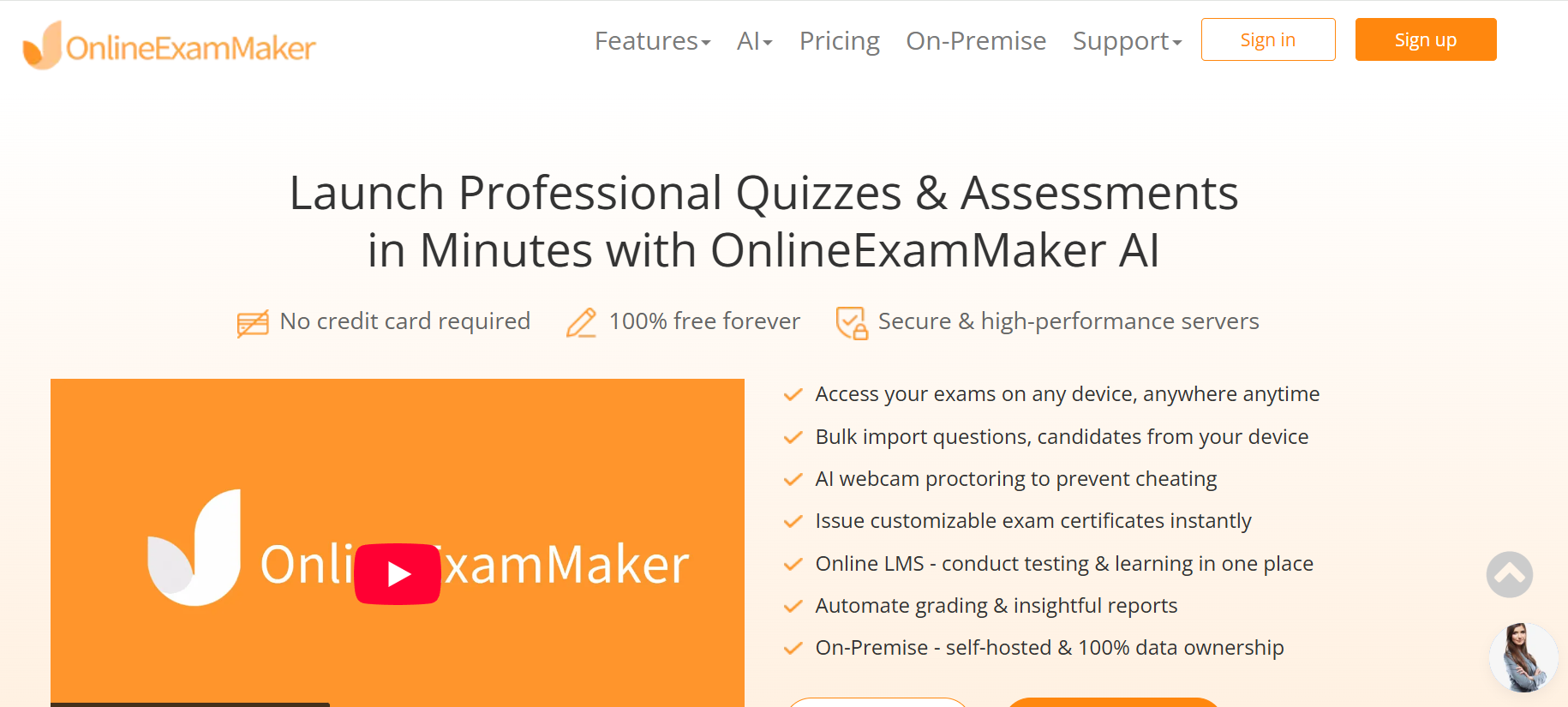
If building from scratch sounds like a significant investment — it is — then OnlineExamMaker deserves a serious look. It’s a full-featured exam and quiz platform that offers both a cloud SaaS version and an on-premise (self-hosted) deployment, which is the standout feature for privacy-conscious organizations.
The on-premise edition means your quiz data, participant records, and results never leave your own servers. You own 100% of the data. That’s not a marketing claim — it’s the architecture. This makes it genuinely suitable for:
- Schools and universities operating under student data privacy laws
- HR and L&D teams handling confidential employee performance data
- Manufacturing and industrial training programs in facilities with restricted network access
Beyond data ownership, OnlineExamMaker brings a rich feature set that would take months to replicate custom-built:
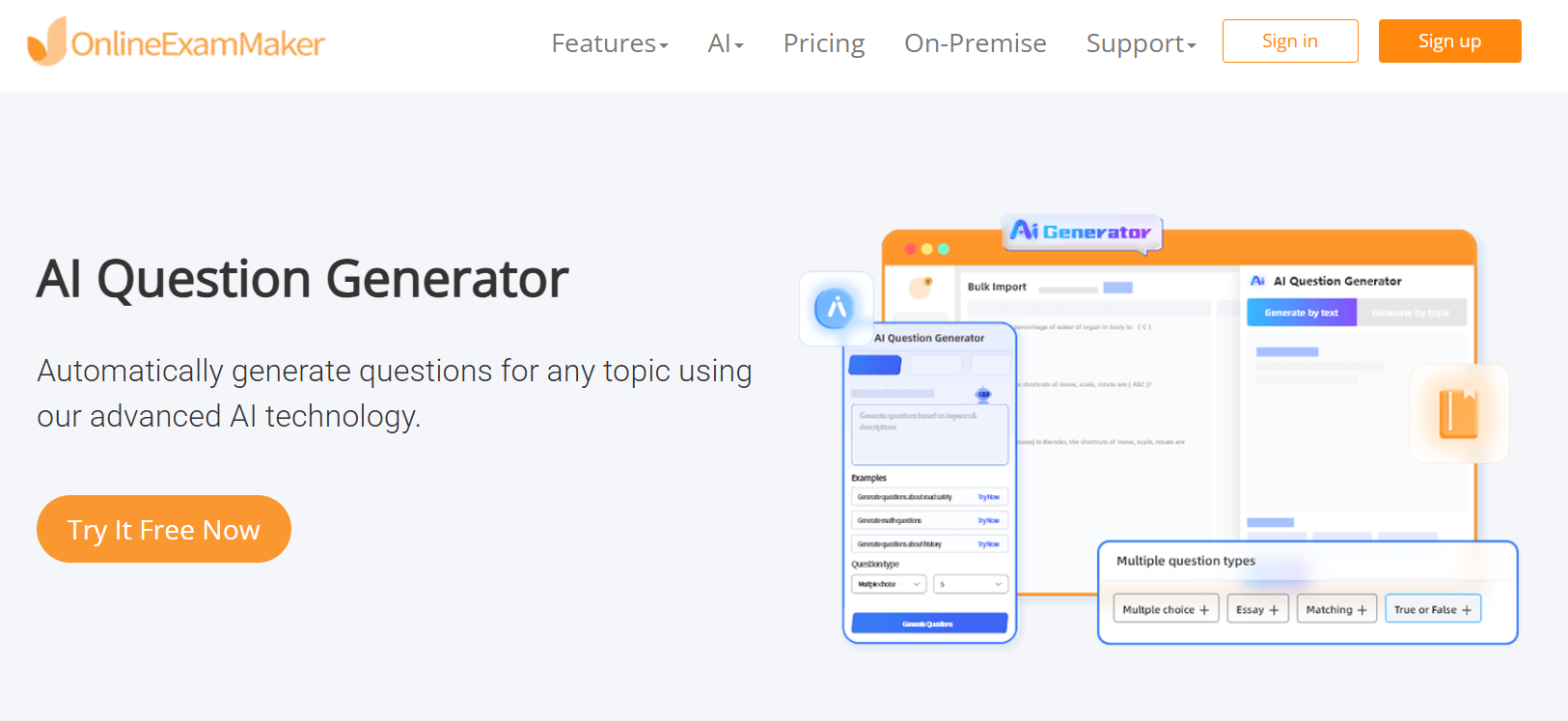
- AI Question Generator — generate questions automatically from documents, topics, or URLs
- Automatic Grading — instant scoring with detailed result breakdowns
- AI Webcam Proctoring — for scenarios where assessment integrity matters
- Live leaderboards, gamification elements, and real-time quiz modes for Kahoot-style engagement
- Question banks, media support, and bulk import capabilities
- Detailed analytics dashboards for instructors and administrators
Create Your Next Quiz/Exam Using AI in OnlineExamMaker
How to Build Your Platform Using OnlineExamMaker
Getting a Kahoot-style quiz experience running with OnlineExamMaker in an on-premise setup is more straightforward than you might expect. Here’s a practical step-by-step flow:
Step 1: Download and Deploy the On-Premise Version
Visit the OnlineExamMaker on-premise download page and follow the installation guide for your server environment. The system runs on standard server infrastructure and doesn’t require exotic dependencies. Your IT team can typically have it running within a day.
Step 2: Configure Your Organization Settings
Set up your organization branding — logo, color scheme, domain — so every quiz your trainers create carries your visual identity. Configure user roles: administrators, instructors/trainers, and learners. If you use an existing SSO system, this is where you integrate it.
Step 3: Build Your Question Bank
Here’s where the AI Question Generator really earns its keep. Upload your training materials — PDFs, Word docs, URLs — and let the AI generate a first draft of quiz questions. Instructors review, edit, and tag questions by topic, difficulty, and training program. Over time, this becomes a rich, reusable library.
Step 4: Create Live Quiz Sessions
Launch a real-time quiz session the same way Kahoot works: generate a game PIN, share it with participants, and watch them join from their phones or laptops. Questions broadcast simultaneously to all players, the timer runs, answers come in, and the live leaderboard updates in real time. It’s the same energy — just running entirely on your infrastructure.
Step 5: Review Analytics and Iterate
After each session, the instructor dashboard shows per-question accuracy, time-to-answer distributions, and individual participant scores. The Automatic Grading handles scoring instantly, so results are available before anyone’s left the room. Use these insights to identify weak spots in your training content and refine for the next session.
Security, Privacy, and Compliance
Self-hosting fundamentally changes your compliance posture — in a good way. When you own the infrastructure, you control:
- Data residency: Results and participant data stay within your network boundaries
- Retention policies: Set how long session data is kept, and purge it on your schedule
- Access controls: Role-based permissions ensure trainers only see their own sessions and learners only see their own results
- Audit logs: Required by many regulated industries — know who accessed what and when
For organizations requiring exam integrity, the AI Webcam Proctoring feature adds a monitoring layer for formal assessments — detecting suspicious behavior automatically without requiring a human proctor in the room.
Analytics and Learning Outcomes
The data a quiz platform generates is genuinely valuable — if you actually use it. Good analytics dashboards should surface:
- Which questions consistently trip people up (a content problem, not a learner problem)
- Completion rates and drop-off points in longer quiz sequences
- Score trends over time — is training actually improving performance?
- Individual learner records for certification or compliance documentation
For organizations that feed training data into broader HR or LMS systems, exportable results in CSV or via API integrations are important. OnlineExamMaker supports result exports, making it practical to push data into platforms like Moodle, Workday, or custom BI dashboards.
Build vs. Buy: Making the Right Call
Here’s an honest framework for the build-vs-buy decision most organizations face:
| Factor | Build Custom | Use OnlineExamMaker On-Premise |
|---|---|---|
| Time to deploy | 3–12 months | Days to weeks |
| Developer resources needed | High | Low (IT setup only) |
| Feature richness out of the box | Starts minimal | Comprehensive from day one |
| Data ownership | Full | Full |
| Customization ceiling | Unlimited | Within platform options |
| Ongoing maintenance | Your team | Vendor handles updates |
The smartest path for most organizations? Start with OnlineExamMaker’s on-premise version to validate adoption and get training programs running. If you later hit limitations that justify custom development, you’ll have real usage data to inform what to build — rather than guessing upfront.
Implementation Roadmap
Regardless of the approach you choose, a phased rollout reduces risk:
- Prototype (Weeks 1–2): Deploy on a test server, create a handful of sample quizzes, and run a session internally with your own team. Identify friction points early.
- Pilot (Weeks 3–6): Roll out to one training cohort — one department, one class, one facility. Collect structured feedback from both instructors and learners.
- Scale (Months 2–4): Address feedback, configure integrations with existing systems (LMS, HR platforms, SSO), and expand to the broader organization.
- Optimize (Ongoing): Use analytics to refine quiz content, establish a question-bank governance process, and periodically review the platform against evolving training needs.
Common pitfalls to avoid: underestimating real-time infrastructure complexity if you’re building custom, ignoring mobile UX on lower-end devices (especially in manufacturing contexts), and bolting analytics on as an afterthought rather than designing for it from the start.
Training doesn’t have to be dull, and your quiz platform doesn’t have to compromise on data control to be engaging. The technology to run a Kahoot-style experience entirely on your own infrastructure is mature, accessible, and — with tools like OnlineExamMaker — deployable without a six-figure development budget. Whether you’re a teacher trying to keep students on their toes, an HR manager rolling out compliance training, or a plant supervisor running safety drills, the case for self-hosted interactive quizzing has never been stronger.