
A QR (Quick Response) code for an online quiz is a type of barcode that, when scanned using a smartphone or a dedicated QR code reader, redirects the user to the URL of that online quiz. For educational or event...

Teaching is a continuous cycle of knowledge and patience. Learning is laid down and improved on to instill understanding. And, of course, patience is the key to enforcing learning! An educator should harbor the traits of resilience and adaptability. It...
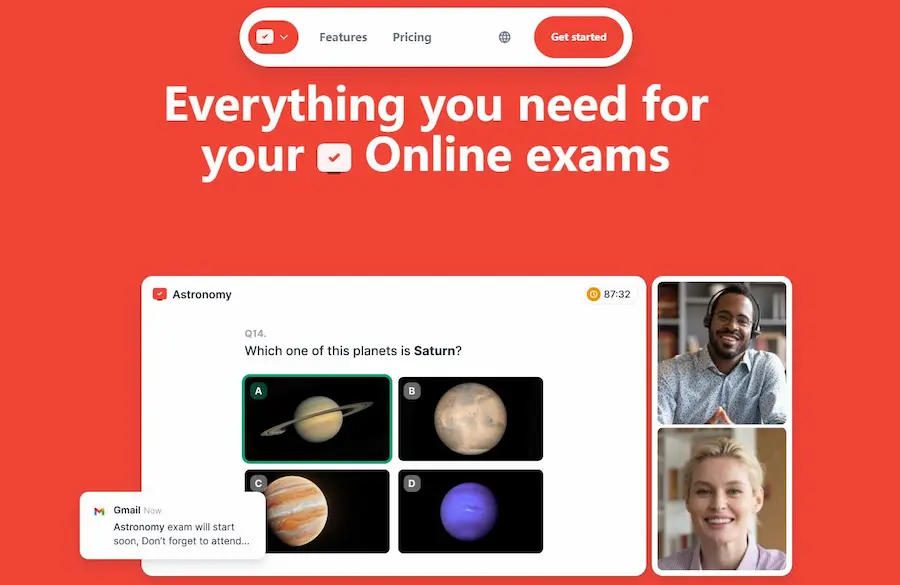
A teacher's job isn't easy peasy lemon squeezy, even when you can multitask. It's a passion that is undeniably tiring but, at the same time fulfilling. However, it comes with a hefty price that we won't expect! We have to...
Google Forms has become an indispensable tool for educators, businesses, and organizations looking to gather information and assess knowledge in an interactive and user-friendly manner. One of its most valuable features is the ability to create multi-response quizzes, which allow...
Benefits of share a Google Form quiz via email Sharing a Google Form quiz via email has several benefits, making it a popular choice for many users: Convenience: Emailing the quiz directly to the intended recipients ensures they receive a...
Copying a Google Forms quiz can offer several benefits. Here are some of the main advantages: Template Usage: If you've created a comprehensive Google Forms quiz that took a lot of time to design, you can copy it and use...
Turning a Google Form into a quiz is straightforward with Google's built-in features. Article overview Part 1: Step-by-step Guide on Converting a Google Form into a Web Quiz Part 2: OnlineExamMaker: Free Online Quiz Maker Software Alternative to Google Forms...

Benefits of Adding Audio to an Online Quiz Adding audio to an online quiz can enhance the experience for both the quiz creator and the participants. Here are some benefits of incorporating audio elements: Accessibility: For those with visual impairments...

As part of our ongoing efforts to improve our services and continue delivering innovative solutions, we are here to announce an upcoming adjustment to the pricing of our subscription plans. Effective September 20th, 2024, the price of our software subscription...

Creating a quiz with a pie chart visualization in Google Forms requires combining the functionalities of both Google Forms (for the quiz) and Google Sheets (for the pie chart). Here's how you can do it: https://www.youtube.com/watch?v=BhqZneW2vwE Table of content Part...