- 1. Why Educators Are Moving Away from Google Forms
- 2. Clarify Your Requirements First
- 3. Key Features to Look for in a Self-Hosted Quiz Tool
- 4. Overview of Popular Self-Hosted Options
- 5. Option 1: OnlineExamMaker — The Easiest Self-Hosted Quiz Maker
- 6. Option 2: Moodle + H5P for Rich, Graded Quizzes
- 7. Option 3: OhMyForm or Nextcloud Forms
- 8. Option 4: SurveyJS for Custom, Embeddable Quizzes
- 9. Step-by-Step: How to Choose the Right Tool
- 10. Practical Recommendations for Different Scenarios
You’ve used Google Forms to run quizzes in class. It’s quick, free, and students can jump in with just a link. But then the concerns start creeping in — who owns this data? What happens if Google changes its policies? What if the school’s IT department restricts access? If you’ve found yourself asking these questions, you’re in good company.
This guide is for teachers, trainers, and HR managers who want the simplicity of Google Forms but with the control and privacy that only a self-hosted solution can offer. Let’s dig in.
1. Why Educators Are Moving Away from Google Forms
Google Forms is genuinely great — drag-and-drop simplicity, auto-grading, shareable links, live response charts. But it comes with trade-offs that matter in educational settings:
- Student privacy: Responses go to Google’s servers, raising FERPA and GDPR concerns for many institutions.
- Data ownership: You don’t fully own what lives in Google Drive.
- Feature ceiling: Need time limits, randomized questions, webcam proctoring, or custom branding? Google Forms hits a wall fast.
- Long-term access: If your Google Workspace account gets suspended or policies change, you lose everything.
Self-hosting puts you back in the driver’s seat. Your data. Your rules. Your server.
2. Clarify Your Requirements First
Before you install anything, spend five minutes answering these questions. It’ll save you hours of trial-and-error later.
Must-haves for most educators:
- Multiple choice and short-answer question types
- Automatic grading with scores and feedback
- Export results to CSV or spreadsheet
- Basic reporting per student or per question
Technical comfort level: Are you comfortable with a web UI only, or can your IT team handle some configuration? Tools like SurveyJS require developer involvement, while platforms like OnlineExamMaker work right out of the box.
Deployment context: Think about school IT policies, whether you’re hosting on a Raspberry Pi, shared hosting, or a VPS, and how many students will be taking quizzes simultaneously.
3. Key Features to Look for in a Self-Hosted Quiz Tool
Not all quiz tools are built alike. Here’s what separates a solid platform from a frustrating one:
- Form builder: Drag-and-drop or clean question editor, required fields, section/page breaks
- Quiz-specific extras: Time limits, scoring, instant feedback, question randomization, question banks
- Student experience: Mobile-friendly layout, one-link access, optional login, progress bar
- Teacher dashboard: Central management, auto-grading, exportable results, and item-level stats to see which questions tripped students up
The best tools feel invisible to students and powerful for teachers. That’s the sweet spot.
4. Overview of Popular Self-Hosted Options
Self-hosted and open-source quiz tools generally fall into three buckets: full learning management systems (LMS), lightweight form tools adapted for quizzes, and developer-friendly frameworks. The four main options covered in this guide are OnlineExamMaker, Moodle + H5P, OhMyForm / Nextcloud Forms, and SurveyJS. Here’s how they stack up:
| Tool / Stack | Type | Quiz Features | Ease of Use | Hosting Complexity | Best For |
|---|---|---|---|---|---|
| OnlineExamMaker | Dedicated exam platform | Advanced — AI grading, proctoring, banks | Very High (ready to use) | Low (SaaS or on-premise) | Educators wanting Google Forms simplicity + more |
| Moodle + H5P | LMS + interactive content | Advanced quizzes, rich media, grading | Medium (training needed) | Higher (full LMS stack) | Schools needing a full LMS |
| OhMyForm | Self-hosted forms | Basic MC / short answer | High (form-like UI) | Medium (Node app) | Simple Google-Forms-style quizzes |
| Nextcloud Forms | Forms app in Nextcloud | Simple polls / basic responses | High for Nextcloud users | Medium (PHP + Nextcloud) | Schools already running Nextcloud |
| SurveyJS | JS survey/quiz framework | Very flexible, scoring, custom styling | Lower (needs developer) | Medium–High | Tech-savvy schools / dev teams |
5. Option 1: OnlineExamMaker — The Easiest Self-Hosted Quiz Maker
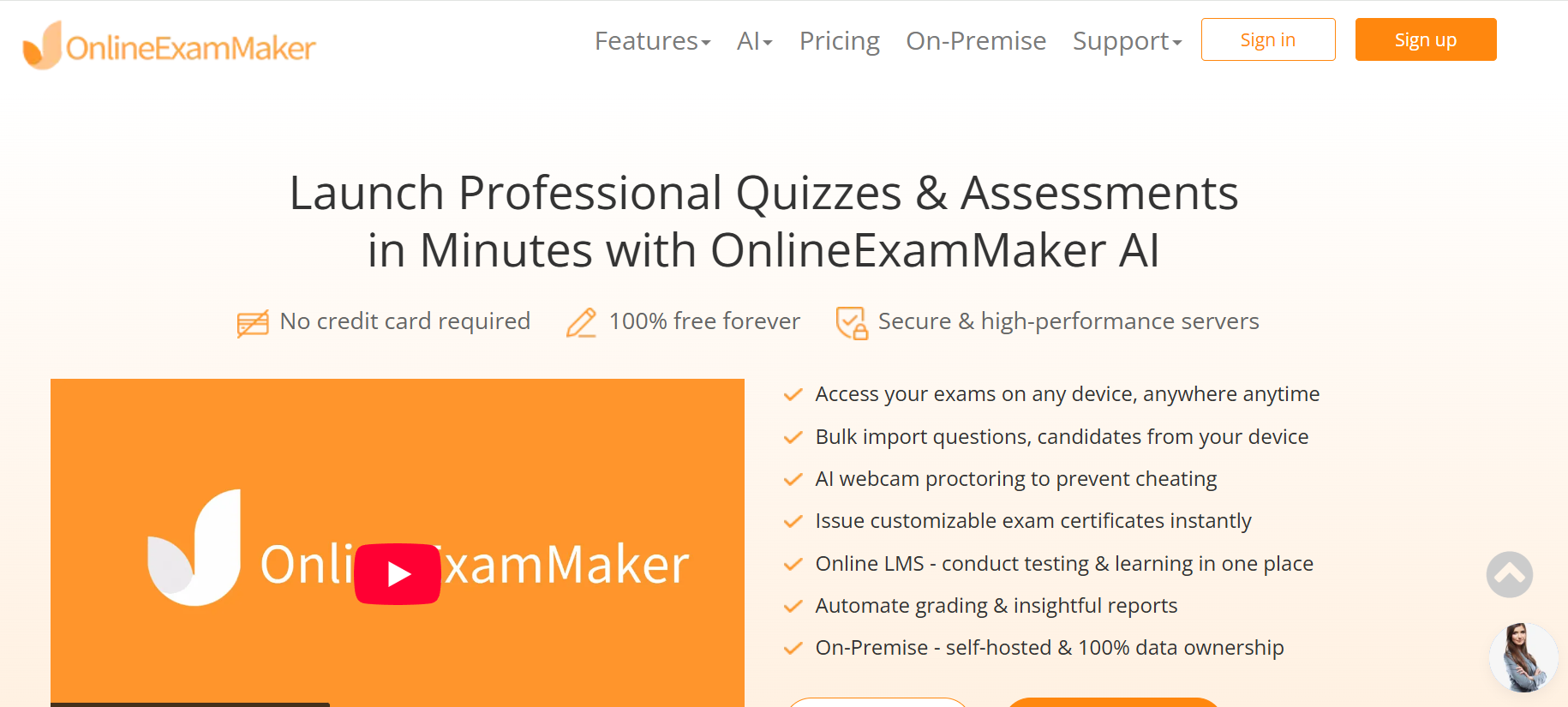
If Google Forms had a smarter, more privacy-conscious sibling, it would look a lot like OnlineExamMaker. This dedicated exam platform was built specifically for educators, trainers, and HR teams who need more than a basic form — without needing an IT department to set it up.
What makes it stand out from the crowd? A few things:
- AI Question Generator: Upload a PDF, paste a topic, or describe your learning objectives — OnlineExamMaker generates a full quiz automatically. This alone saves teachers hours per week.
- Automatic Grading: Multiple choice, true/false, fill-in-the-blank — all graded instantly. You get results the moment students submit, with per-question breakdowns.
- AI Webcam Proctoring: Running a high-stakes certification or a graded mid-term? The built-in AI proctoring monitors for suspicious activity via webcam — no separate tool needed.
- Question banks and randomization: Build a library of questions and shuffle them per student. Every test feels unique.
- 100% data ownership: With the on-premise option, your data never leaves your server. Full stop.
Here’s a quick walkthrough of how OnlineExamMaker works in practice:
Create Your Next Quiz/Exam Using AI in OnlineExamMaker
The platform offers a free SaaS tier that lets you start immediately — no server setup, no code, no headaches. When you’re ready for full data control, the on-premise version runs on your own infrastructure. It’s the rare quiz tool that scales from a single classroom to an entire district.
6. Option 2: Moodle + H5P for Rich, Graded Quizzes
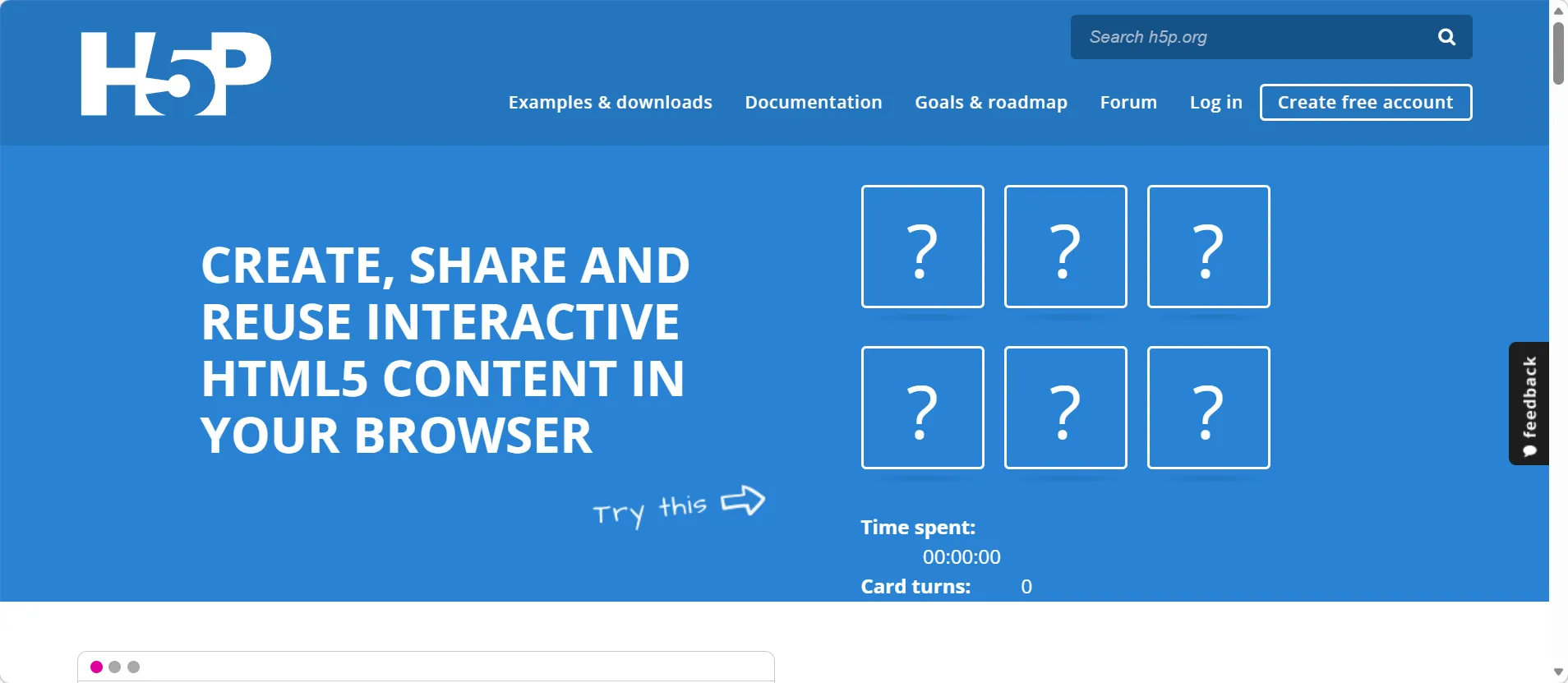
Moodle is the granddaddy of open-source learning platforms — battle-tested, widely adopted by universities and K-12 schools globally, and genuinely powerful. Pair it with the H5P plugin and you unlock interactive content types like multiple-choice quizzes, drag-and-drop activities, and interactive videos — all with grading built in.
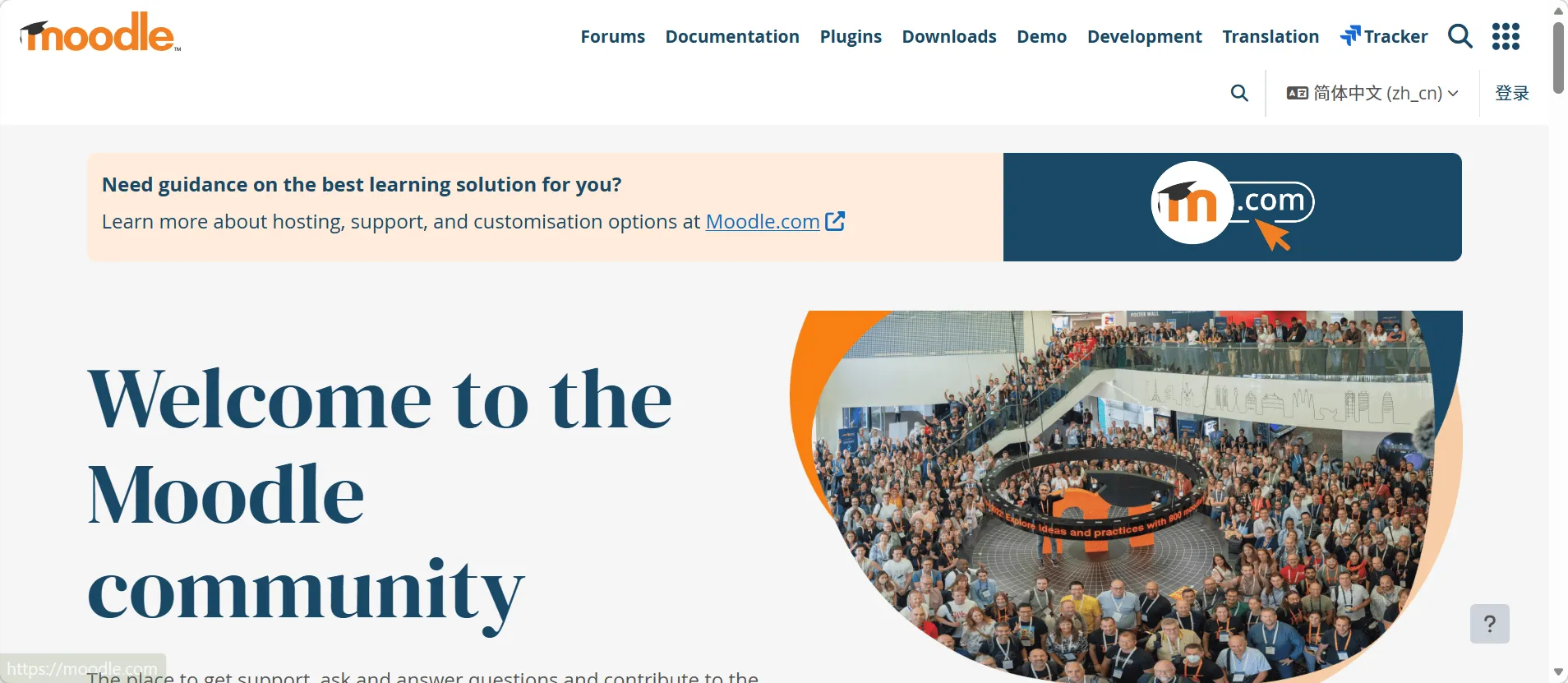
A typical educator workflow with Moodle + H5P looks like this: enable the H5P plugin, create a new H5P content activity, select your question type, add questions with correct answers and feedback, then publish it to your course. Students get immediate scores; you get a full gradebook. Check out the official Moodle Quiz documentation for a deeper dive into all configuration options.
Pros: Powerful grading engine, learner tracking, rich multimedia content, huge community support.
Cons: It’s a full LMS — setting it up and maintaining it requires real effort. If all you want is a simple quiz link, Moodle can feel like using a sledgehammer to crack a nut.
7. Option 3: OhMyForm or Nextcloud Forms
Sometimes you just want a clean form that works. That’s the appeal of tools like OhMyForm and Nextcloud Forms, both frequently recommended in self-hosting communities as Google Forms alternatives.
OhMyForm is an open-source Node.js app with a Google Forms–style interface. You can create multiple-choice questions, required fields, and collect responses — then export to CSV for manual grading. It’s honest about what it is: a form tool, not a quiz platform. Check out the OhMyForm GitHub repository for installation instructions.

Nextcloud Forms is the better pick if your school already runs Nextcloud for file storage and collaboration. The Forms app integrates directly into your existing setup, which means no extra server to manage. The trade-off? It’s light on quiz-specific features like time limits and auto-grading.
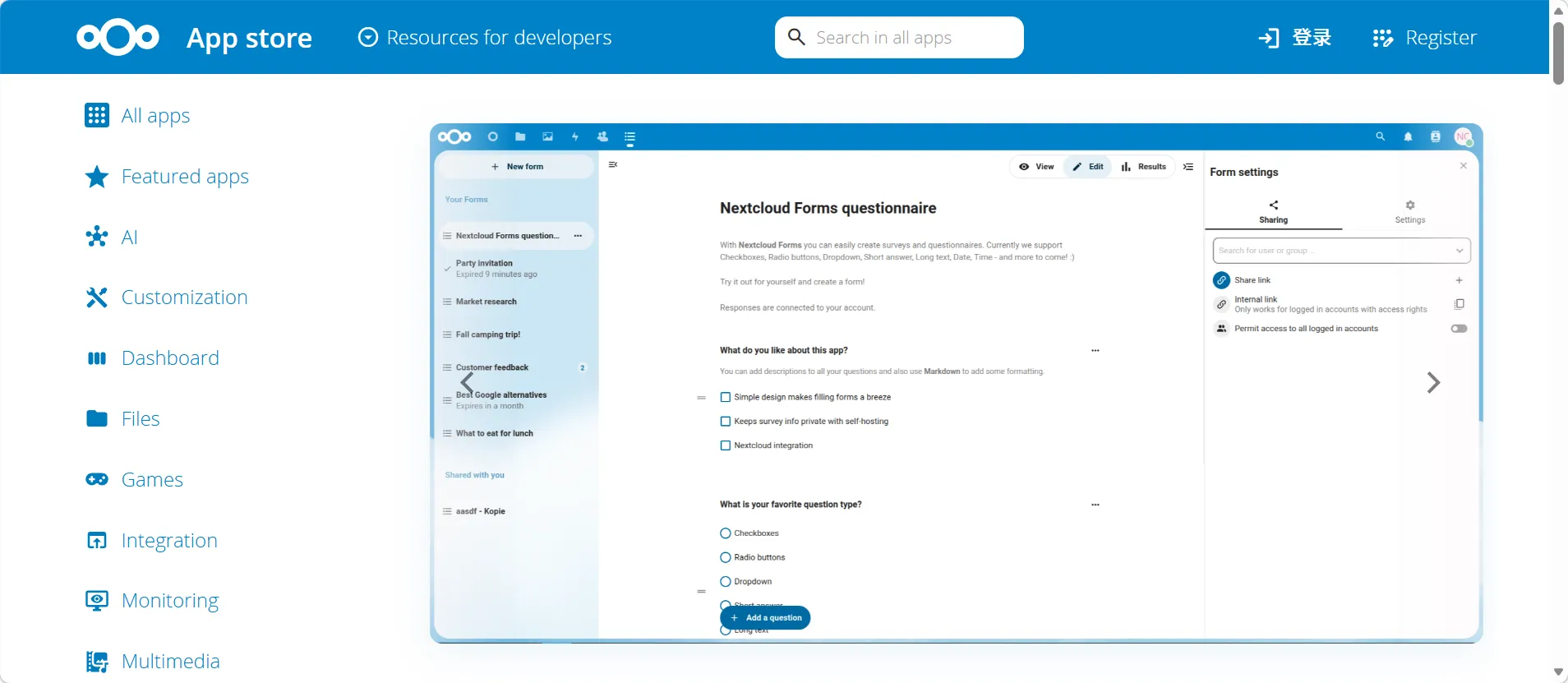
Pros for both: Simple UI, minimal training, open source.
Cons: No timed tests, no automatic feedback, scoring has to be handled manually or via spreadsheet formulas.
8. Option 4: SurveyJS for Custom, Embeddable Quizzes
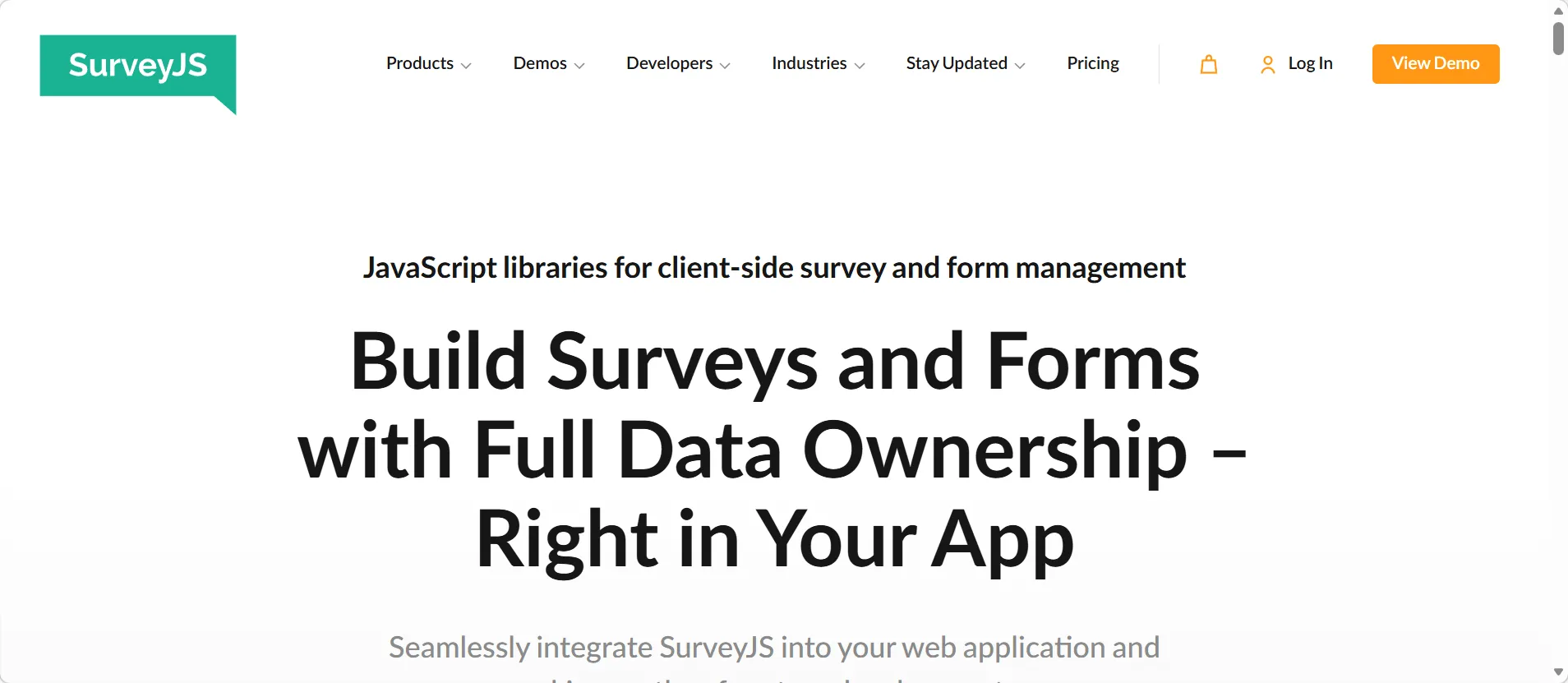
SurveyJS is a JavaScript library that lets developers build highly customized survey and quiz experiences. It supports nearly every question type you can think of, conditional logic, timing, scoring, and personalized feedback — all styled to match your school’s branding.
The catch is right there in that description: developers. SurveyJS isn’t a standalone app you install and log into. It’s a framework you embed into an existing web application. Check out the SurveyJS free demo tool to explore what’s possible before committing. If your school has a web team or a tech-savvy IT staff member, this is a fantastic option. If it’s just you and a shared hosting account, it may be more trouble than it’s worth.
Pros: Highly flexible, professional-quality output, fully self-hosted, well-documented.
Cons: Not ready-made for non-technical educators without developer support.
9. Step-by-Step: How to Choose the Right Tool
Paralyzed by options? Here’s a clean process to cut through the noise:
- List your top three priorities. For example: easiest for teachers, works on our existing server, best auto-grading. Write them down — it forces clarity.
- Shortlist 2–3 tools from this guide that match your technical comfort level and infrastructure. Don’t try to evaluate all five at once.
- Watch one YouTube tutorial per tool. Pay attention to how many clicks it takes to create a quiz, how grading looks, and whether the teacher dashboard makes sense at a glance.
- Install a test instance — on a Raspberry Pi, a small VPS, or a free trial. Build a real sample quiz for one of your classes.
- Run a small pilot. Give the quiz to 5–10 students, collect their feedback on ease of access and result clarity, then commit to a platform. Pilots are underrated; they reveal problems that demos never show.
10. Practical Recommendations for Different Scenarios
Still not sure which path to take? Here’s the shortcut:
- For “just like Google Forms but self-hosted, right now”: Start with OnlineExamMaker. The free SaaS tier gets you running in minutes, and the feature set — AI question generation, auto-grading, proctoring — goes well beyond what Google Forms ever offered.
- For “Google Forms feel, minimal setup, already on Nextcloud”: Use Nextcloud Forms or OhMyForm as a lightweight starting point.
- For full e-learning with robust quizzes and learner tracking: Invest in Moodle with H5P. It’s a bigger commitment, but schools that need a complete LMS won’t regret it.
- For a custom, branded quiz portal with advanced behavior: SurveyJS with your IT or web team in the loop.
The right tool isn’t necessarily the most powerful one — it’s the one your teachers will actually use consistently. Start simple, validate that it works for your students, then expand from there. And if you want to skip the setup entirely and get straight to building better quizzes, OnlineExamMaker’s free plan is genuinely one of the most educator-friendly starting points out there.