There’s a moment every safety manager knows. You’ve just wrapped up the annual training. Everyone signed the attendance sheet. Certificates printed, boxes ticked, compliance confirmed. And then, three weeks later, someone cuts a corner on the exact procedure you covered in session two.
It’s not that people don’t care. It’s that a once-a-year classroom event is simply the wrong tool for building lasting safe habits. Safety isn’t a destination you reach after a day of slides — it’s a behavior that needs to be reinforced in the moment, in context, repeatedly. That’s a human bandwidth problem. And increasingly, it’s one that AI chatbots are built to solve.
This guide is for EHS managers, HR teams, and frontline supervisors who want a practical, no-nonsense look at how to bring AI chatbots into safety training — and do it in a way that actually sticks.
- What an AI Safety Chatbot Actually Does
- Where Chatbots Fit Into Safety Training
- Designing a Chatbot That Doesn’t Get People Hurt
- Reinforcing Learning with OnlineExamMaker
- Rolling It Out Without Chaos
- The Metrics Worth Tracking
- The Honest Risks — and What to Do About Them
- Where This Is All Heading
What an AI Safety Chatbot Actually Does

Strip away the buzzwords and an AI safety chatbot is this: a large language model connected to your safety content — your SOPs, incident system, LMS, and potentially your IoT sensors or cameras — that workers can query in plain language, any time, from any device.
Ask it how to isolate a machine before maintenance. Ask it what to do if someone inhales chemical fumes. Ask it where to find the confined space entry permit. It answers — instantly, consistently, and without sighing.
What it is not is a replacement for certified training, human supervision, or stop-work authority. That line matters. Blur it and you’ve created a liability, not a safety tool.
Where Chatbots Fit Into Safety Training
The Microlearning Gap
Formal training handles the foundation. Chatbots handle everything in between. A worker heading into a confined space can ask the bot to walk them through the pre-entry checklist. The bot responds with the steps, follows up with a three-question quiz, and links a two-minute refresher video. That whole interaction takes four minutes and happens exactly when it’s needed — not six months ago in a classroom.
Spaced repetition works. Context-triggered learning works. Doing both at once, automatically, for every worker across every shift — that’s where the chatbot earns its keep.
Hazard Reporting That People Actually Use
Near-miss reporting is chronically underutilized in most organizations. The process is either confusing, time-consuming, or workers simply don’t see the point. A chatbot can change that by guiding someone through a structured report conversationally: what happened, where, how severe, photos attached, suggested immediate controls — done in under two minutes on a phone.
Better reporting quality feeds better training decisions. When you can see that the same hazard type keeps appearing on the same shift at the same station, you know exactly where to target your next microlearning push.
Real-Time Procedural Coaching
A maintenance technician encounters an unfamiliar piece of equipment mid-job. Instead of guessing or hunting for a manual, they ask the chatbot. Step-by-step guidance comes back in seconds. More advanced setups go further — computer vision cameras flag missing PPE or a guardrail out of position and the chatbot automatically pushes the relevant safety reminder to the worker’s device.
Learning Paths That Adjust to the Person
A brand-new hire and a ten-year veteran do not need the same safety content. Neither does a forklift operator and a lab technician. AI chatbots can personalize what gets served based on role, site, language, incident history, and quiz performance. Workers who repeatedly struggle with a particular topic get more content on that topic. Workers who consistently score well move through faster. The training fits the person, not the other way around.
Compliance and Audit Support
“What does OSHA say about respiratory protection for this task?” “Pull up the toolbox talk log for Site B, last month.” These queries used to mean 20 minutes of digging through shared drives and email threads. With a chatbot connected to your documentation, they take 10 seconds. Audit prep stops being a fire drill and becomes a routine conversation.
| Chatbot Function | The Problem It Solves | Who Benefits Most |
|---|---|---|
| Microlearning delivery | Knowledge fades between formal training sessions | All workers, especially high-frequency task roles |
| Hazard reporting guidance | Low near-miss reporting rates, poor data quality | Frontline workers, site supervisors |
| Procedural coaching | Workers guessing on unfamiliar tasks | Maintenance crews, field technicians |
| Personalized learning paths | One-size-fits-all training that doesn’t fit anyone | New hires, high-risk task workers |
| Compliance Q&A and audit prep | Time wasted hunting for documents and records | EHS managers, safety officers |
Designing a Chatbot That Doesn’t Get People Hurt
Content Quality Is Non-Negotiable
The chatbot reflects whatever you put into it. Outdated SOPs, unreviewed procedures, inconsistent terminology — all of it will flow through to workers as if it were gospel. Before you build anything, audit your content sources: standard operating procedures, risk assessments, toolbox talk transcripts, SDS sheets, LMS course materials, and applicable local regulations. Then establish version control. When a procedure changes, the chatbot’s knowledge base changes with it. Not eventually — immediately.
Design Conversations, Not Just Answers
The best safety chatbots don’t just answer questions — they prompt the right behaviors. Build in friction where friction helps: a confirmation step before a worker proceeds with a high-risk task, a photo request during an incident report, a “stop-the-job” reminder when certain hazard keywords appear in a query. These aren’t obstacles. They’re the digital equivalent of a supervisor asking “are you sure?” at the right moment.
Escalation Rules Are the Safety Net
Every chatbot deployment needs a clear answer to this question: when does the bot stop answering and hand off to a human? Define it. Serious injury reports, imminent danger situations, questions the bot cannot answer with confidence — all of these should trigger an immediate escalation to a supervisor or EHS officer, with the full conversation history preserved so the human stepping in has full context.
Reinforcing Learning with OnlineExamMaker
Picture this: you’ve just run a solid toolbox talk. Workers nodded along, asked decent questions, seemed engaged. Two weeks later, the same unsafe behavior shows up again. Was the training the problem — or the lack of follow-through?
This is where OnlineExamMaker quietly earns its place in a safety program. It’s not another clunky LMS that needs a six-week IT rollout. It’s a lean, AI-powered assessment platform that slots into your existing workflow and starts doing useful things almost immediately.
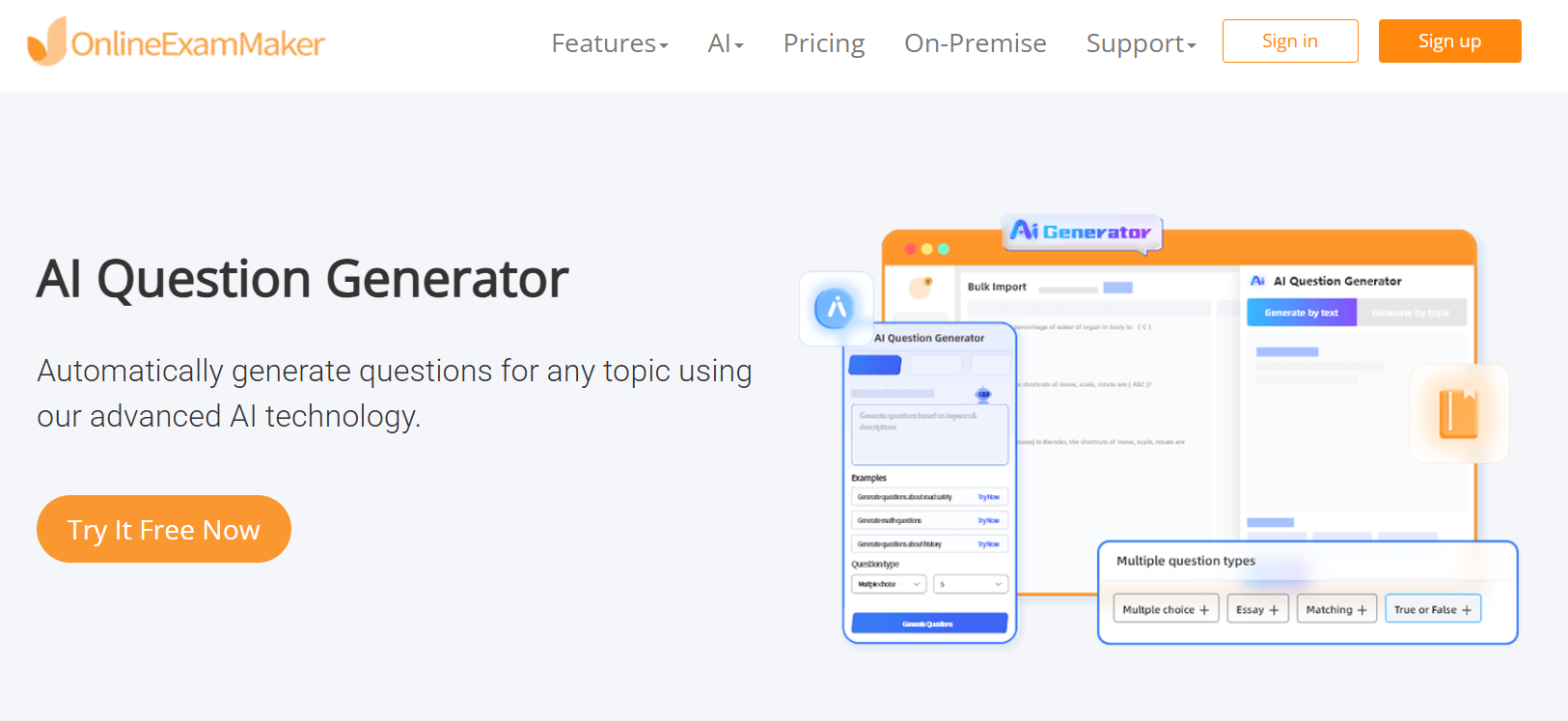
Take the quiz-building headache, for example. Most safety managers are pulling questions out of thin air or recycling the same tired test from three years ago. The platform’s AI Question Generator changes that completely — feed it your SOP, your incident report summary, or your toolbox talk notes, and it produces a bank of scenario-based questions ready to deploy. What used to take an afternoon now takes minutes.
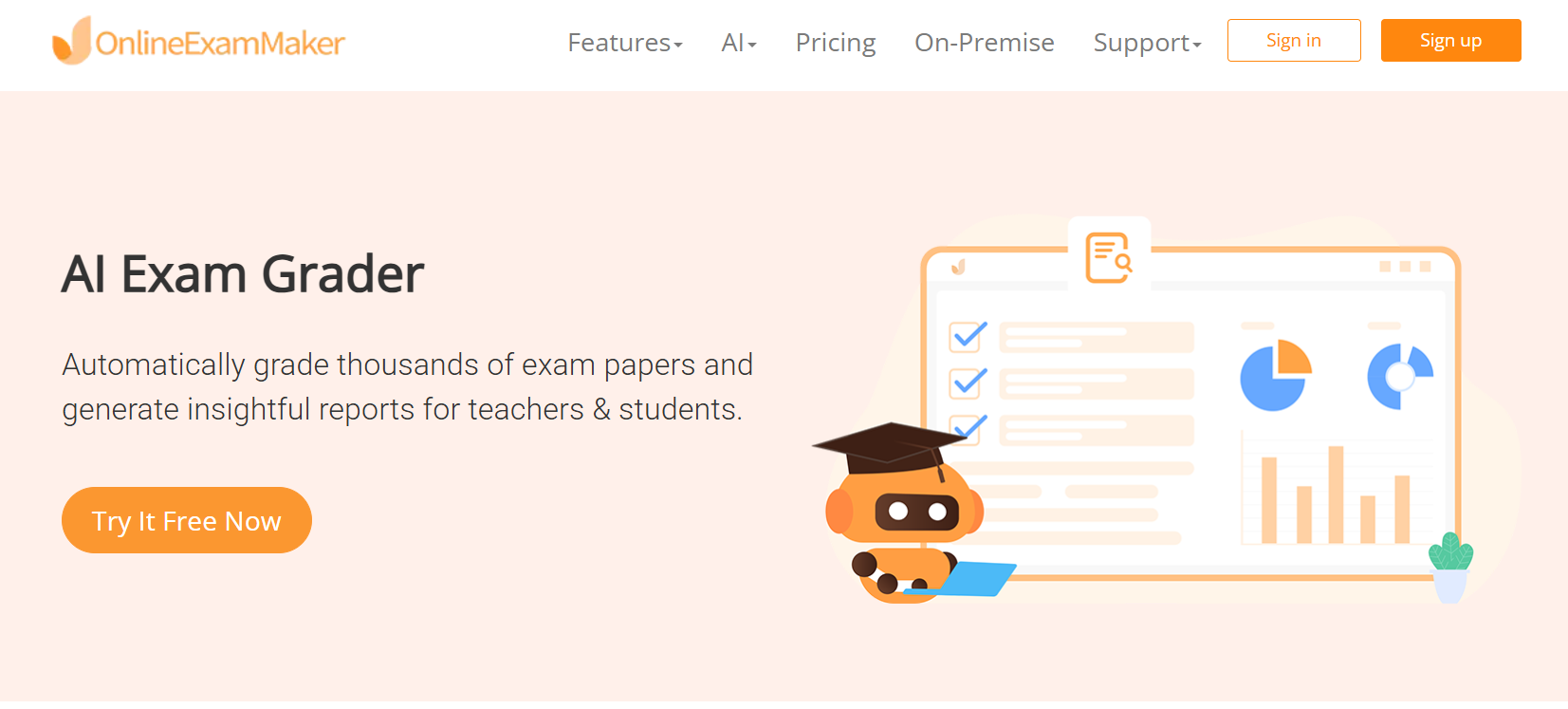
Results flow back automatically too. No spreadsheets, no chasing down completion forms — Automatic Grading scores every submission the moment it’s submitted and surfaces the data where managers can actually see it. Who passed, who didn’t, which questions tripped up the most people — it’s all there.
And for situations where the assessment actually matters legally — certifications, compliance sign-offs, high-stakes role qualifications — AI Webcam Proctoring ensures the person sitting the exam is who they say they are, whether they’re in a breakroom or working remotely from a field site.

Here’s how to put it to work in a safety training context:
- Upload your safety content. Drop in SOPs, toolbox talk transcripts, or course notes. The AI Question Generator will turn them into quiz-ready questions automatically.
- Create role-specific assessments. Build separate quizzes for different job roles — forklift operators, confined space workers, chemical handlers — so each person is tested on what’s actually relevant to their work.
- Deploy on mobile. Workers take assessments on their phones before starting a task or after a training session. No paper, no admin overhead.
- Review completion data. Automatic Grading gives managers real-time visibility into who passed, who needs a retest, and where knowledge gaps cluster across the team.
- Use results to improve chatbot content. If a large portion of workers are failing questions on chemical handling, that’s your signal to push targeted microlearning through your safety chatbot.
Create Your Next Quiz/Exam Using AI in OnlineExamMaker
Rolling It Out Without Chaos
Pick One Problem and Solve It First
The fastest way to kill momentum on a chatbot project is to try to solve everything at once. Pick one focused use case: ergonomic coaching in the warehouse, confined-space refresher training, or pre-task hazard checks for your maintenance crews. Run it as a pilot with defined success metrics — chatbot utilization rate, quiz completion, near-miss reporting volume, response time. Numbers on paper before you scale.
Choose Technology That Fits Your Reality
You have three paths: an out-of-the-box safety chatbot product, a general LLM platform you configure yourself using your safety content, or tools already embedded in your existing EHS software. There’s no universally right answer — it depends on your team’s technical capacity, your integration requirements, and your budget. Plan integrations early: LMS, incident management system, HR roles and permissions, and mobile devices for field workers.
Governance First, Launch Second
Before go-live, answer these questions in writing: Who owns the knowledge base and keeps it current? Who reviews chat logs monthly for accuracy and compliance issues? What happens when the bot gets something wrong? What’s the escalation path? How are escalations documented? Governance isn’t bureaucracy — it’s what keeps the chatbot from becoming a legal risk instead of a safety asset.
Teach People How to Use It
Workers won’t adopt a tool they don’t understand or trust. Run short, practical demo sessions. Show supervisors how to pull training records through a conversational query. Show workers how to report a near-miss in two minutes. Create a quick-reference card. Consider a sandbox environment where people can experiment before the live deployment. Adoption is a change management problem as much as a technology one.
The Metrics Worth Tracking
Measure both sides — what’s happening with learning, and what’s happening with safety outcomes.
On the learning side:
- Daily active users and average questions asked per session
- Micro-lesson and quiz completion rates
- Quiz score trends over time — are they moving up?
- Reduction in repeat failed assessments for high-risk roles
On the safety outcomes side:
- Near-miss reporting volume and time-to-report
- Incident frequency rate by role and by site
- PPE violation rates (if camera integration is in place)
- Percentage of corrective actions closed within target timeframe
One counterintuitive signal: if near-miss reports go up after deployment, that’s usually good news. It means workers are reporting more, not that conditions got worse. More data flowing in means better decisions flowing out.
The Honest Risks — and What to Do About Them
The chatbot gives wrong guidance. It will happen eventually. A procedure detail gets answered with confidence but incorrectly. Mitigation: human audits of chat logs on a regular cadence, strict content curation with version control, and a clear rule that when confidence is low, the bot defers to a human rather than guessing.
Sensitive data gets exposed. Incident reports contain details about injuries, near-misses, and sometimes personal health information. Mitigation: role-based access controls, anonymization of sensitive data where possible, and consent policies that workers actually read and understand — not buried in a 40-page terms document.
Workers stop thinking for themselves. Over-reliance is real. If workers start treating the chatbot as the final authority on every safety decision, that’s a problem. Reinforce consistently — in training, in supervisor conversations, and in how you frame the tool from day one — that the chatbot is a companion, not a replacement for judgment. Stop-work authority belongs to humans. Always.
Where This Is All Heading
What’s available today is already genuinely useful. What’s coming is harder to ignore. Computer vision systems that detect unsafe behaviors in real time and trigger immediate coaching content. Predictive nudges that identify workers at statistically elevated risk on a given day — based on fatigue signals, unusual task loads, or recent near-miss patterns — and proactively prompt safety checks before anything goes wrong. Voice interfaces on wearables so a worker can ask a safety question hands-free, mid-task, without breaking their workflow.
The bigger shift is philosophical. Safety training has always been treated as an event — something you schedule, deliver, and document. The trajectory of AI tools points toward something different: safety as a continuous, context-aware layer woven into the texture of daily work. Not a course you take. A system that’s always paying attention.
Organizations that start building toward that model now — with thoughtful chatbot deployments, solid assessment infrastructure, and a genuine commitment to learning culture — are the ones who will look back in five years and wonder why it took everyone else so long to catch up.
The technology is ready. The harder question is whether the culture is.