Assessment is one of the most time-consuming parts of teaching. Writing quiz questions from scratch, grading stack after stack of papers, typing the same feedback comment for the fifteenth time — it adds up fast. In fact, teachers spend an average of 10+ hours per week on non-instructional tasks, with grading and assessment prep sitting at the top of the list.
The good news? AI tools have gotten genuinely useful. Not in a “let the robot take over” way, but in a “let technology handle the repetitive parts so you can actually teach” way. Below are 9 AI classroom assessment tools worth your attention — covering everything from quiz creation to handwriting recognition to real-time feedback.
- What AI Classroom Assessment Tools Actually Do
- The 9 Best AI Classroom Assessment Tools
- Best Tool by Use Case (Quick Reference Table)
- What to Look for Before Choosing a Tool
- Final Thoughts
What AI Classroom Assessment Tools Actually Do
Before diving into the list, it helps to know what these tools are actually built for. Most AI assessment tools fall into a few core categories:
- Quiz and question generation — AI turns a topic, document, or learning standard into ready-to-use questions in seconds.
- Auto-grading — Multiple choice and short-answer responses are scored instantly, with rubric-based tools handling even structured written work.
- Handwriting recognition — Some tools can scan handwritten student work and process it digitally.
- Instant feedback — Students get personalized responses right after submitting, rather than waiting days.
The best tools in this space don’t try to replace teacher judgment — they reduce the grind. Especially for subjective or creative work, a human still needs to make the final call. But for routine assessment tasks? AI is a genuine time-saver.
The 9 Best AI Classroom Assessment Tools
1. OnlineExamMaker
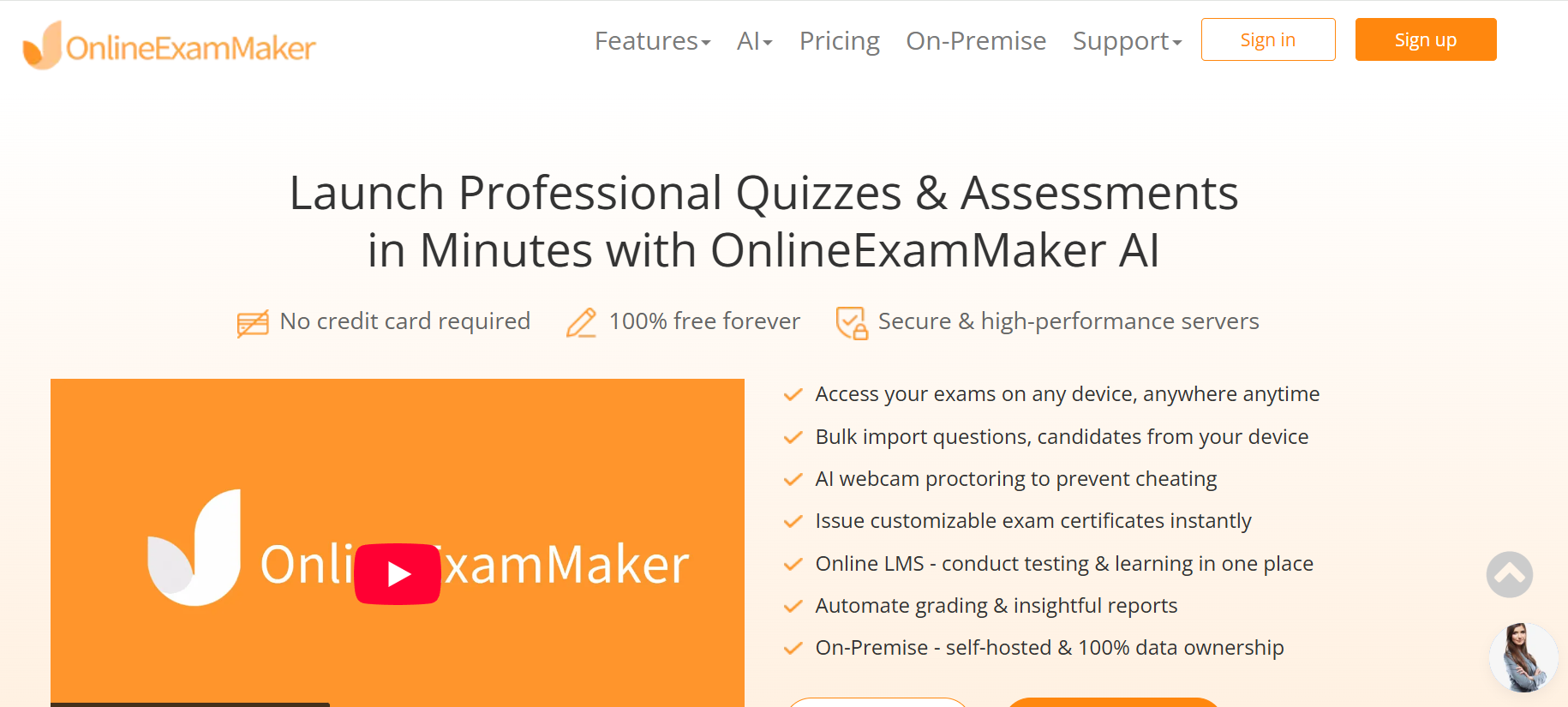
If you’re looking for an all-in-one assessment platform built specifically for teachers, trainers, and HR managers, OnlineExamMaker is worth serious attention. It combines quiz creation, auto-grading, and exam security under one roof — and its AI features make building assessments dramatically faster.
The standout feature is the AI Question Generator. Paste in a topic, a learning objective, or even a block of text — and it generates a full set of questions (multiple choice, true/false, fill-in-the-blank) in moments. No more staring at a blank question bank at 9 PM.
Once the assessment runs, Automatic Grading takes care of scoring instantly. Results and performance breakdowns are available as soon as students submit. And for high-stakes tests where integrity matters, AI Webcam Proctoring monitors sessions in real time — no third-party software required.
OnlineExamMaker is available as a cloud-based SaaS (free forever) or as an on-premise solution for organizations that need full data ownership. For teachers managing regular classroom assessments, the free tier is genuinely functional.
Create Your Next Quiz/Exam Using AI in OnlineExamMaker
Best for: Teachers, corporate trainers, and HR managers who need a complete assessment workflow — from question creation to grading to anti-cheating — in one platform.
Best use case: Regular classroom quizzes, certification exams, employee assessments, and formative checks.
2. Gradescope
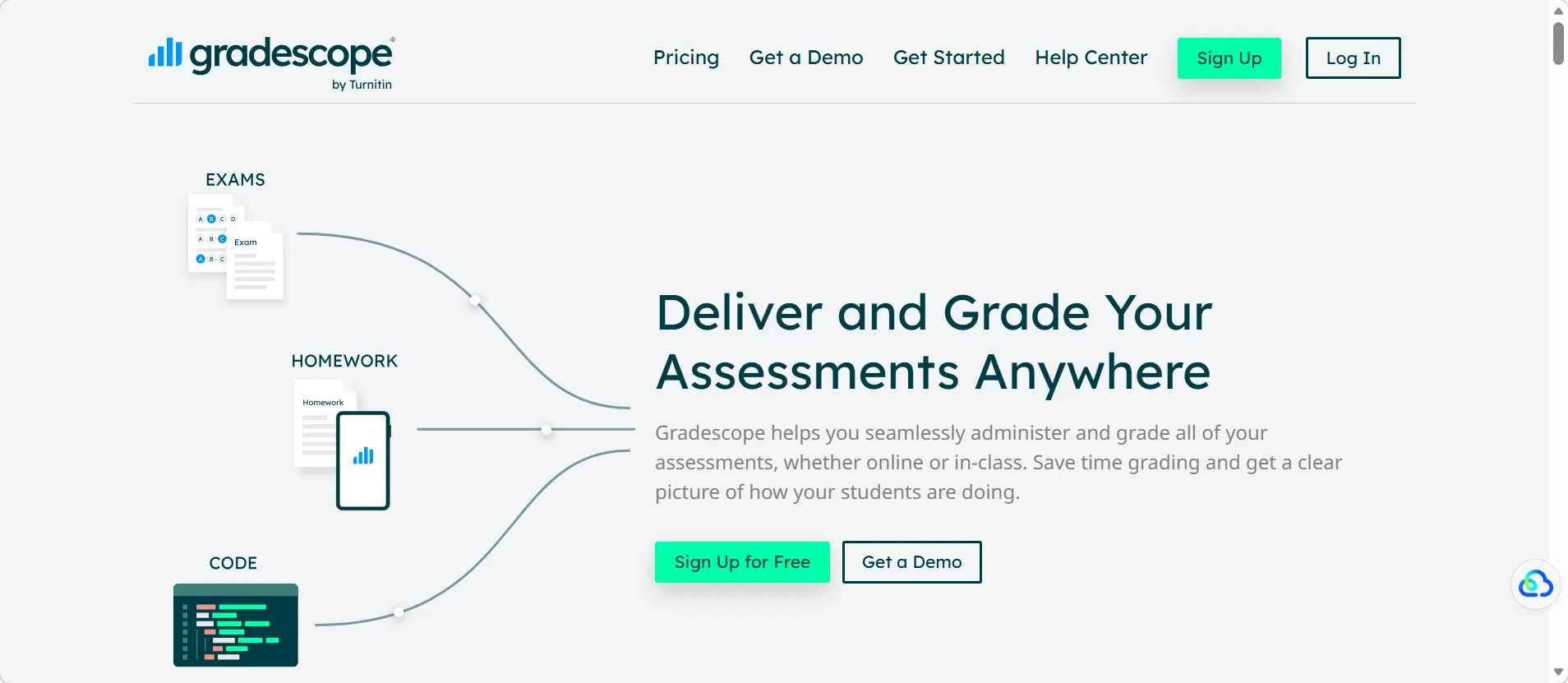
Gradescope is the go-to tool for rubric-based grading, particularly in STEM subjects and large university classes. Its AI-assisted grading groups similar student responses together, so you apply a score once and it propagates to all matching answers. Reviewing handwritten work? Gradescope handles scanned uploads cleanly.
Best for: Exams, structured written assignments, and large classes where consistency across hundreds of papers matters most.
3. Quizizz AI
Quizizz has evolved from a simple game-based quiz tool into a full AI-powered assessment platform. Feed it a topic, a set of standards, or your own notes — and it generates multiple question types instantly. Real-time performance dashboards let you see which students are struggling mid-lesson, not just after the fact.
Best for: Formative checks, homework assignments, and review sessions that benefit from a bit of energy and competition.
4. MagicSchool
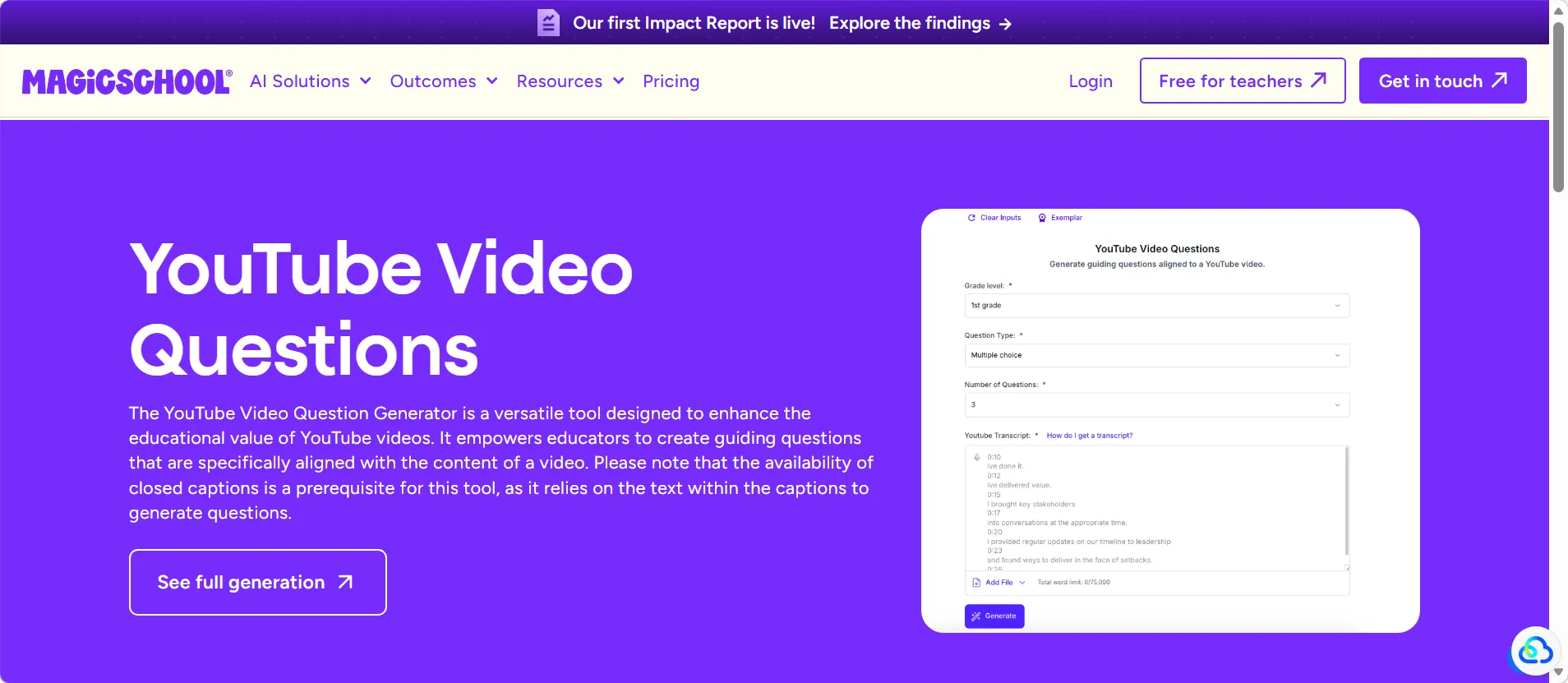
MagicSchool bundles everything a teacher touches in a day — lesson plans, exit tickets, rubrics, differentiated materials, and feedback — into one AI workspace. Its assessment tools are particularly fast for generating formative check-ins and writing feedback drafts that teachers can personalize before sending.
Best for: Daily classroom assessment, quick feedback loops, and teachers who want one tool that handles the whole instructional cycle.
5. ScribeSense
ScribeSense is built for one specific and genuinely painful problem: grading handwritten, paper-based assessments at scale. Scan the papers, upload them, and ScribeSense’s handwriting recognition processes and scores the responses. For schools that aren’t ready to go fully digital, this is a practical bridge.
Best for: Schools relying on paper tests and teachers who want digital grading without requiring students to change their workflow.
6. QuestionWell
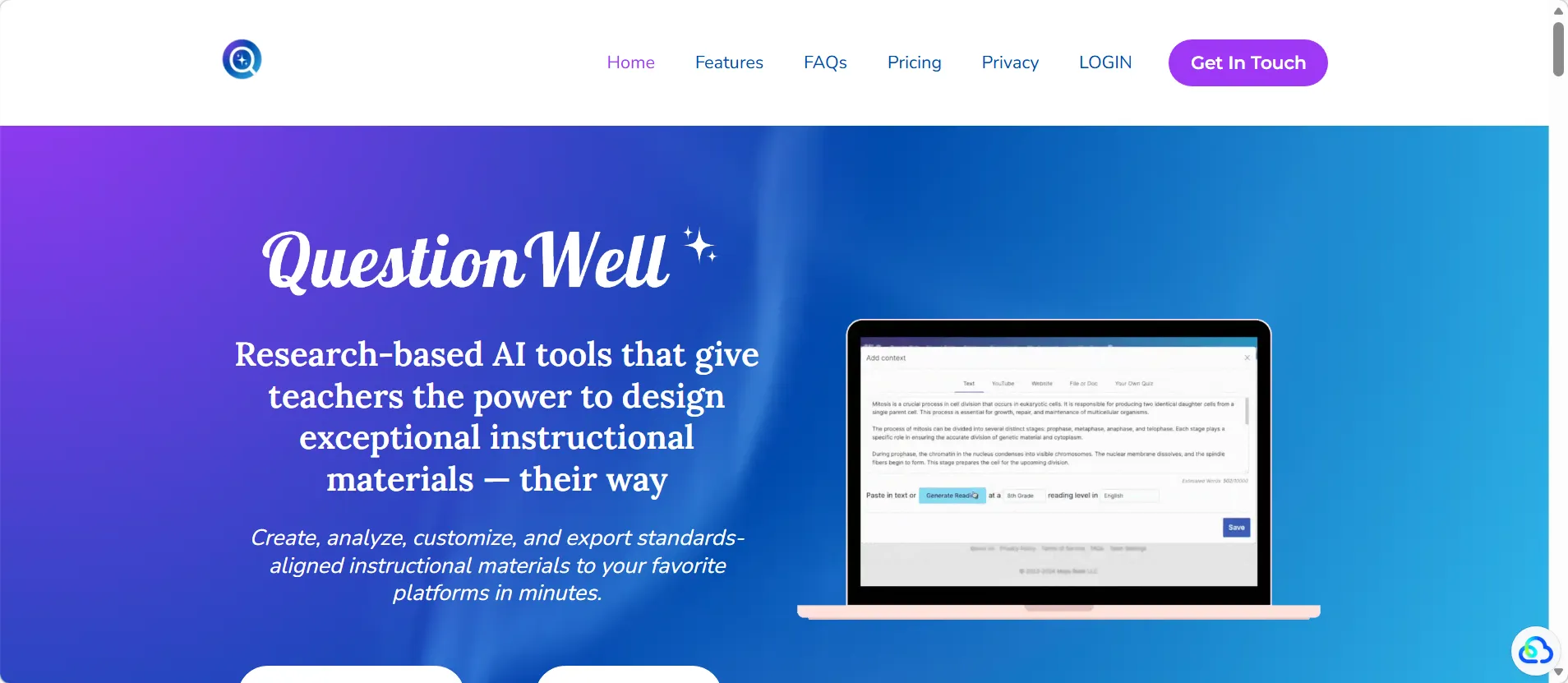
QuestionWell specializes in generating standards-aligned questions from any source material — a textbook passage, a video transcript, a learning objective. It’s fast, focused, and great for differentiation. Teachers can generate multiple versions of the same assessment at different reading levels with minimal extra effort.
Best for: Quiz building, differentiated instruction, and quickly turning content into aligned practice materials.
7. ClassPoint AI
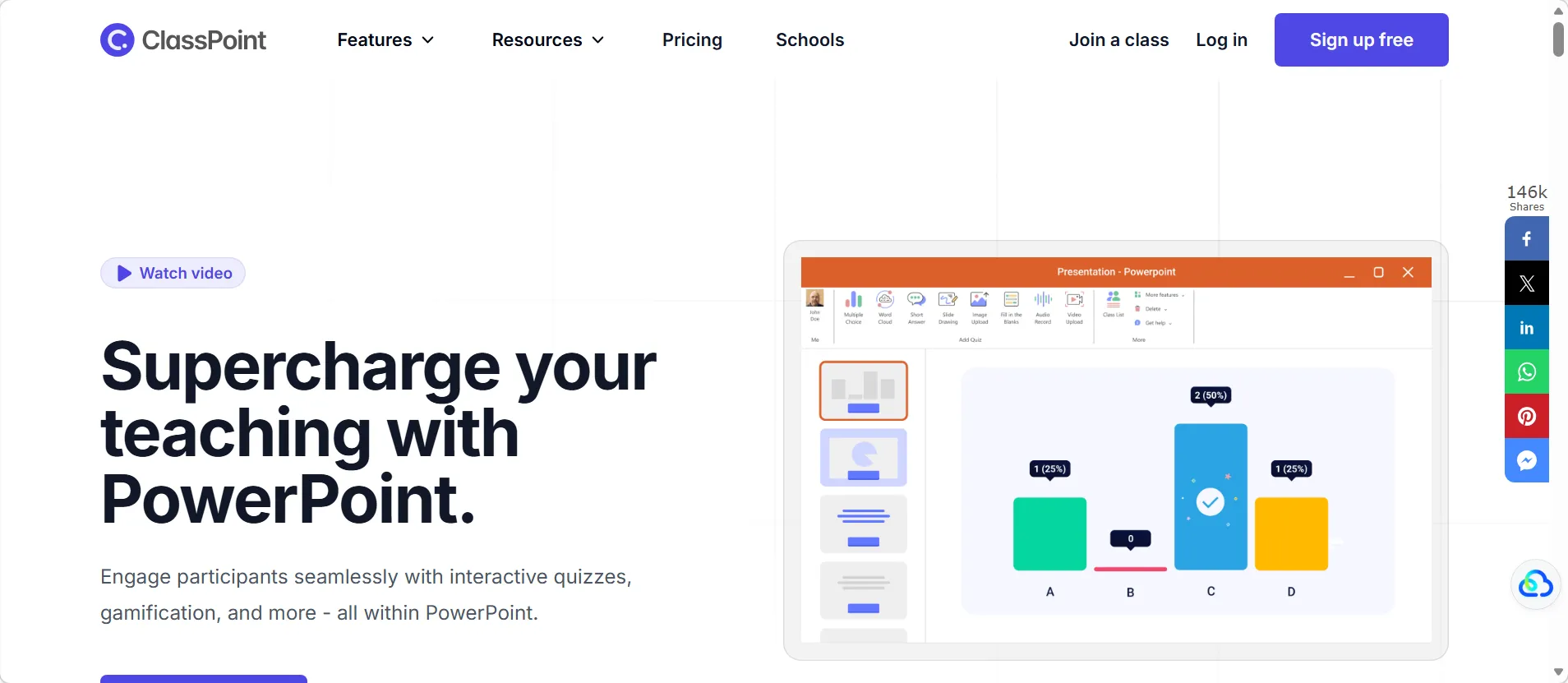
ClassPoint AI lives inside PowerPoint. During a presentation, it can convert slide content into live quizzes on the spot — supporting multiple question formats and even mapping questions to Bloom’s Taxonomy levels. Students respond on their devices in real time while teachers present.
Best for: Live classroom checks for understanding, teachers who build lessons in PowerPoint, and quick formative assessment during instruction.
8. Eduaide.ai
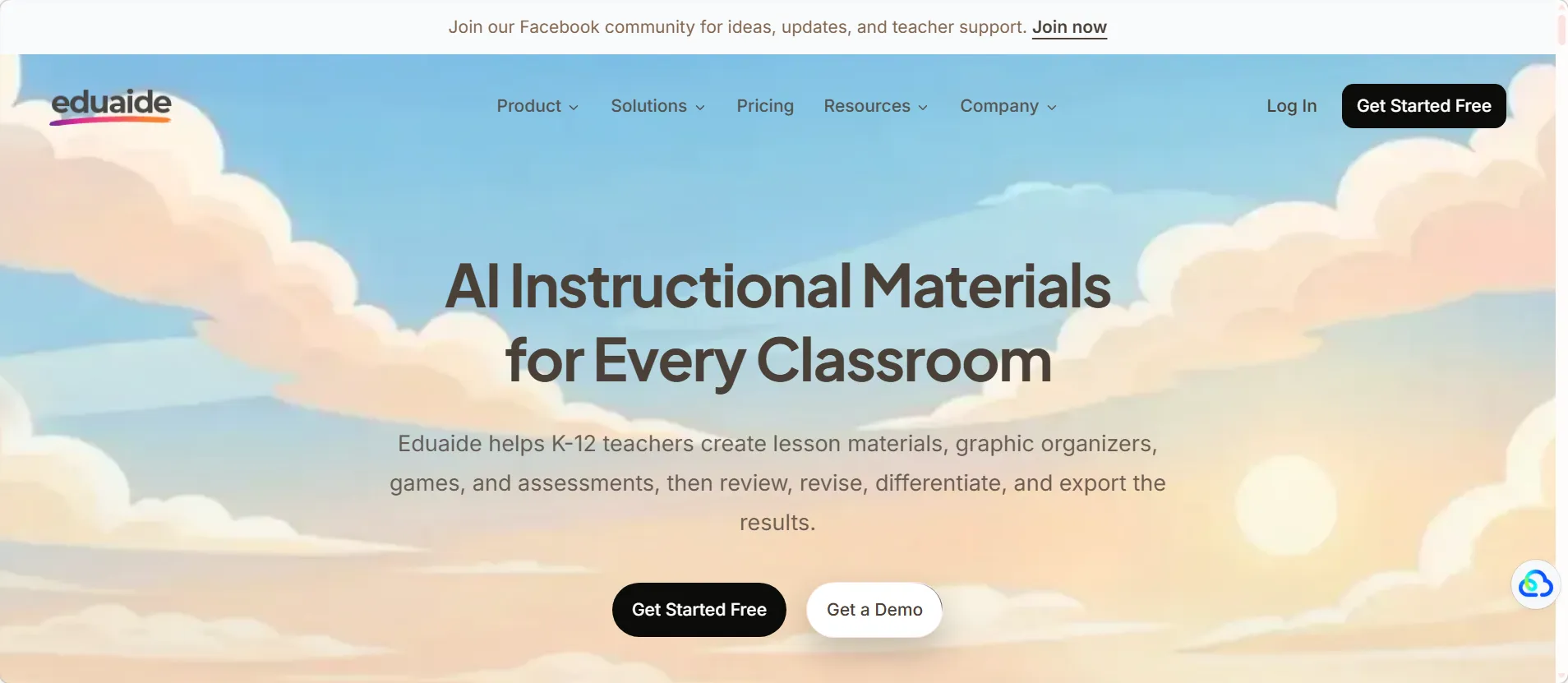
Eduaide.ai positions itself as a full AI teaching assistant, combining lesson planning, resource creation, and assessment in one platform. It’s a good fit for teachers who want to minimize the number of tools they juggle — build the lesson and the quiz in the same workspace, with AI supporting both.
Best for: Teachers who want one unified platform for planning and assessment, with enough flexibility to handle different subject areas.
9. Google Gemini for Education
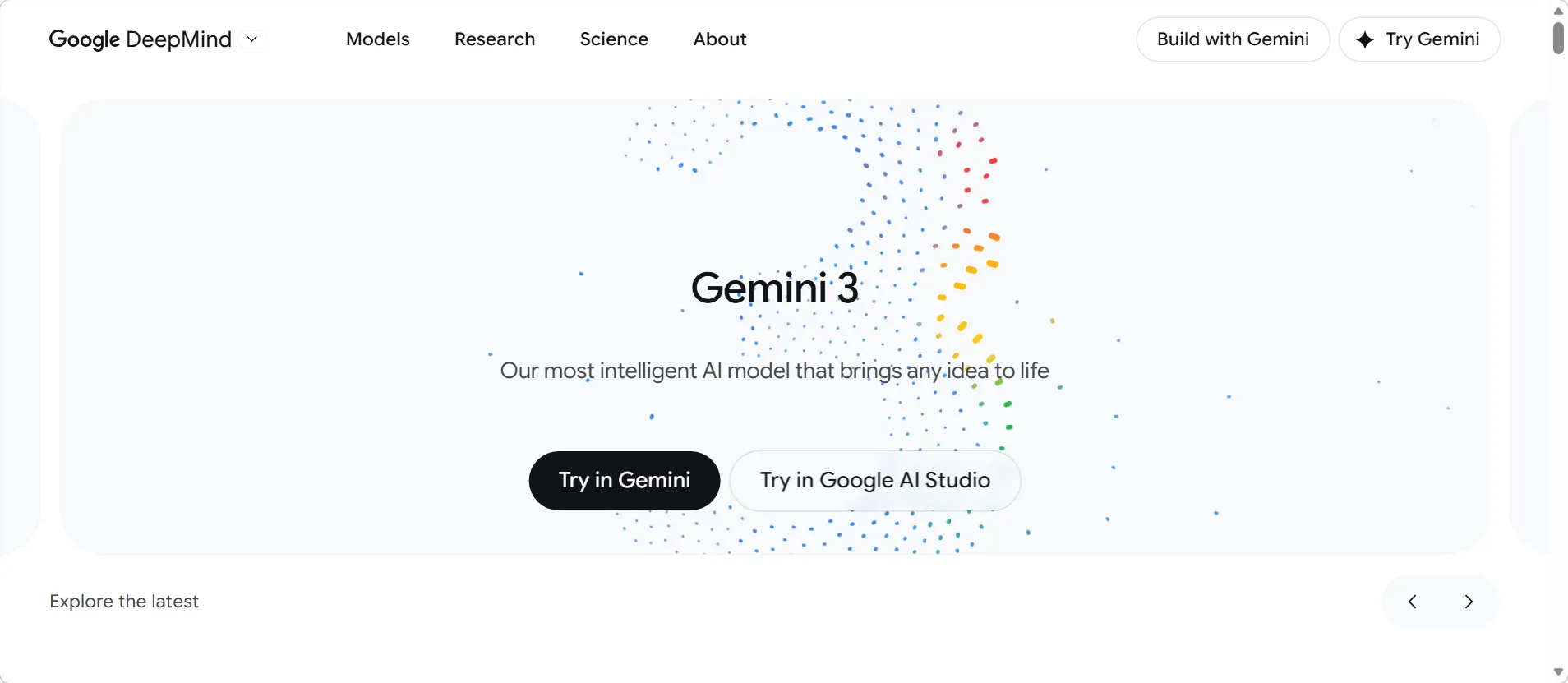
For schools already running on Google Workspace, Gemini for Education is the natural fit. It integrates directly with Docs, Slides, Forms, and Classroom — so assessment creation, distribution, and collection all stay inside the ecosystem teachers already know. Education-specific privacy protections are built in.
Best for: Google Workspace schools that want AI-powered assessment creation without adding another platform to manage.
Best Tool by Use Case (Quick Reference Table)
| Use Case | Recommended Tools |
|---|---|
| Full assessment workflow (create, grade, proctor) | OnlineExamMaker |
| Fast quiz creation from topics or notes | Quizizz AI, QuestionWell, ClassPoint AI |
| Faster grading & rubric scoring | Gradescope, ScribeSense |
| Feedback & daily formative assessment | MagicSchool, OnlineExamMaker |
| Lesson planning + assessment in one place | Eduaide.ai, MagicSchool |
| Google Workspace integration | Google Gemini for Education |
| Handwritten or paper-based assessments | Gradescope, ScribeSense |
What to Look for Before Choosing a Tool
Not every AI assessment tool is right for every classroom. Here are the key questions worth asking before committing:
- Does it fit how your students work? Digital-first tools like OnlineExamMaker and Quizizz AI are excellent for device-ready classrooms. ScribeSense and Gradescope work better when paper is still in the picture.
- How much human review does it need? AI grading handles objective questions well, but short answers and essays still benefit from a teacher’s eye. Know where each tool draws its line.
- Does it connect to your LMS? Check for integrations with Google Classroom, Canvas, Moodle, or whatever system your school already uses. Fewer logins, less friction.
- Is it district-approved? Student data privacy isn’t optional. Verify FERPA compliance and check whether your district has approved the platform before rolling it out.
- What’s the setup time? Some tools take five minutes to get started; others require admin configuration. Be realistic about how much time you have to onboard.
You can also explore more guidance on how to create an effective online exam and how to prevent cheating in online assessments — both practical reads for anyone setting up digital assessment for the first time.
Final Thoughts
The goal isn’t to automate teaching. It’s to stop letting repetitive work eat the hours that should go toward students. Writing the same quiz from scratch for the third unit in a row, grading 30 identical short answers one by one, waiting until the weekend to return feedback — none of that makes teachers better at their jobs. It just makes them more tired.
AI assessment tools, used well, give that time back. Start with the biggest bottleneck in your workflow. If quiz creation is where you lose the most time, try OnlineExamMaker‘s AI Question Generator or Quizizz AI. If grading is the problem, look at Gradescope or OnlineExamMaker’s automatic grading. If you want everything in one place without juggling five different platforms — OnlineExamMaker is built exactly for that.
Pick one tool. Run it for a month. See what changes.