Quiz creation is one of those tasks that sounds simple until you’re staring at a blank document at 10 PM with a unit test due tomorrow morning. Multiply that by 30 students, five topics, and three different reading levels — and suddenly “making a quiz” becomes a half-day project.
That’s exactly where AI quiz maker tools come in. These platforms don’t just save time — they genuinely change how teachers plan and deliver assessments. Whether you’re pulling questions from a YouTube video, a textbook chapter, or a typed topic, the right tool can have a polished, ready-to-use quiz in your hands within seconds.
This guide covers seven AI quiz makers worth knowing, starting with the one that offers the most complete feature set for serious educators.
- What Makes a Good AI Quiz Maker?
- 1. OnlineExamMaker
- 2. MagicSchool AI
- 3. QuestionWell
- 4. Quizizz AI
- 5. Edcafe AI
- 6. Brisk Teaching
- 7. Formative
- Quick Comparison Table
- How Teachers Can Put These Tools to Work
- Final Thoughts
What Makes a Good AI Quiz Maker?
Before jumping in, it helps to know what separates a truly useful tool from one that just looks impressive in a product demo. Here’s what actually matters in a classroom setting:
- Flexible input sources — Can it generate questions from a topic, pasted text, uploaded document, webpage, or video link?
- Editable questions — AI-generated questions aren’t always perfect. The ability to tweak wording, swap answers, or adjust difficulty is non-negotiable.
- Export and integration options — Does it play nicely with Google Forms, your LMS, or platforms like Kahoot and Quizlet?
- Classroom-focused features — Think analytics, differentiation settings, real-time feedback, and anti-cheating tools.
With those benchmarks in mind, here are seven tools that actually deliver.
1. OnlineExamMaker
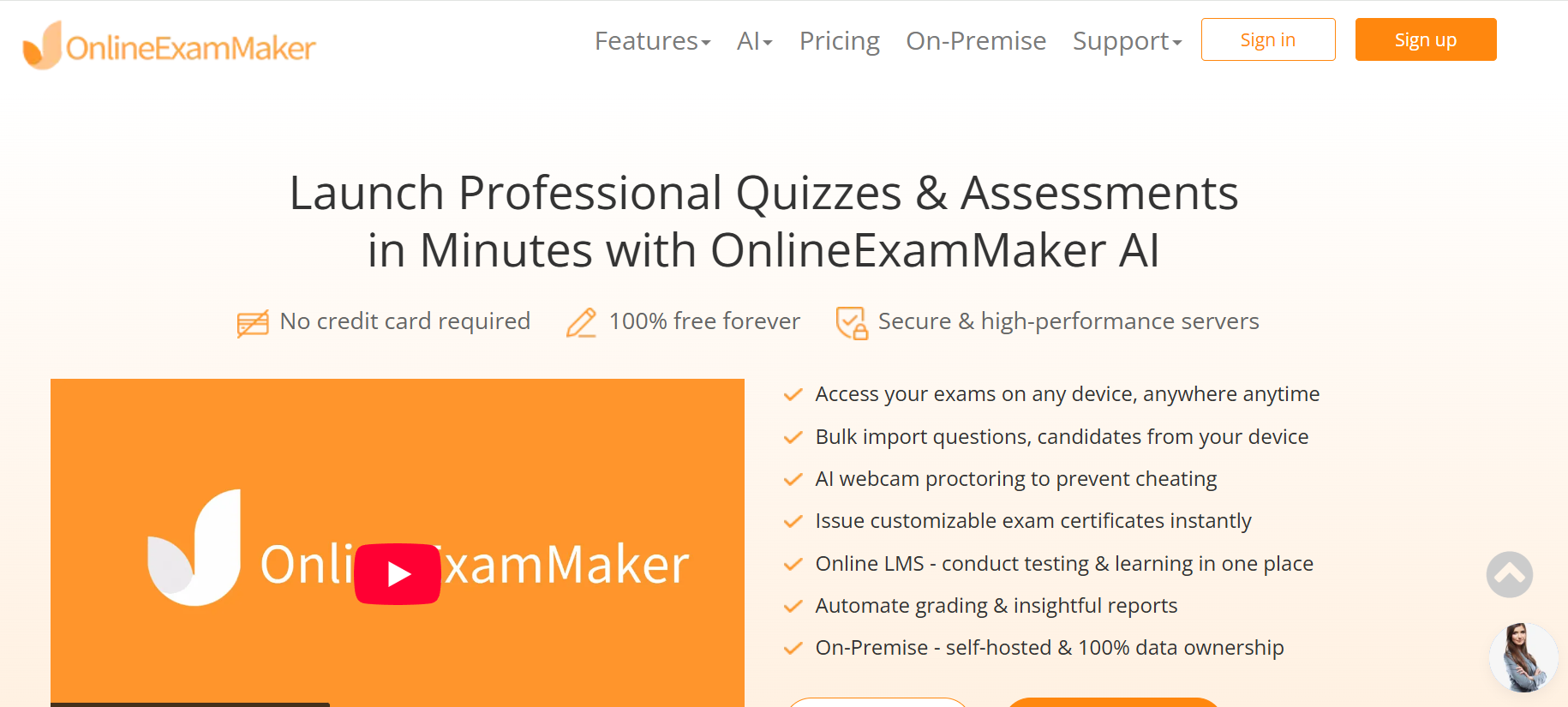
Best for: Complete quiz and exam management with AI-powered generation and proctoring
If there’s one platform built from the ground up for serious assessment, it’s OnlineExamMaker. It goes well beyond basic quiz generation — this is a full-featured exam platform that handles everything from question creation to grading to monitoring.
The AI Question Generator is where things get genuinely impressive. Paste in a topic, upload a document, or drop in a URL — and the system produces a ready-to-use question set in seconds. You can choose question types (multiple choice, true/false, fill-in-the-blank, short answer), set difficulty levels, and edit anything before publishing. Teachers working across multiple subjects or grade levels will appreciate how fast this scales.
Once the quiz is out the door, Automatic Grading handles the scoring without any manual input. Results are instant, organized, and ready to share — a real lifesaver when you’re running frequent formative checks or high-stakes end-of-unit assessments.
For high-stakes tests, AI Webcam Proctoring monitors test-takers in real time, flagging suspicious behavior automatically. This is especially valuable for remote learning environments or classes where academic integrity is a concern.
OnlineExamMaker also supports a wide range of export options and works across devices, making it a practical fit for schools already using Google Workspace or LMS platforms. There’s a free SAAS plan and a downloadable on-premise version for institutions that need full data ownership.
Create Your Next Quiz/Exam Using AI in OnlineExamMaker
2. MagicSchool AI
Best for: Video-based lessons and comprehension checks
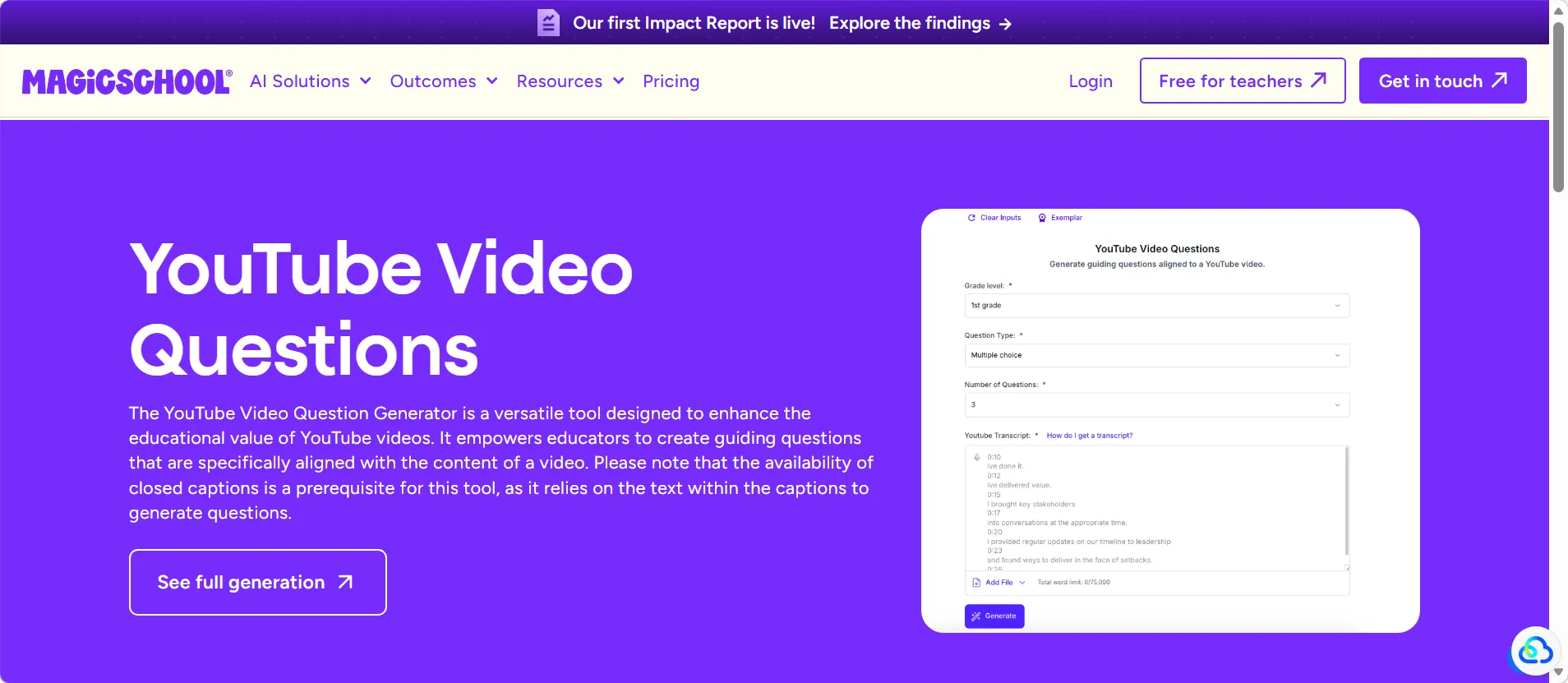
Teachers who rely heavily on YouTube for classroom content will find MagicSchool AI surprisingly useful. Its YouTube Video Question Generator takes a video URL and instantly produces comprehension questions — no transcription needed, no copy-pasting required.
You can specify grade level, question count, and question format, which makes it a solid tool for differentiated instruction. Paste in a documentary clip, a science explainer, or a historical speech and have discussion questions or a short quiz ready before the video finishes playing.
It’s part of a broader classroom AI toolkit, making it a natural fit for teachers who want an assistant that handles more than just quizzes.
3. QuestionWell
Best for: Standards-aligned, highly exportable question sets
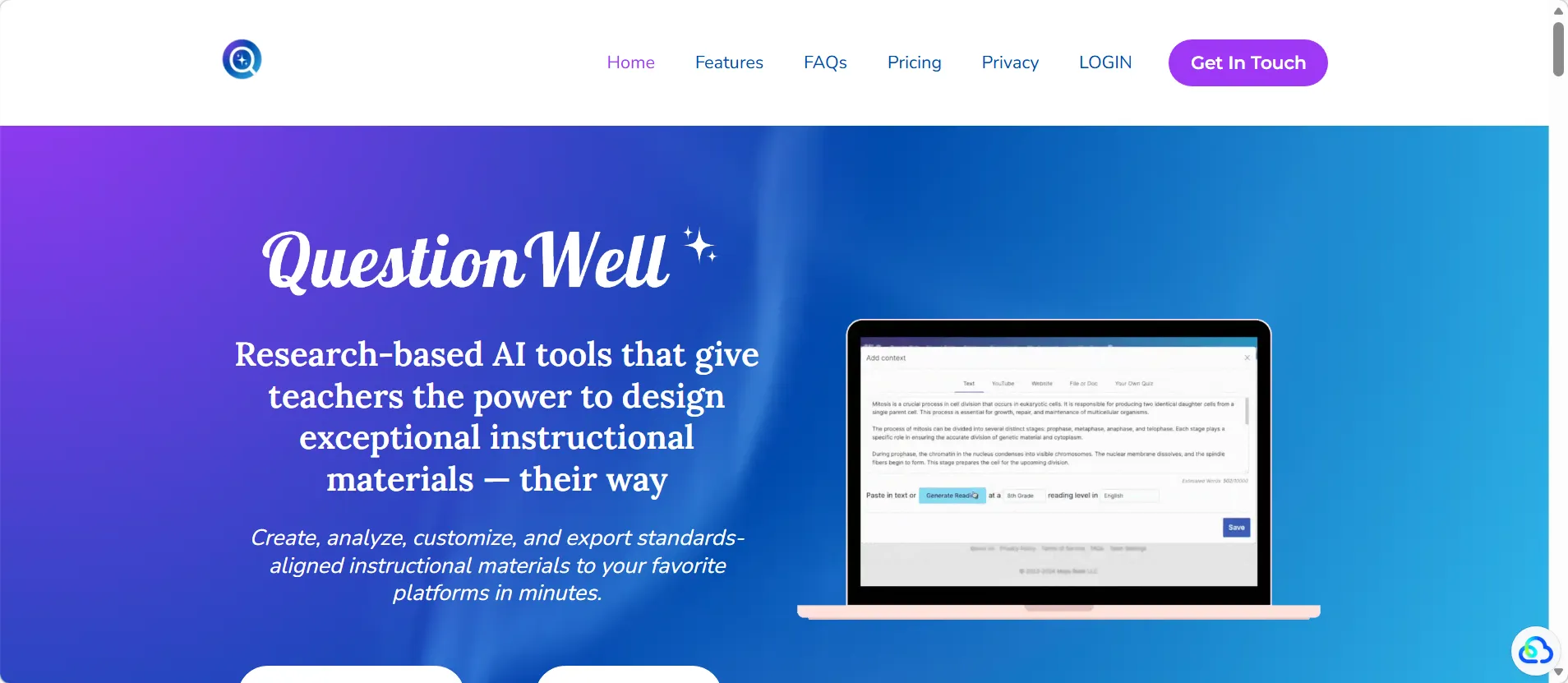
QuestionWell focuses on creating question banks that are actually usable across multiple platforms. Generate questions from text, topics, or YouTube videos, then export directly to Kahoot, Quizlet, Quizizz, Google Forms, or Microsoft tools.
For teachers who juggle multiple delivery platforms — live games one day, homework review the next — QuestionWell’s flexibility is a genuine advantage. The questions are editable, and the output is clean enough to use without heavy revision. It’s a strong middle-ground tool for educators who want quick results without sacrificing quality.
4. Quizizz AI
Best for: Gamified classroom play and mastery tracking
There’s something about a leaderboard that makes even a grammar quiz feel competitive. Quizizz AI has built its reputation on making assessment feel less like a test and more like a game — and the AI layer makes it faster to build quizzes worth playing.
Enter a topic or paste text, and Quizizz generates multiple-choice, open-ended, true/false, fill-in-the-blank, and higher-order questions. The analytics dashboard gives teachers a clear view of which students are mastering material and where the class is struggling — which turns every quiz into actionable data rather than just a grade.
It’s particularly well-suited for live classroom play, homework practice, and pre/post assessments.
5. Edcafe AI
Best for: Mixed-media content (documents, webpages, videos, topics)
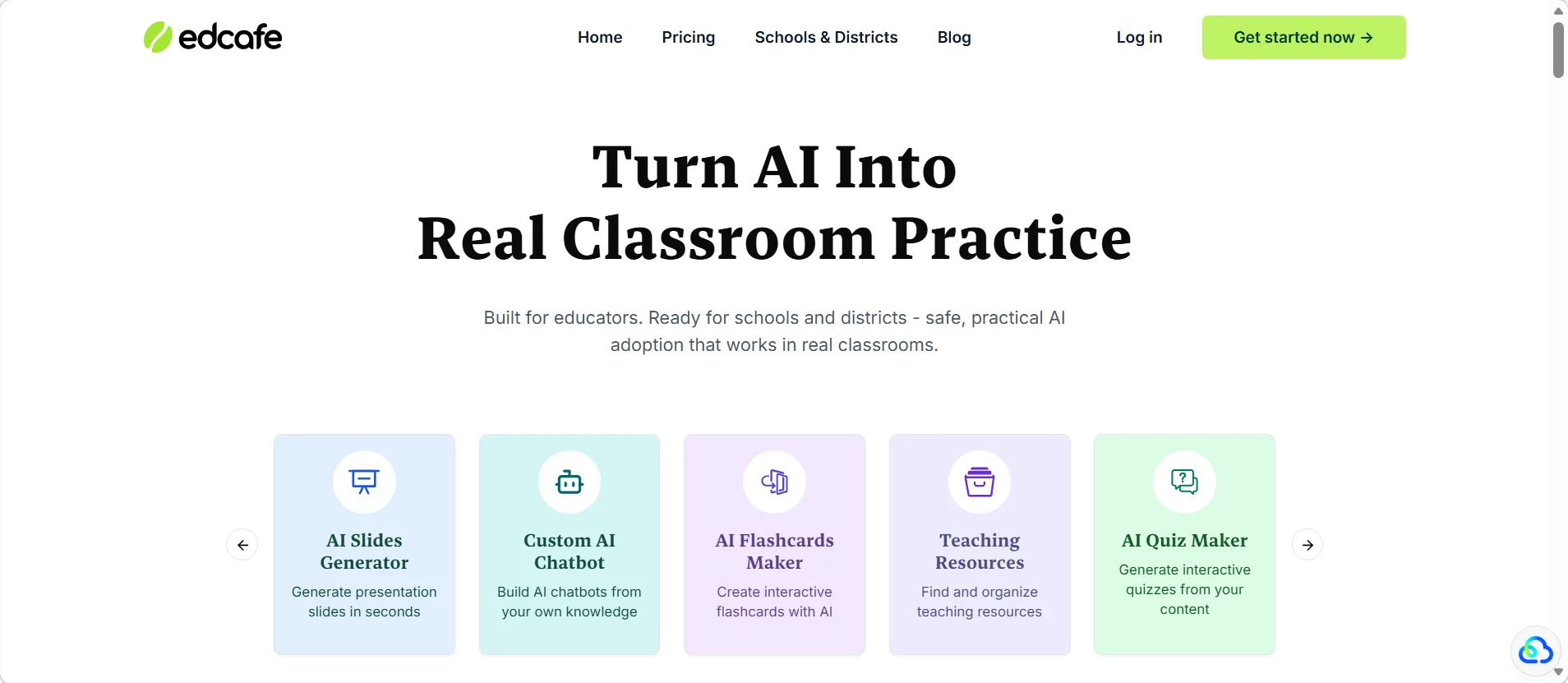
Edcafe AI accepts the widest variety of inputs among the tools in this list. Topic, document, webpage, YouTube video — feed it almost anything and it generates a quiz. That flexibility makes it especially useful for teachers who build lessons from a mix of sources rather than a single textbook.
The question editing workflow is smooth, and the platform is designed with classroom practicality in mind. If your lessons regularly pull from multiple places — a research article here, a video there — Edcafe is worth keeping in your toolkit.
6. Brisk Teaching
Best for: Google Workspace users who want fast, embedded quiz creation
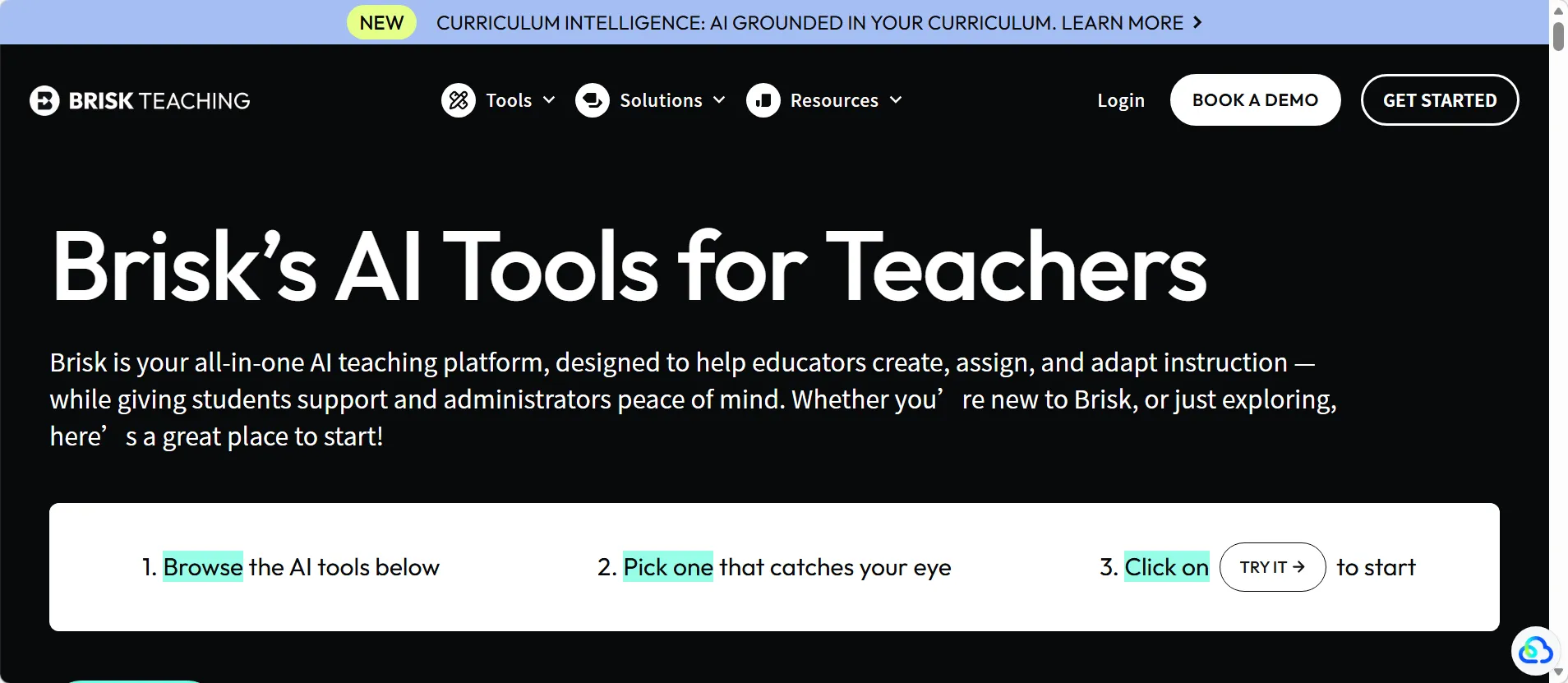
Teachers who live in Google Docs and Google Forms will appreciate how naturally Brisk Teaching fits into that workflow. It functions as an AI layer on top of tools teachers already use, generating quizzes directly within Google Docs and exporting them to Google Forms with embedded answer keys.
There’s very little friction here. Open your lesson doc, activate Brisk, generate questions, done. It won’t replace a full-featured exam platform, but for fast classroom-ready assessments within Google Workspace, it’s one of the most convenient options available.
7. Formative
Best for: Real-time feedback and live progress monitoring
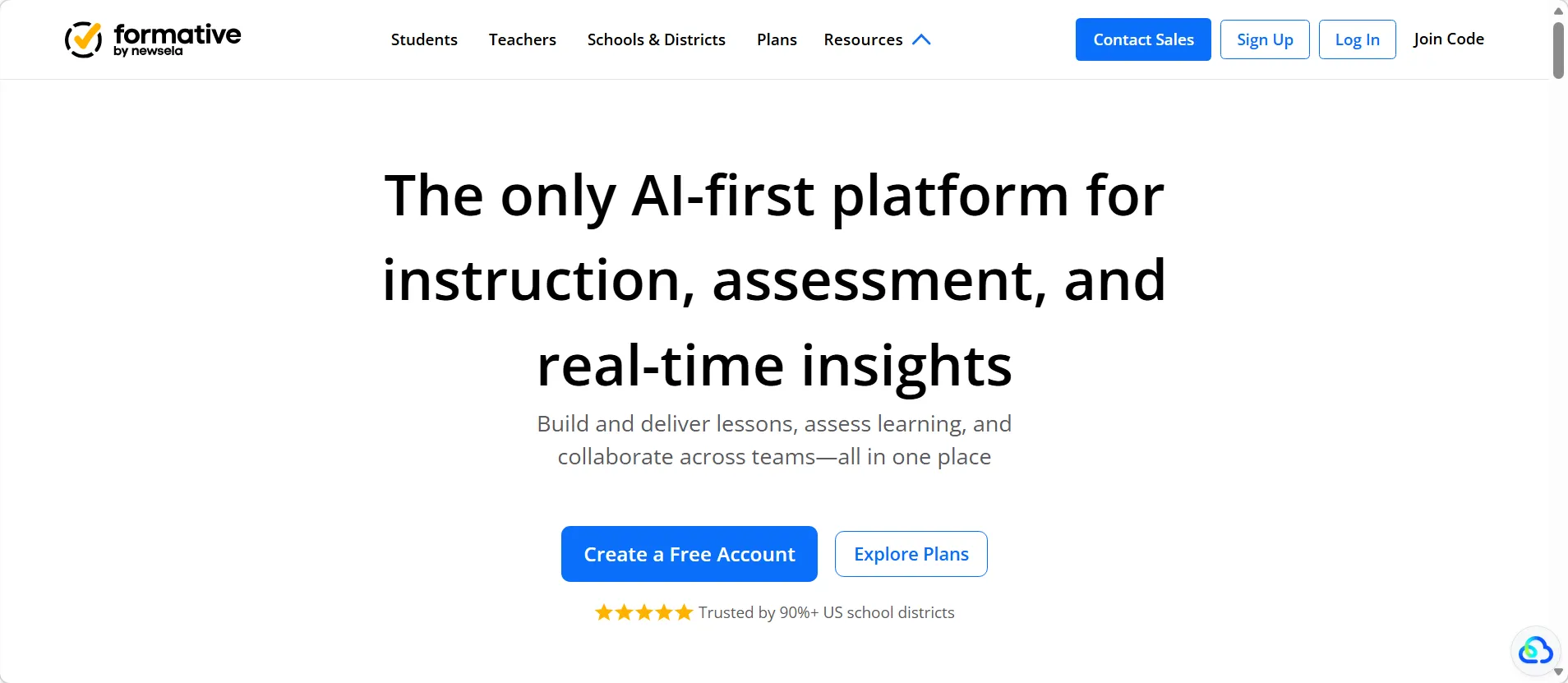
Formative takes a slightly different angle from the other tools here. Rather than focusing purely on quiz generation, it emphasizes what happens during the assessment — specifically, how teachers can see and respond to student answers in real time.
As students work through questions, teachers see live responses on their dashboard. That means a struggling student can be spotted mid-quiz rather than after grading is done. For exit tickets, warm-up checks, and in-class formative assessments, it’s a uniquely interactive option.
Quick Comparison Table
| Tool | Best For | Input Sources | Standout Feature |
|---|---|---|---|
| OnlineExamMaker | Complete exam management | Topic, document, URL | AI proctoring + auto grading |
| MagicSchool AI | Video-based comprehension | YouTube URL | Grade-level question targeting |
| QuestionWell | Standards-aligned quizzes | Text, YouTube | Multi-platform export |
| Quizizz AI | Gamified classroom play | Topic, text | Live leaderboards + analytics |
| Edcafe AI | Mixed-media lessons | Topic, doc, URL, video | Widest input variety |
| Brisk Teaching | Google Workspace users | Google Docs | Embedded answer keys in Forms |
| Formative | Live formative feedback | Various | Real-time student response view |
How Teachers Can Put These Tools to Work
Having the tools is one thing. Knowing when and how to deploy them is where the real time savings happen. Here are a few practical use cases worth building into your regular workflow:
- Turn textbook passages into review quizzes. Paste a chapter section into OnlineExamMaker’s AI Question Generator or QuestionWell and have a 10-question review ready in under a minute.
- Convert YouTube lessons into comprehension checks. Drop a video URL into MagicSchool AI or Edcafe AI and generate questions that test whether students actually watched and understood the content.
- Build exit tickets in minutes. A three-question exit ticket from Quizizz or Formative takes less time to set up than writing it by hand — and the data is already collected and organized when class ends.
- Differentiate practice by level. Tools like OnlineExamMaker let you adjust difficulty settings so advanced students get stretch questions while others get appropriately leveled practice on the same material.
- Run integrity-protected assessments remotely. For graded tests outside the classroom, OnlineExamMaker’s AI Webcam Proctoring gives teachers visibility without requiring a physical proctor.
The key is matching the right tool to the right moment. Not every task needs a full exam platform — sometimes a quick gamified check in Quizizz is exactly right. But when the stakes are higher or the workflow more complex, a platform like OnlineExamMaker earns its place.
Final Thoughts
The best AI quiz maker isn’t necessarily the flashiest one — it’s the one that fits naturally into how you already teach. If your lessons live in Google Docs, Brisk Teaching is a natural fit. If you’re a video-heavy educator, MagicSchool AI or Edcafe will save you the most time. If you need something that handles the full lifecycle of assessment — from creation to grading to monitoring — OnlineExamMaker is the most complete option in this list.
A practical starting point: pick one tool for video lessons, one for daily quick checks, and one for formal assessments. That three-tool stack covers most of what teachers actually need, without overcomplicating the workflow.
Quiz creation doesn’t have to eat your evenings anymore. The tools are there — now it’s just a matter of putting them to work.