Kahoot has become one of the most popular student-response tools in classrooms worldwide, and for good reason. But here’s the honest truth — just turning on Kahoot doesn’t automatically make learning happen. How you use it matters just as much as the fact that you’re using it at all.
Whether you’re a K–12 teacher, a corporate trainer, or an HR manager running onboarding sessions, this guide walks you through the real best practices that turn Kahoot from a fun distraction into a genuine teaching tool.
- Why Use Kahoot in Teaching?
- Aligning Kahoot with Learning Goals
- Planning Classroom Routines and Expectations
- Designing High-Quality Kahoot Questions
- Using Kahoot for Formative Assessment and Feedback
- Facilitating Rich Discussion During and After Games
- Kahoot vs. Traditional Quizzes: A Quick Comparison
- OnlineExamMaker: A Smarter Way to Build Quizzes with AI
- Frequently Asked Questions

Why Use Kahoot in Teaching?
Before we dive into the how, let’s quickly revisit the why. Kahoot is a game-based student-response system that lets educators create quizzes, polls, and discussions in a competitive, timed format. Players join via their devices — no app required — and answer questions in real time while points rack up on a shared leaderboard.
The key benefits include:
- Instant engagement — the countdown timer and leaderboard create healthy competition
- Immediate feedback — students know right away if they got it right or wrong
- Accessibility — works on any device with a browser, no expensive hardware needed
- Versatility — useful for review, pre-assessment, formative checks, and even icebreakers
The catch? None of these benefits are automatic. They come from smart, intentional design. Let’s get into it.
Aligning Kahoot with Learning Goals
Here’s where most teachers go wrong: they treat Kahoot like dessert — something fun at the end of the lesson. But the tool is most powerful when it’s baked right into your learning plan from the start.
Ask yourself before building any Kahoot: “What do I want students to know or be able to do after this?” That answer should shape every question you write.
Use it at the right moment
According to research indexed by ERIC, Kahoot works well as a diagnostic “hinge-point” — a moment early in the lesson where you check what students already know and use that data to decide what to teach, skip, or revisit. This is far more powerful than saving it for a Friday end-of-class treat.
Live sessions vs. student-paced challenges
Kahoot offers two main formats. Live sessions work great for whole-class review and creating energy. Student-paced challenges — which students can complete at home — are better for independent review and reinforcement. Mix both depending on your context and objectives.
Planning Classroom Routines and Expectations
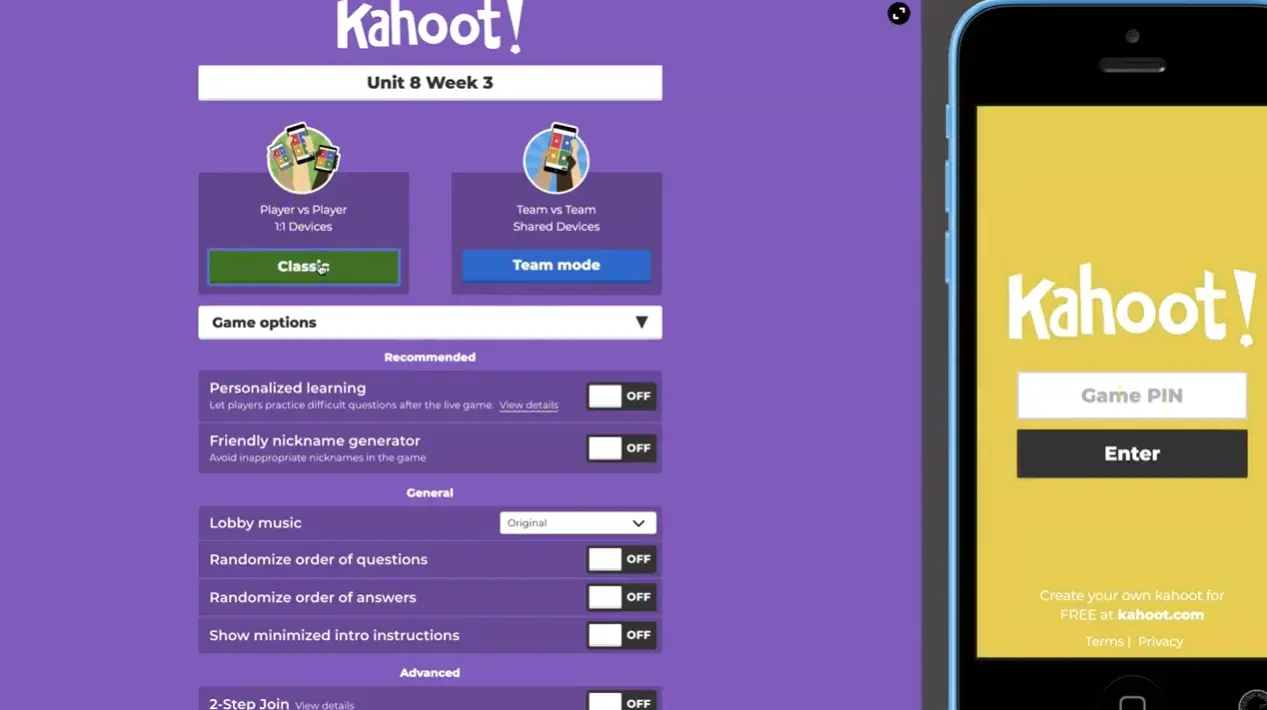
There’s a certain beautiful chaos that comes with launching Kahoot — and if you’re not prepared for it, it will run you instead of the other way around. Setting expectations beforehand is non-negotiable.
Before the first question appears on screen, make sure students know:
- Devices are for answering only — no surfing, no messaging
- Shouting out answers ruins the experience for everyone
- The goal is learning, not just winning — leaderboard position isn’t everything
- Noise levels should stay manageable — excitement is great, but chaos isn’t
As The Southern Teach blog points out, celebrating growth and effort — not just top scores — shifts the classroom culture in a meaningful way. Try recognizing the student who improved the most, not just the one who finished first.
Logistics matter more than you think
Check your projector, audio, and internet connection before class. Decide whether students will play individually or in teams. Team play, in particular, is brilliant for encouraging discussion — and it’s a great equalizer for students who feel anxious about public performance.
Designing High-Quality Kahoot Questions
The quality of a Kahoot lives and dies by the quality of its questions. This is where most educators — even experienced ones — have room to grow.
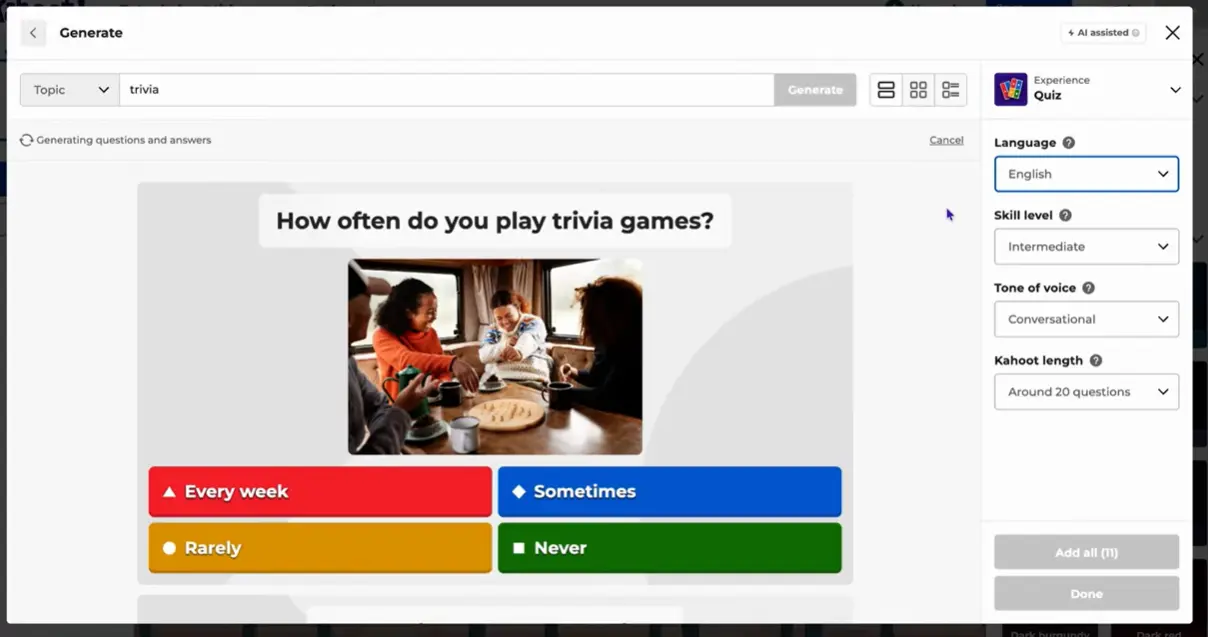
Resist the urge to write only factual recall questions like “What year did World War II end?” Instead, push toward questions that require application, analysis, or critical thinking. Good questions make students think, not just remember.
Tips for better question design
- Use images and videos — visuals prompt higher-order thinking and support different learning styles
- Write plausible distractors — wrong answers that represent common misconceptions are far more educational than obviously silly options
- Add “explain the wrong answer” moments — after revealing the correct answer, ask students why the other choices were wrong
- Vary question types — mix true/false, multiple choice, and open-ended polls to keep things fresh
| Question Type | Best Use Case | Thinking Level |
|---|---|---|
| Factual recall | Vocabulary checks, key dates | Remember |
| Application question | Solving a problem in context | Apply / Analyze |
| Image-based question | Diagrams, charts, processes | Understand / Analyze |
| Error detection | Identifying wrong reasoning | Evaluate |
| Opinion / Poll | Discussion starters, icebreakers | Reflect / Create |
Using Kahoot for Formative Assessment and Feedback
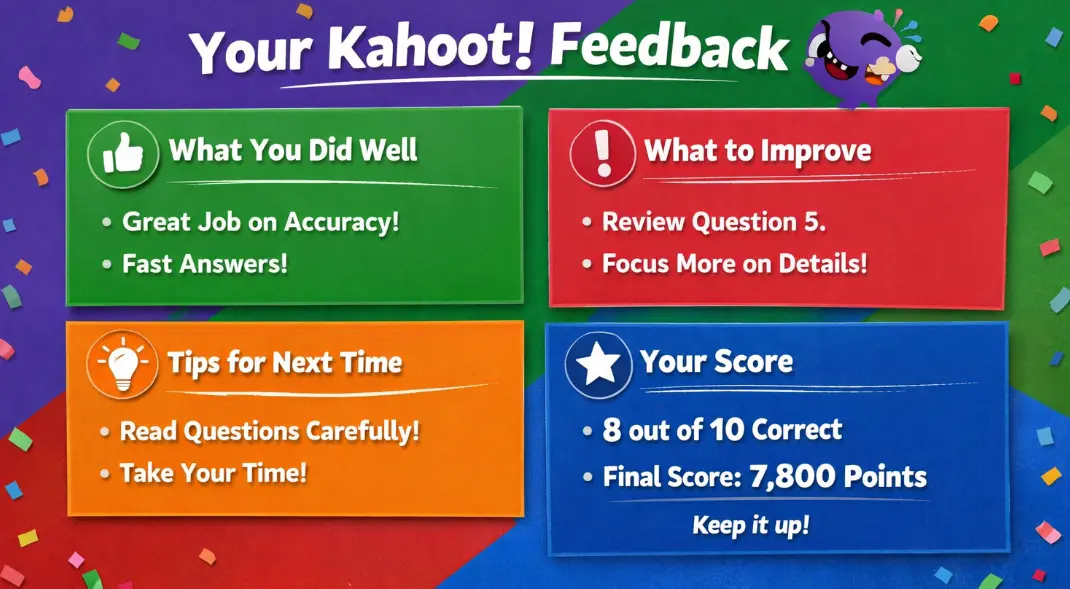
Here’s a mindset shift that changes everything: stop thinking of Kahoot as a game, and start thinking of it as a data collection tool. Every question is a window into what your students know — and what they don’t.
After each question, Kahoot shows you a breakdown of which answer each percentage of students chose. That bar chart is gold. It tells you whether you have a misconception problem, a vocabulary problem, or a content gap — in real time, mid-lesson.
According to research published in the RUDN Teaching Language and Culture Journal, teachers who use Kahoot’s results data to adjust grouping and differentiate follow-up tasks see significantly better learning outcomes than those who use it purely for entertainment.
What to do with the data
- If 70%+ got it wrong — stop, reteach, and re-quiz
- If the class is split — use it as a discussion prompt, debate it
- If nearly everyone got it right — move on and challenge them further
Facilitating Rich Discussion During and After Games
The most transformative thing you can do with Kahoot? Pause it.
After a tricky question — especially one where the class is divided — don’t just reveal the answer and move on. That’s leaving learning on the table. Instead, turn that moment into a discussion. Ask students to justify their choices. Let the debate happen.
Some powerful facilitation moves include:
- Think-pair-share — “Turn to your partner and explain why you chose that answer”
- Cold calling the wrong answers — “Someone chose B. What was your thinking?”
- Mini-debates — especially for subjective or evaluative questions
- Written reflections — ask students to write one sentence about what surprised them
Paradigm Education highlights this approach as one of the most effective ways to use Kahoot — not as a passive response tool, but as a springboard for meaningful conversation.
Kahoot vs. Traditional Quizzes: A Quick Comparison
| Feature | Traditional Quiz | Kahoot |
|---|---|---|
| Engagement level | Low to moderate | High |
| Immediate feedback | Delayed (after grading) | Instant |
| Discussion potential | Low | High (if facilitated) |
| Anxiety factor | High (graded) | Low (game format) |
| Data for teachers | Post-assessment only | Real-time analytics |
| Customization | High | Moderate |
As you can see, Kahoot wins on engagement and immediacy — but traditional quizzes still have their place when you need nuanced, written responses or formal grades. The smartest educators use both strategically.
OnlineExamMaker: A Smarter Way to Build Quizzes with AI
Kahoot is fantastic — but what if you need something with more power? More question types, deeper analytics, or the ability to build a full-length exam with randomized question banks? That’s where OnlineExamMaker steps in.
OnlineExamMaker is an AI-powered quiz and exam platform built for teachers, trainers, and HR professionals who need more than a game. Here’s what makes it stand out:
- AI Question Generator — paste in a topic or a document, and the AI builds a complete question bank in seconds
- 10+ question types — including fill-in-the-blank, essay, ranking, matching, and hotspot questions
- Anti-cheating features — randomized questions, lockdown browser, webcam proctoring
- Deep analytics — individual and class-level performance reports, exportable data
- Certification support — automatically issue branded certificates upon passing
- Mobile-friendly — students take exams from any device, anywhere
Think of OnlineExamMaker as the serious, grown-up sibling of Kahoot. Kahoot is great for live energy and quick checks. OnlineExamMaker is your go-to when you need a rigorous, trackable, customizable assessment — whether it’s a company-wide certification, a mid-term exam, or a compliance training check.
And the AI? It’s genuinely impressive. Give it a PDF of your course material and it will generate a balanced question bank with difficulty levels — saving you hours of work.
Create Your Next Quiz/Exam Using AI in OnlineExamMaker
FAQ about Using Kahoot in Teaching
How many questions should a Kahoot have?
For a typical class session, aim for 8–15 questions. Fewer questions with rich discussion time are more effective than rushing through 30 superficial ones. Quality beats quantity every time.
Can Kahoot be used for homework or independent study?
Yes! Kahoot’s student-paced challenge feature lets you assign a quiz that students complete on their own time. It’s great for pre-reading checks, review before a test, or flipped classroom models.
What is the ideal time limit per question?
It depends on the question type. Factual recall questions need 15–20 seconds. Application or image-based questions deserve 30–60 seconds. Give students enough time to think — the pressure is part of the game, but confusion isn’t.
How can I reduce the stress of the leaderboard?
Consider using team mode so students collaborate rather than compete individually. You can also hide the leaderboard between questions and only reveal final results — reducing mid-game anxiety significantly.
Is Kahoot good for adult learners and corporate training?
Absolutely. Adult learners respond just as well to game-based learning as students do — sometimes better, because the low-stakes format reduces the performance pressure common in workplace training. Just make the questions relevant to their real job context, and you’ll have buy-in immediately.
What’s a better alternative to Kahoot for formal exams?
For formal assessments that need security, variety, and deep reporting, OnlineExamMaker is an excellent choice. Its AI-powered question generation and built-in proctoring features make it ideal for corporate certifications, academic exams, and compliance assessments.
Final Thoughts
Kahoot, used well, is one of the most powerful tools in any educator’s toolkit. But “used well” is doing a lot of work in that sentence. The difference between a Kahoot that leads to genuine learning and one that’s just a noisy distraction comes down to intention: Why are you using it? What question will you ask next? What will you do with the data?
Start with your learning objective. Design questions that challenge — not just entertain. Pause the game and talk. And when you need something more robust, explore tools like OnlineExamMaker to complement your Kahoot sessions with deeper, smarter assessments.
The future of education isn’t games or rigor. It’s both — done right.
