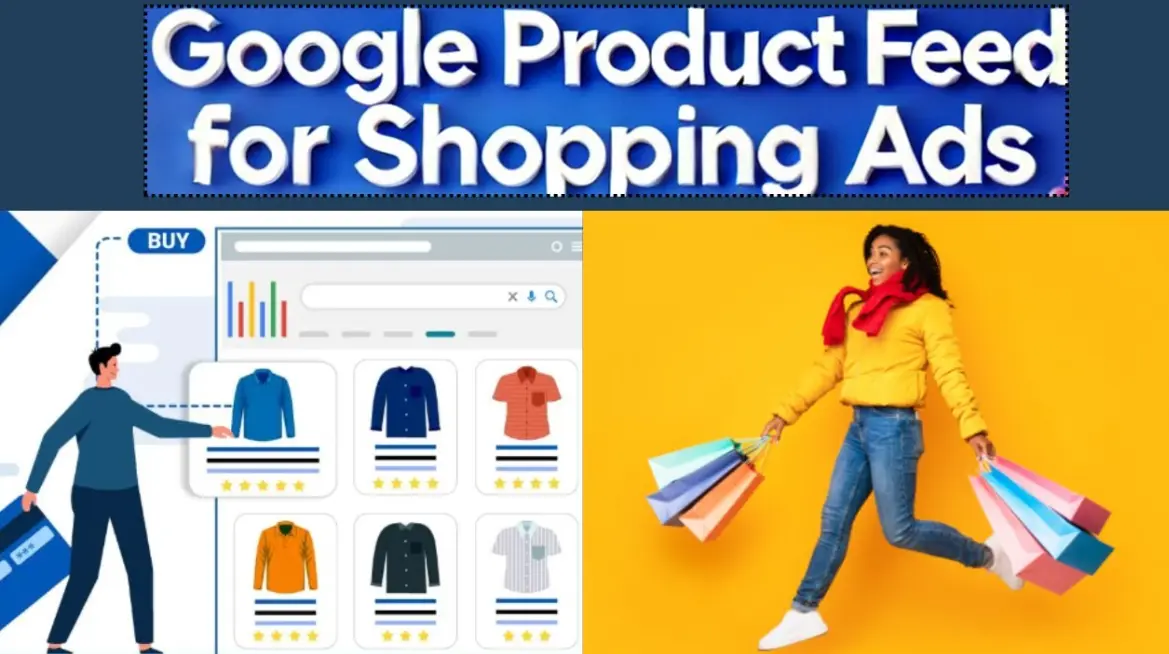
Google Product Feed is a structured data file used by merchants to upload detailed product information to Google Merchant Center. This feed enables products to appear on Google Shopping, display ads, and other Google surfaces, enhancing visibility and driving sales.
Key components of a Google Product Feed include attributes such as:
– Product ID: A unique identifier for each product.
– Title: A clear, concise product name.
– Description: A detailed overview of the product’s features and benefits.
– Price: The current selling price, including currency.
– Image Link: URLs for product images.
– Availability: Status like “in stock” or “out of stock.”
– Brand, GTIN, and Category: For accurate categorization and searchability.
To create and manage a feed:
1. Gather accurate product data from your inventory system.
2. Format the data in XML, TSV, or Google Sheets, adhering to Google’s guidelines.
3. Upload the feed via Google Merchant Center’s dashboard.
4. Schedule regular updates to reflect changes in pricing, stock, or product details.
Benefits include:
– Increased online visibility through Google’s vast search network.
– Targeted advertising opportunities via Google Ads.
– Improved customer experience with accurate, up-to-date product information.
– Enhanced SEO for e-commerce sites.
Ensuring compliance with Google’s policies, such as accurate data and proper taxonomy, is essential for feed approval and optimal performance. Regularly monitoring diagnostics in Merchant Center helps identify and resolve issues.
Table of Contents
- Part 1: OnlineExamMaker – Generate and Share Google Product Feed Quiz with AI Automatically
- Part 2: 20 Google Product Feed Quiz Questions & Answers
- Part 3: AI Question Generator – Automatically Create Questions for Your Next Assessment
Part 1: OnlineExamMaker – Generate and Share Google Product Feed Quiz with AI Automatically
OnlineExamMaker is a powerful AI-powered assessment platform to create auto-grading Google Product Feed skills assessments. It’s designed for educators, trainers, businesses, and anyone looking to generate engaging quizzes without spending hours crafting questions manually. The AI Question Generator feature allows you to input a topic or specific details, and it generates a variety of question types automatically.
Top features for assessment organizers:
● Prevent cheating by randomizing questions or changing the order of questions, so learners don’t get the same set of questions each time.
● AI Exam Grader for efficiently grading quizzes and assignments, offering inline comments, automatic scoring, and “fudge points” for manual adjustments.
● Embed quizzes on websites, blogs, or share via email, social media (Facebook, Twitter), or direct links.
● Handles large-scale testing (thousands of exams/semester) without internet dependency, backed by cloud infrastructure.
Automatically generate questions using AI
Part 2: 20 Google Product Feed Quiz Questions & Answers
or
1. Question: What is the primary purpose of a Google Product Feed?
Options:
A. To display website content on Google Search
B. To submit product data for Google Shopping ads
C. To manage email marketing campaigns
D. To track user analytics on websites
Correct Answer: B
Explanation: A Google Product Feed is used to provide structured data about products to Google Merchant Center, enabling them to appear in Google Shopping results and ads, which helps in reaching potential customers effectively.
2. Question: Which file format is commonly used for Google Product Feeds?
Options:
A. JSON
B. PDF
C. XML or TSV
D. DOCX
Correct Answer: C
Explanation: Google supports XML and TSV formats for product feeds, as they allow for easy parsing of structured data, making it simple to upload and manage product information in Google Merchant Center.
3. Question: What is a required attribute in every Google Product Feed?
Options:
A. Brand
B. ID
C. Color
D. Size
Correct Answer: B
Explanation: The ‘ID’ attribute is mandatory as it uniquely identifies each product, ensuring Google can track and manage inventory without duplication or errors.
4. Question: How often should you update your Google Product Feed?
Options:
A. Only once a year
B. Whenever product data changes, such as price or stock
C. Every five years
D. Never, after initial submission
Correct Answer: B
Explanation: Regular updates are essential to keep product information accurate, as outdated data can lead to disapprovals or poor ad performance in Google Shopping.
5. Question: What does the ‘gtin’ attribute represent in a Google Product Feed?
Options:
A. Global Trade Item Number
B. General Tax Identification Number
C. Goods Tracking Index Number
D. Geographic Tracking Information Number
Correct Answer: A
Explanation: GTIN is a unique identifier for products, like UPC or EAN codes, which helps Google verify authenticity and improve product matching in search results.
6. Question: Which tool in Google Merchant Center allows you to diagnose issues with your product feed?
Options:
A. Diagnostics
B. Feed Editor
C. Ad Preview
D. Performance Reports
Correct Answer: A
Explanation: The Diagnostics tool scans your feed for errors, such as missing attributes or policy violations, helping you fix issues before they affect your ads.
7. Question: Can you use a supplemental feed in Google Merchant Center?
Options:
A. No, only primary feeds are allowed
B. Yes, to add or override data in the primary feed
C. Yes, but only for images
D. No, it’s deprecated
Correct Answer: B
Explanation: Supplemental feeds allow you to update or add specific attributes to your primary feed without resubmitting the entire dataset, making management more efficient.
8. Question: What is the maximum file size for a Google Product Feed upload?
Options:
A. 1 GB
B. 4 GB
C. 100 MB
D. Unlimited
Correct Answer: C
Explanation: Google limits feeds to 100 MB per file to ensure smooth processing; larger feeds should be split or scheduled for upload.
9. Question: Which attribute is used to specify a product’s price in a Google Product Feed?
Options:
A. Cost
B. Price
C. Value
D. Amount
Correct Answer: B
Explanation: The ‘price’ attribute defines the current selling price of the product, including currency, which is crucial for accurate display in shopping ads.
10. Question: What happens if your Google Product Feed violates Google’s policies?
Options:
A. It gets automatically approved
B. Products may be disapproved or removed
C. Nothing, as policies don’t apply
D. It increases ad visibility
Correct Answer: B
Explanation: Policy violations, such as inaccurate data or restricted content, can lead to disapprovals, preventing products from appearing in Google Shopping until corrected.
11. Question: How do you schedule automatic updates for a Google Product Feed?
Options:
A. Through Google Ads settings
B. Using the scheduling feature in Google Merchant Center
C. Via email notifications
D. It’s not possible
Correct Answer: B
Explanation: Google Merchant Center’s scheduling tools allow you to set up automatic feed updates from sources like FTP or API, ensuring data stays current without manual intervention.
12. Question: What is the role of the ‘title’ attribute in a Google Product Feed?
Options:
A. To describe the product in detail
B. To provide a short, descriptive name for the product
C. To list ingredients
D. To add keywords for SEO
Correct Answer: B
Explanation: The ‘title’ attribute serves as the product’s name in search results, so it should be clear and optimized to attract clicks and comply with character limits.
13. Question: Can Google Product Feeds include custom labels?
Options:
A. No, only standard attributes
B. Yes, for categorizing products
C. Yes, but only for images
D. No, it’s prohibited
Correct Answer: B
Explanation: Custom labels help organize products for bidding and reporting in Google Ads, allowing merchants to segment items based on their own criteria.
14. Question: What currency format is required in Google Product Feeds?
Options:
A. ISO 4217 code
B. Dollars only
C. Euros only
D. Any local format
Correct Answer: A
Explanation: Using the ISO 4217 standard (e.g., USD for US dollars) ensures accurate currency representation and prevents errors in international shopping ads.
15. Question: How does Google handle product variants in a feed?
Options:
A. By treating them as separate products
B. By ignoring them
C. By using attributes like ‘size’ and ‘color’
D. By automatically merging them
Correct Answer: C
Explanation: Attributes such as ‘size’, ‘color’, and ‘item_group_id’ help Google distinguish variants, allowing for better grouping and user experience in product listings.
16. Question: What is the benefit of using feed rules in Google Merchant Center?
Options:
A. To automate data transformations
B. To delete products
C. To change ad creatives
D. To block competitors
Correct Answer: A
Explanation: Feed rules enable dynamic modifications, like appending text or calculating prices, which automates updates and improves feed accuracy.
17. Question: Is it necessary to include images in a Google Product Feed?
Options:
A. Yes, for all products
B. No, but recommended for better performance
C. Only for electronics
D. Yes, but only high-resolution ones
Correct Answer: B
Explanation: While not strictly required, images enhance product visibility and click-through rates; without them, products may still appear but with limitations.
18. Question: What does the ‘availability’ attribute indicate?
Options:
A. Product color options
B. Whether the product is in stock
C. Shipping methods
D. Product reviews
Correct Answer: B
Explanation: The ‘availability’ attribute specifies if a product is ‘in stock’, ‘out of stock’, or ‘preorder’, helping Google show accurate information to shoppers.
19. Question: How can you submit a Google Product Feed?
Options:
A. Only via email
B. Through API, FTP, or direct upload in Merchant Center
C. By postal mail
D. Via social media
Correct Answer: B
Explanation: Google offers multiple submission methods like API for real-time updates, FTP for scheduled feeds, and direct uploads, providing flexibility for different business sizes.
20. Question: Why might a product be disapproved in Google Merchant Center?
Options:
A. Because it’s too popular
B. Due to missing required attributes or policy issues
C. If it’s a new product
D. Because of high pricing
Correct Answer: B
Explanation: Disapprovals often occur from incomplete data, such as missing ‘gtin’ or violating content policies, requiring merchants to review and resubmit for approval.
or
Part 3: AI Question Generator – Automatically Create Questions for Your Next Assessment
Automatically generate questions using AI