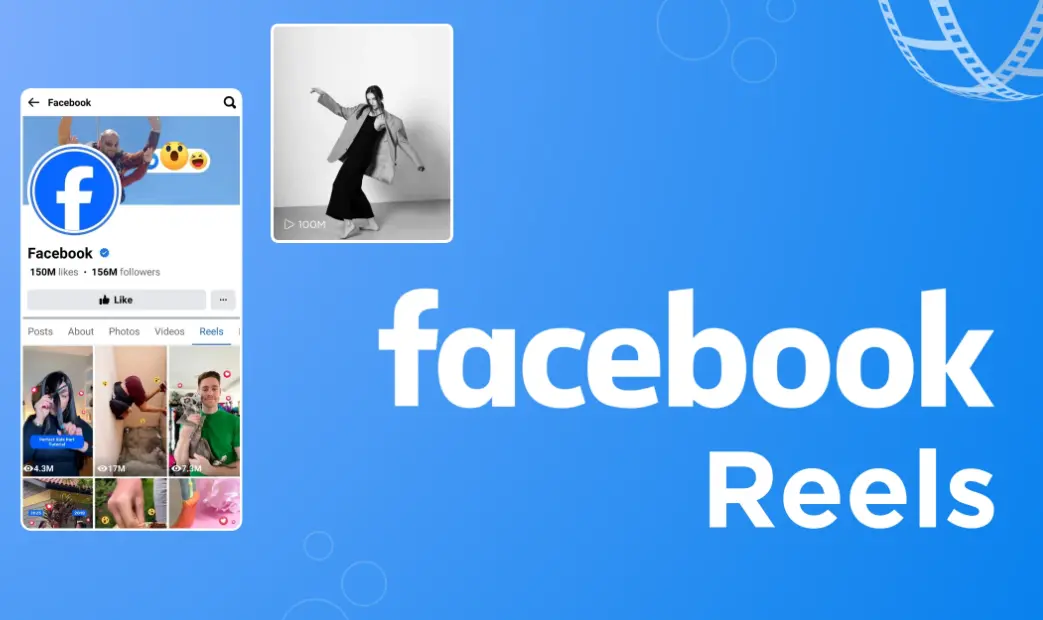
Facebook Reels is a short-form video feature on the platform, allowing users to create and share engaging 15 to 60-second videos with music, effects, filters, and text overlays. Launched in 2020, it competes with similar formats like TikTok and Instagram Reels, enabling creative expression through fun edits, challenges, and trends.
Key features include:
– Easy Creation Tools: Record videos directly in the app, add AR effects, speed controls, and stickers.
– Music Integration: Access a vast library of licensed tracks to sync with your content.
– Editing Options: Trim clips, add captions, and use templates for quick production.
– Discovery and Reach: Reels appear in a dedicated feed, Reels tab, and can go viral through the algorithm, boosting visibility to new audiences.
– Monetization Opportunities: Creators can earn from views via the Reels Play bonus program or through ads.
To get started:
1. Open the Facebook app and tap the camera icon.
2. Select “Reels” mode.
3. Record or upload your video, customize with tools, and add a caption.
4. Share to your feed, Stories, or Groups for maximum engagement.
Popular for entertainment, education, and marketing, Reels help users connect, build communities, and drive traffic, making it a dynamic tool for both individuals and businesses.
Table of Contents
- Part 1: OnlineExamMaker AI Quiz Generator – Save Time and Efforts
- Part 2: 20 Facebook Reels Quiz Questions & Answers
- Part 3: Save Time and Energy: Generate Quiz Questions with AI Technology
Part 1: OnlineExamMaker AI Quiz Generator – Save Time and Efforts
What’s the best way to create a Facebook Reels quiz online? OnlineExamMaker is the best AI quiz making software for you. No coding, and no design skills required. If you don’t have the time to create your online quiz from scratch, you are able to use OnlineExamMaker AI Question Generator to create question automatically, then add them into your online assessment. What is more, the platform leverages AI proctoring and AI grading features to streamline the process while ensuring exam integrity.
Key features of OnlineExamMaker:
● Combines AI webcam monitoring to capture cheating activities during online exam.
● Allow the quiz taker to answer by uploading video or a Word document, adding an image, and recording an audio file.
● Automatically scores multiple-choice, true/false, and even open-ended/audio responses using AI, reducing manual work.
● OnlineExamMaker API offers private access for developers to extract your exam data back into your system automatically.
Automatically generate questions using AI
Part 2: 20 Facebook Reels Quiz Questions & Answers
or
Question 1:
What is the maximum length of a Facebook Reel?
A) 15 seconds
B) 30 seconds
C) 60 seconds
D) 90 seconds
Answer: C) 60 seconds
Explanation: Facebook allows Reels up to 60 seconds long, giving creators more time to engage viewers without exceeding the format’s fast-paced style.
Question 2:
How can you add music to a Facebook Reel?
A) By uploading your own audio file
B) Using the built-in music library
C) Recording live audio only
D) All of the above
Answer: D) All of the above
Explanation: Facebook Reels supports uploading personal audio, selecting from the library, or recording original sounds, enhancing creativity and personalization.
Question 3:
What editing tools are available in Facebook Reels?
A) Filters and effects only
B) Text, stickers, and speed controls
C) Audio editing tools only
D) None of the above
Answer: B) Text, stickers, and speed controls
Explanation: Reels offers tools like text overlays, stickers, and speed adjustments to make videos more dynamic and engaging for audiences.
Question 4:
How does the Facebook algorithm prioritize Reels?
A) Based on likes and shares
B) Randomly
C) By post time only
D) Based on video length
Answer: A) Based on likes and shares
Explanation: The algorithm boosts Reels with higher engagement like likes and shares, helping them reach wider audiences and increase visibility.
Question 5:
Can you collaborate on a Facebook Reel with another user?
A) Yes, through duets
B) No, it’s not possible
C) Only with friends
D) Only in groups
Answer: A) Yes, through duets
Explanation: Facebook Reels features duets, allowing users to create side-by-side videos with others, fostering community and creative interactions.
Question 6:
What are Reels Insights on Facebook?
A) Video editing tips
B) Analytics for performance metrics
C) Music recommendations
D) User profiles
Answer: B) Analytics for performance metrics
Explanation: Reels Insights provide data on views, engagement, and audience demographics, helping creators optimize their content strategy.
Question 7:
How do you save a draft of a Facebook Reel?
A) By exiting without posting
B) Using the save button in the editor
C) It auto-saves every minute
D) You can’t save drafts
Answer: B) Using the save button in the editor
Explanation: The save option in the Reels editor allows users to store unfinished videos for later editing, preventing loss of work.
Question 8:
What is the main difference between Facebook Reels and Stories?
A) Reels are longer
B) Stories disappear after 24 hours
C) Reels have music options
D) Stories are for photos only
Answer: B) Stories disappear after 24 hours
Explanation: Unlike Reels, which remain on your profile, Stories vanish after 24 hours, making Reels better for evergreen content.
Question 9:
How can you use effects in Facebook Reels?
A) By downloading from external apps
B) Through the effects library in the creator
C) Only with premium accounts
D) Effects are not available
Answer: B) Through the effects library in the creator
Explanation: The built-in effects library in Reels lets users add AR filters and visuals directly, enhancing video appeal without extra tools.
Question 10:
What is a key way to monetize Facebook Reels?
A) Through in-video ads
B) Selling products via tags
C) Only through likes
D) Both A and B
Answer: D) Both A and B
Explanation: Creators can earn from in-video ads and by tagging products for sale, turning popular Reels into revenue opportunities.
Question 11:
What is a best practice for increasing engagement on Facebook Reels?
A) Use trending audio
B) Post at random times
C) Avoid captions
D) Make videos over 5 minutes
Answer: A) Use trending audio
Explanation: Incorporating trending sounds boosts discoverability and encourages shares, as the algorithm favors popular elements.
Question 12:
How can you share a Facebook Reel to other platforms?
A) Only within Facebook
B) Via direct export to Instagram
C) Through email links
D) Both B and C
Answer: D) Both B and C
Explanation: Reels can be shared to Instagram for cross-promotion or via email links, expanding reach beyond Facebook.
Question 13:
What does the audio library in Facebook Reels include?
A) Only original music
B) Licensed tracks and user-created sounds
C) Podcasts only
D) Nothing, it’s empty
Answer: B) Licensed tracks and user-created sounds
Explanation: The library offers a wide range of licensed music and user-generated audio, making it easy to add professional-quality sound.
Question 14:
How can you find trending sounds for Facebook Reels?
A) Search in the audio tab
B) They are not available
C) Only through notifications
D) Via external websites
Answer: A) Search in the audio tab
Explanation: The audio tab in Reels shows trending sounds based on popularity, helping creators align with current trends for better engagement.
Question 15:
What privacy settings can you apply to a Facebook Reel?
A) Public only
B) Friends or custom audiences
C) Private to your profile
D) All of the above
Answer: D) All of the above
Explanation: Reels allow various privacy options, including public, friends-only, or custom, giving users control over who sees their content.
Question 16:
How do you delete a Facebook Reel after posting?
A) From your profile settings
B) Using the edit option in the app
C) It can’t be deleted
D) Through Facebook Messenger
Answer: B) Using the edit option in the app
Explanation: Posted Reels can be deleted via the three-dot menu on the video, allowing quick removal if needed.
Question 17:
Can you schedule a Facebook Reel for later posting?
A) Yes, via the creator tools
B) No, only live posting
C) Only on desktop
D) Only for ads
Answer: A) Yes, via the creator tools
Explanation: The scheduling feature in Reels lets users set a future post time, optimizing for peak audience availability.
Question 18:
Why should you use captions in Facebook Reels?
A) For accessibility
B) To save on data
C) Captions are not needed
D) Only for music
Answer: A) For accessibility
Explanation: Captions make Reels accessible to deaf or hard-of-hearing users and improve engagement in sound-off scenarios.
Question 19:
What metrics can you track in Reels analytics?
A) Views and watch time
B) Only likes
C) Profile visits only
D) Nothing
Answer: A) Views and watch time
Explanation: Analytics for Reels include metrics like views, watch time, and retention, helping creators measure and improve performance.
Question 20:
How can you integrate Facebook Reels with groups?
A) By posting directly to groups
B) They can’t be integrated
C) Only through shares
D) Via group admins
Answer: A) By posting directly to groups
Explanation: Reels can be created and posted straight to Facebook Groups, increasing community interaction and targeted reach.
or
Part 3: Save Time and Energy: Generate Quiz Questions with AI Technology
Automatically generate questions using AI