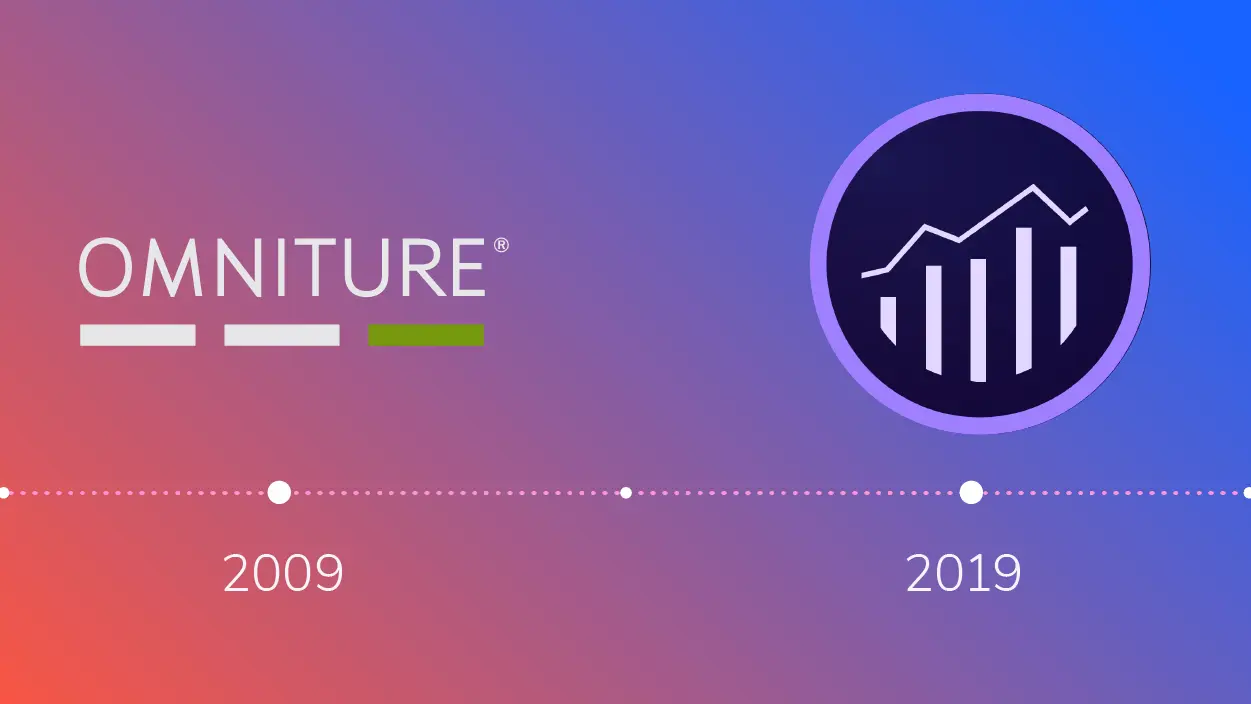
Adobe Omniture is a comprehensive web analytics and digital marketing platform, originally developed by Omniture, Inc., and acquired by Adobe in 2009. It provides businesses with tools to track website traffic, user behavior, and online interactions in real time. Key features include audience segmentation, conversion tracking, and multi-channel data integration, allowing marketers to gain insights into customer journeys, optimize campaigns, and measure ROI. As part of Adobe Analytics, it supports data-driven decision-making through advanced reporting, predictive analytics, and seamless integration with other Adobe tools like Adobe Experience Cloud. This enables organizations to enhance user experiences, personalize content, and drive business growth in a competitive digital landscape.
Table of Contents
- Part 1: OnlineExamMaker AI Quiz Maker – Make A Free Quiz in Minutes
- Part 2: 20 Adobe Omniture Quiz Questions & Answers
- Part 3: Try OnlineExamMaker AI Question Generator to Create Quiz Questions
Part 1: OnlineExamMaker AI Quiz Maker – Make A Free Quiz in Minutes
What’s the best way to create a Adobe Omniture quiz online? OnlineExamMaker is the best AI quiz making software for you. No coding, and no design skills required. If you don’t have the time to create your online quiz from scratch, you are able to use OnlineExamMaker AI Question Generator to create question automatically, then add them into your online assessment. What is more, the platform leverages AI proctoring and AI grading features to streamline the process while ensuring exam integrity.
Key features of OnlineExamMaker:
● Create up to 10 question types, including multiple-choice, true/false, fill-in-the-blank, matching, short answer, and essay questions.
● Build and store questions in a centralized portal, tagged by categories and keywords for easy reuse and organization.
● Automatically scores multiple-choice, true/false, and even open-ended/audio responses using AI, reducing manual work.
● Create certificates with personalized company logo, certificate title, description, date, candidate’s name, marks and signature.
Automatically generate questions using AI
Part 2: 20 Adobe Omniture Quiz Questions & Answers
or
1. Question: What is Adobe Omniture primarily used for?
Options:
A. Email marketing
B. Web analytics
C. Content management
D. Social media advertising
Answer: B
Explanation: Adobe Omniture is a suite of analytics tools designed to track and analyze website traffic, user behavior, and online marketing performance.
2. Question: Which of the following is a key feature of Adobe Omniture for data collection?
Options:
A. Image editing
B. Page tagging
C. Video production
D. Database storage
Answer: B
Explanation: Page tagging in Adobe Omniture allows for the collection of data by embedding JavaScript code on web pages to track user interactions.
3. Question: In Adobe Omniture, what does the term “eVar” represent?
Options:
A. A type of event
B. A conversion variable
C. A traffic metric
D. A report filter
Answer: B
Explanation: eVar in Adobe Omniture is used as a conversion variable to track custom data that persists across multiple page views, helping analyze long-term user paths.
4. Question: How does Adobe Omniture help in measuring site performance?
Options:
A. By tracking server uptime
B. Through metrics like page views and bounce rates
C. Via email open rates
D. By monitoring hardware resources
Answer: B
Explanation: Adobe Omniture measures site performance using metrics such as page views, unique visitors, and bounce rates to provide insights into user engagement.
5. Question: What is the purpose of the “s_account” variable in Adobe Omniture implementation?
Options:
A. To define user segments
B. To specify the report suite ID
C. To track events only
D. To handle currency conversions
Answer: B
Explanation: The “s_account” variable is used in Adobe Omniture to identify the specific report suite, ensuring data is sent to the correct analytics account.
6. Question: Which Adobe Omniture report type focuses on visitor paths?
Options:
A. Pathing reports
B. Traffic sources reports
C. Conversion reports
D. Site content reports
Answer: A
Explanation: Pathing reports in Adobe Omniture visualize the sequences of pages visitors navigate, helping to understand user journeys on a website.
7. Question: In Adobe Omniture, what is a “prop” used for?
Options:
A. Storing persistent data
B. Tracking traffic variables
C. Measuring revenue
D. Creating custom events
Answer: B
Explanation: Props in Adobe Omniture are traffic variables that capture non-persistent data, such as the search term used on a site, for immediate analysis.
8. Question: How can Adobe Omniture integrate with other Adobe products?
Options:
A. Through API connections only
B. Via the Adobe Experience Cloud
C. By manual data export
D. Using physical hardware links
Answer: B
Explanation: Adobe Omniture integrates seamlessly with other Adobe products through the Adobe Experience Cloud, allowing for unified data sharing and marketing automation.
9. Question: What does the “success event” in Adobe Omniture track?
Options:
A. Page load times
B. Specific user actions like purchases
C. Browser types
D. External links
Answer: B
Explanation: Success events in Adobe Omniture are custom events that track specific actions, such as form submissions or purchases, to measure conversions.
10. Question: Which metric in Adobe Omniture indicates the percentage of visitors who leave after viewing one page?
Options:
A. Exit rate
B. Bounce rate
C. Page views
D. Unique visitors
Answer: B
Explanation: Bounce rate in Adobe Omniture measures the percentage of single-page sessions, indicating potential issues with site engagement or relevance.
11. Question: What is the role of the Adobe Omniture debugger?
Options:
A. To edit images
B. To troubleshoot implementation code
C. To generate reports automatically
D. To handle user authentication
Answer: B
Explanation: The Adobe Omniture debugger is a tool used to verify and troubleshoot the accuracy of tracking code implementation on web pages.
12. Question: In Adobe Omniture, how are segments created?
Options:
A. Through manual data entry
B. Using filters in reports
C. By defining rules based on metrics and dimensions
D. Via external APIs only
Answer: C
Explanation: Segments in Adobe Omniture are created by defining rules based on specific metrics and dimensions, allowing for targeted analysis of user subsets.
13. Question: What does Adobe Omniture use to process real-time data?
Options:
A. Batch processing servers
B. LiveStream or Data Warehouse
C. Email notifications
D. Static reports
Answer: B
Explanation: Adobe Omniture uses features like LiveStream for real-time data processing, enabling immediate insights into user behavior.
14. Question: Which Adobe Omniture component is essential for mobile app tracking?
Options:
A. SDK integration
B. Web forms
C. Desktop plugins
D. Email tracking
Answer: A
Explanation: SDK integration in Adobe Omniture is essential for tracking mobile app interactions, as it allows for the collection of app-specific data.
15. Question: What is a “dimension” in Adobe Omniture reports?
Options:
A. A numerical value like revenue
B. An attribute for categorizing data, such as page name
C. A time-based metric
D. A user-defined event
Answer: B
Explanation: Dimensions in Adobe Omniture are attributes used to categorize and break down metrics, such as by geographic location or referral source.
16. Question: How does Adobe Omniture handle data privacy compliance?
Options:
A. By ignoring regulations
B. Through features like IP anonymization and GDPR tools
C. Via third-party audits only
D. By deleting all data automatically
Answer: B
Explanation: Adobe Omniture includes tools for data privacy compliance, such as IP anonymization, to help meet regulations like GDPR.
17. Question: In Adobe Omniture, what is the function of the ” merchandising eVar”?
Options:
A. To track general traffic
B. To associate products with specific events in e-commerce
C. To measure page speed
D. To handle non-ecommerce data
Answer: B
Explanation: Merchandising eVar in Adobe Omniture links products to events, allowing for detailed analysis of e-commerce paths and revenue attribution.
18. Question: Which report in Adobe Omniture shows traffic from different sources?
Options:
A. Site metrics report
B. Traffic sources report
C. Conversion funnel report
D. Path analysis report
Answer: B
Explanation: The traffic sources report in Adobe Omniture breaks down visitor origins, such as organic search or paid ads, to evaluate marketing effectiveness.
19. Question: What is the benefit of using calculated metrics in Adobe Omniture?
Options:
A. They simplify data visualization
B. They allow custom formulas for derived insights
C. They automate email campaigns
D. They reduce storage costs
Answer: B
Explanation: Calculated metrics in Adobe Omniture enable users to create custom formulas from existing data, providing deeper analytical insights.
20. Question: How does Adobe Omniture support A/B testing?
Options:
A. Through direct content editing
B. By tracking variations and their performance metrics
C. Via automated content creation
D. By integrating with non-Adobe tools only
Answer: B
Explanation: Adobe Omniture supports A/B testing by tracking key metrics for different page variations, helping to determine which performs better in user engagement.
or
Part 3: Try OnlineExamMaker AI Question Generator to Create Quiz Questions
Automatically generate questions using AI